Compared
Digital wedding invitation vs printed card: cost, time and RSVPs compared
What each one costs for your guest list, how long it takes, what happens when the venue changes, and how to keep the elders happy. With a calculator you can set to your own quotes.
The FunctionCard team
· updated · 8 min read
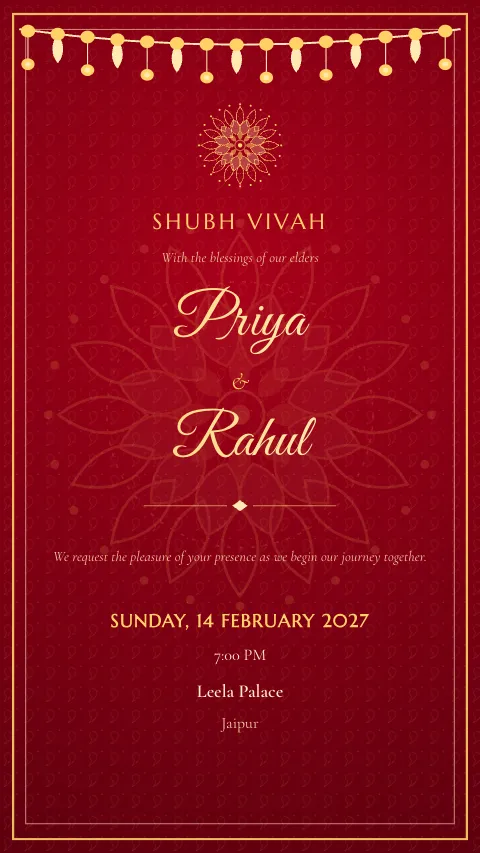
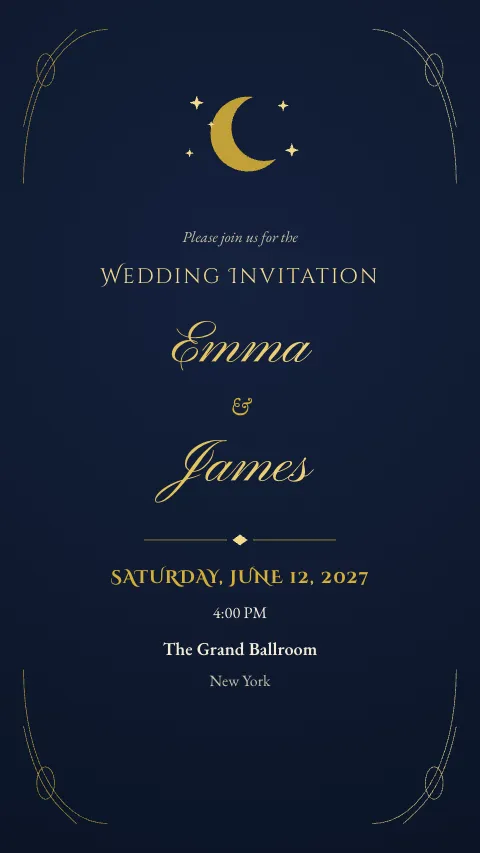
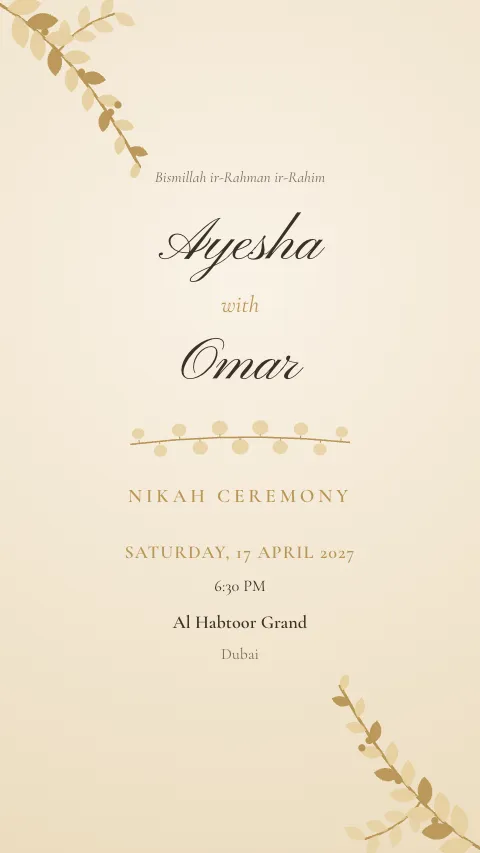
For most of the last century the question never came up: a wedding meant a printed card, a box of sweets and a long list of houses to visit. Today almost every family sends at least part of the invitation on the phone, and many send all of it. If you're deciding between a digital wedding invitation and a printed card, the honest answer depends on four things: your guest list, your timeline, how many functions you have, and who your elders are.
Quick answer
Is a digital wedding invitation better than a printed card?
For most Indian weddings, yes. A digital wedding invitation costs one fixed price whatever the guest count, is ready the same day, can be corrected after it's sent, and collects RSVPs for every function. A printed card is still the better keepsake and suits elders who don't use smartphones, so many families print a small batch and send the link to everyone.
Side by side
How do they compare at a glance?
Here are the three ways families usually invite today: a FunctionCard invitation link, a printed card, and a picture or PDF of a card sent on WhatsApp. Turn on Only the differences to hide the rows where they're equal.
Digital invitation link vs printed card vs image or PDF
| Feature | FunctionCard | Printed card | Image or PDF |
|---|---|---|---|
| One price for any number of guests | |||
| Ready the same day | |||
| Fix a mistake after sending | |||
| Every function with its own venue map | Partly | Partly | |
| Guests reply per function | |||
| Headcount for the caterer | |||
| Add to calendar in one tap | |||
| Music, envelope and animation | |||
| Greets each family by name | Partly | ||
| Something to hold and keep | Partly | ||
| Easy for elders without smartphones | Partly | ||
| Reaches guests abroad instantly | |||
| Languages | 53, with fonts | The one you print | The one you design |
| Paper and courier | None | Paper, ink, courier | None |
FunctionCard features as of today. Printed cards and images vary with the printer or designer; the rows describe what's usual.
Money
How much does each one cost for your guest list?
Printed cards are priced per card, so the bill grows with every family you add, and design charges and delivery come on top. A digital invitation is priced per invitation instead. With FunctionCard one invitation carries every function, from the haldi to the reception, for ₹399 plus GST on the Starter plan, and a family with several events in a year can publish ten for ₹999 plus GST. Designing and previewing are free; you pay when you publish.
What would your invitations cost?
FunctionCard
₹471
Printed cards
₹20,500
Designer-made image or PDF
₹2,000
At 300 guests, FunctionCard costs ₹1,529 less than the cheapest option above.
Printed card and designer prices vary widely with the city, paper, finish and box. These defaults are only a starting point: type in the quotes you have. FunctionCard's price is the real one, including GST.
The cost people forget
With paper cards the expensive part is often not the card but the delivery: couriers to other cities, or days of driving across town. A link reaches a cousin in Pune and an uncle in Toronto at the same moment.
Time
How long does each one take?
A printed card goes through design, proofs, printing, drying and delivery before the first guest sees it, and the schedule has to allow for a reprint if a proof is wrong. A digital invitation is ready as soon as you are. You choose a design, fill in the details once, and every page updates together, so a wedding with a haldi, a sangeet and a reception doesn't mean typing the same names five times.
- 1Choose a designBrowse the wedding designs by culture, style and colour, and open any of them to see it play.
- 2Fill in the details onceNames, families, dates and venues go into one form, and every page of the card picks them up.
- 3Make it yoursChange any word, font or colour, add photos, pick the music, and switch the whole card to the language your guests read.
- 4Publish and shareSend one link on WhatsApp or by email, or personal links that greet each family by name.
- 5Watch the replies arriveRSVPs come in per function, with a headcount for each and a guest list you can export.
Last-minute changes
What happens when the venue or time changes?
Weddings change. A muhurat moves, a hall becomes unavailable, the sangeet shifts to the evening before. With printed cards and image files the only fix is to send a correction and hope everyone sees it. With a live invitation link you edit the card and everyone who opens it afterwards sees the new time and the new map. Editing after publishing is included; it doesn't use up another invitation.
FunctionCard
- Edit any word, time or venue after sending; the same link shows the change
- Each function has its own map, time and RSVP
- Guests add every function to their calendar
- You see who is coming to which function
- Music, an opening envelope and animated pages
Family
Will elders accept a digital wedding invitation?
This is the real question in most families, and it's about respect more than technology. Many grandparents now use WhatsApp every day and open links without trouble; some don't, and some simply expect to be invited in person. The answer most families settle on is both: send the link to everyone for the details, and call or visit the elders yourself. For anyone who wants paper, a FunctionCard invitation downloads as a print-ready PDF with a QR code that opens the live invitation.
What guests see when they open the link
An envelope opens on their screen, your music starts, and the card unfolds page by page. Below it, every function has its date, venue map, add-to-calendar button and RSVP. Nothing to install: it opens straight from WhatsApp, a text message or email.
Try it live
This is what your guests see
A wedding design from the store, playing here exactly as guests see it. Tap the envelope and turn the sound on.
- 1Tap the envelopeIt opens on the guest's screen, with your wax seal and monogram.
- 2Your music beginsTurn the sound on: the song starts as the card unfolds.
- 3The pages come aliveScroll through animated pages, with petals, confetti or lanterns.
Decision
So which should you choose?
Quick pick
What matters most for your wedding?
Tap the one that sounds like you.
Our verdict
A digital invitation for everyone, paper where it matters
For the invitation itself, the details and the replies, a digital wedding invitation does more and costs less. Paper still has a place as a keepsake and for the elders you visit in person. The two work best together.
Several functions, guests in different cities
FunctionCard
You need headcounts for each function
FunctionCard, with RSVPs
A few elders who want to hold a card
A small print run, alongside the link
The date or venue might still change
FunctionCard: edit any time
Wedding designs to start from
See all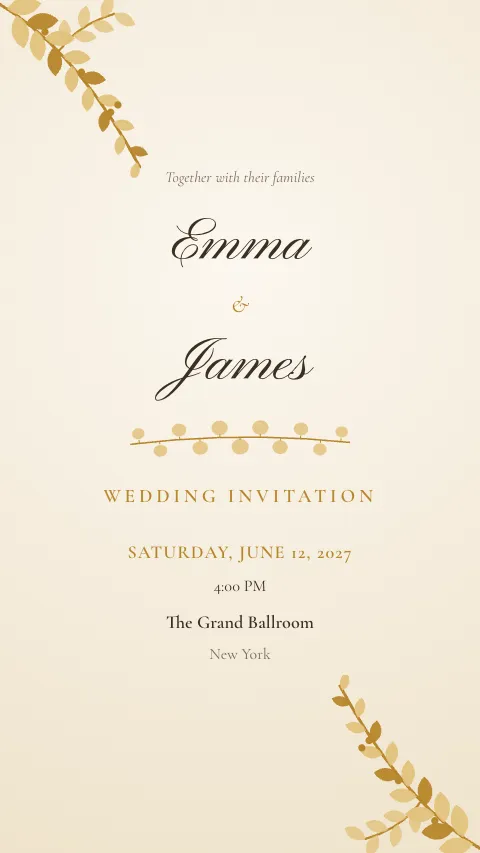
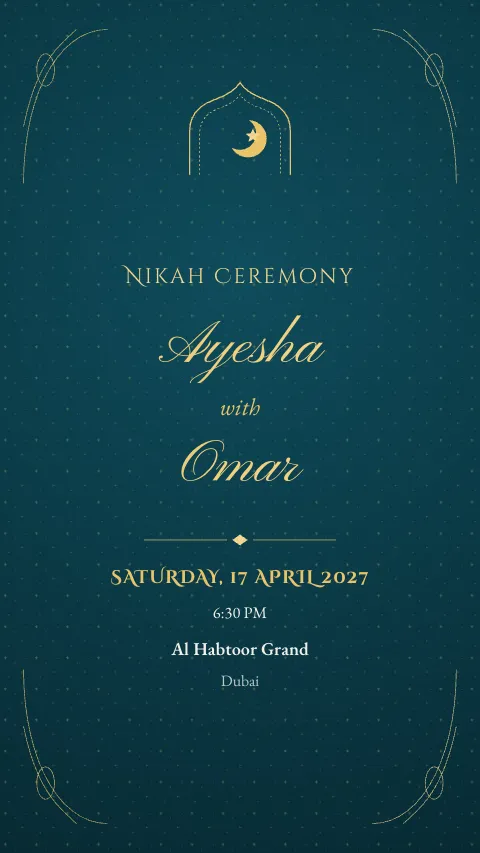
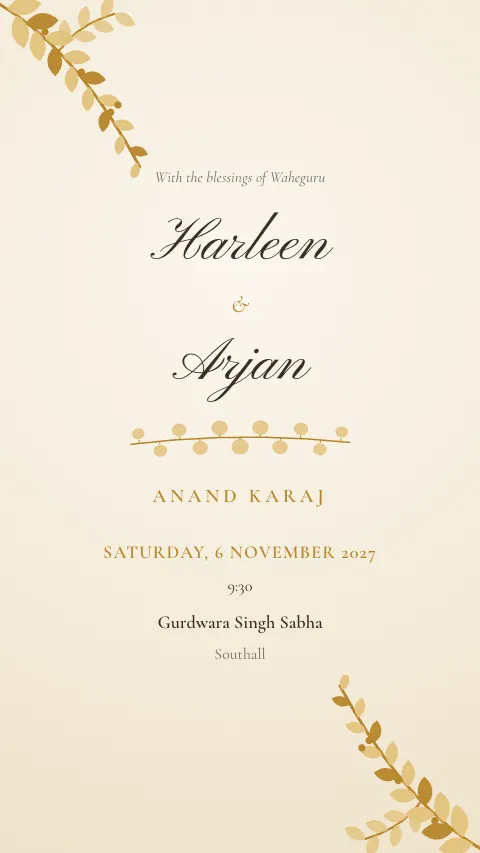
Free to customise: change every word, colour, photo and the music, then share one link.
Key takeaways
- Printed cards are priced per guest; a digital invitation costs the same for any guest list.
- A digital invitation is ready the same day and can be corrected after it's sent.
- Only a live invitation link gives every function its own map, calendar button and RSVP.
- Printed cards remain the better keepsake and suit elders who don't use phones.
- Most families now do both: the link for everyone, a few printed cards and a personal visit for the elders.
If you're still choosing the wording, our post on wedding invitation messages has thirty lines and poems for the card and for WhatsApp.
Questions people ask
Is it okay to send a digital wedding invitation?
How much does a digital wedding invitation cost?
How do I make a digital wedding invitation?
Can I print a digital wedding invitation?
Do guests need an app to open it?
What if the wedding date or venue changes after I send it?
Free to design · pay only to publish
Make your digital wedding invitation today
Read next