Compared
E invitation card: a live link or a PDF and image, compared for every occasion
In India an e invitation card usually means a picture or PDF on WhatsApp. A live invitation link does more for the guest. Here is what each one lets guests do, and when a simple image is enough.
The FunctionCard team
· 14 min read
Ask ten families what an e invitation card is and most will describe the same thing: a designed picture or PDF that arrives on WhatsApp a few weeks before the function. It is quick, free to forward and familiar to every phone. A newer kind arrives as a link that opens like a moving card with music, then lets the guest find the venue, save the date, reply and even send shagun. This guide compares the two from the guest's side, for weddings and for birthdays, griha pravesh, naming ceremonies, pujas and office functions.
Quick answer
Which e invitation card format is better: a link, a PDF or an image?
For most events, a live invitation link is the better e invitation card. Guests can open an envelope, hear music, tap a map, add each function to their calendar, RSVP and send shagun, and you can correct it after sending. A JPG or PDF e-card is simpler and opens offline, so it suits small events whose details won't change, or works as a printable extra.
The words
What does an e invitation card mean in India?
An e invitation card is any invitation sent electronically instead of on paper; the e stands for electronic. In India it usually means a designed card sent on WhatsApp as a JPG or a PDF, and more and more often a link that opens a live invitation. People search for it under several names:
- E-invite or e invite card: the short form, used for any electronic invitation, from a picture to a link.
- E-card: an older word from greeting cards sent by email; in Indian searches it now mostly means an invitation picture or PDF.
- Digital invitation: anything not printed, including pictures, PDFs, videos, links and wedding websites.
- Online invitation or invitation link: a web page that opens in the phone's browser and can hold maps, calendar buttons and replies.
- Video invitation: an MP4 of the card with music, made for a WhatsApp status or a reel.
- PDF invitation: a document, often several pages, that keeps print quality.
So e invitation card can mean a file or a link. The difference shows up on the phone that receives it.
On the guest's phone
What can guests do with an invitation link that a PDF or image can't do?
A link can be used; a picture or PDF can only be looked at. With a FunctionCard invitation link the guest taps an envelope that opens on the screen, hears your music or a family voice message, and finds every function with its own Map and Add to calendar buttons, a reply form and, if you turn it on, Send shagun, which opens their UPI app with your ID filled in. An image or PDF can carry the same words and artwork, but every action happens elsewhere: a maps search, a phone call, a message in the family group.
Invitation link vs image e-card vs PDF e-card
| Feature | FunctionCard | Image e-card (JPG/PNG) | PDF e-card |
|---|---|---|---|
| Opens with an envelope and music | |||
| A voice message from the family as it opens | |||
| Tap for directions to each venue | Partly | ||
| Add each function to the phone's calendar | |||
| RSVP for each function, with a headcount for you | |||
| Shagun by UPI from the invitation | Partly | Partly | |
| Greets each guest by name | |||
| Correct it after sending | |||
| Opens with no internet once received | |||
| Easy to read on a small phone | Partly | Partly | |
| Keeps its quality when forwarded | Partly | ||
| Ready to print | Partly |
FunctionCard as it works today; a published invitation also downloads as PNG pictures and a PDF to send alongside the link. Other e-cards vary with their maker.
What opening the link looks like
WhatsApp shows a picture of the card's first page above the link, so it looks like a card, not a bare web address. One tap opens it in the browser, nothing to install. The envelope opens if you chose one, the music starts, the pages play, then each function appears with its map and calendar button. See what your guests see.
Data and storage
Which uses less data and phone storage: a link, an image or a PDF?
A link is the lightest thing to send; a downloaded file is the quickest to open again. A link is one line of text, so forwarding it to a group of two hundred puts nothing in anyone's gallery, and the invitation loads when a guest opens it. A picture or PDF is the reverse: every chat saves a copy, which then opens even with no signal.
FunctionCard
- Sending it costs one line of text; nothing fills guests' galleries
- Loads when opened, so a guest needs a working connection
- Never gets blurrier, however often it is forwarded
- Music and animation can take a moment on a weak signal
Weak signal at the venue? Send both
Farmhouses, village venues and basement halls often have poor coverage. Send the link for planning and the card's first page as a picture, so the essentials are on the phone even where the network isn't. Published invitations download as clean PNG pictures from the dashboard's Downloads.
Readability and elders
Which is easier to read on a small phone, and for elders?
The one made for a phone screen. Many e-cards are laid out like paper, so on a small phone the venue and timings shrink until they need zooming, and a multi-page PDF opens zoomed out. A FunctionCard invitation in the Phone card size fills the screen, and the functions are written out as text after the pages, not baked into a picture. Buttons and the reply form appear in the card's language, so a Marathi invitation stays Marathi when a guest replies.
With elders the hurdle is usually trust, not technology. Many grandparents open WhatsApp pictures daily but hesitate over links they've been warned about. A few things help:
- Send a voice note or call first: "We've sent the invitation for Riya's naming ceremony, tap the card to open it."
- Record a voice message on the invitation. It plays when the card opens, before the music, so the first thing Nani hears is a voice she knows.
- Send elders a [personal guest link](/help/guests-rsvps/personal-guest-links). It greets them by name, and the dashboard shows whether they've opened it, so you know whom to call.
- Choose the card language they read. Dates and the RSVP and calendar buttons switch with it.
- Print a few copies with the QR code for those who prefer paper.
Paper copies
Can you print an e invitation card, and how does the QR code work?
Yes. An image or PDF e-card can be printed as it is, though a phone-shaped picture rarely matches a standard card. A FunctionCard invitation gives you a print-ready PDF at the card's real size, with a last page carrying a QR code that opens the live invitation. A guest holding the paper scans it to reach the map, calendar buttons and reply form, so a printed copy still leads to details that might change. FunctionCard doesn't print or post cards; you print at home or at a local press.
Step by step
Print copies of your e-invitation with a QR code
For the elders, the puja thali, or relatives who like a card on the shelf.
You'll need
- Your finished design
- A home printer or a local press
Step 1 of 5
Switch to the print size
In the editor, press Resize in the top bar and choose Classic card (5 × 7 inches). The layout adapts, and Undo brings the old size back. The live invitation takes this size too, so if guests should see the phone size, download the print PDF first, then resize back and publish the change; edits after publishing are free.
See it in the help centrePress Publish and choose a plan. Downloads carry a "Preview" watermark until you publish.
See it in the help centreIn the invitation's dashboard, go to Downloads and press Print PDF with QR code. Its last page holds a QR code guests scan to open the invitation and reply.
See it in the help centrePrint at home on card stock, or take the PDF to a local press. Ask for one test copy and check the QR code scans from arm's length.
Tip: The QR code is how paper guests reach the map and reply form, so keep it on every copy.
Printing cards another way? On the dashboard's Overview, press Download QR under the code next to your link, and ask the printer to place it on the card.
See it in the help centre
After you press send
What happens if the date, time or venue changes after you send it?
With a link you edit the invitation and the same link shows the new details; with an image or PDF you send a new file and hope the old one stops travelling. On FunctionCard you make the change, press Update, then Publish changes: free, and anyone opening the link from any chat, even an old forward, sees the new version. Calendar entries guests saved earlier and files you downloaded before don't update themselves, so mention the change in a message. See changing an invitation after publishing.
One change, two kinds of e-invitation
Day 1
A griha pravesh invitation goes to every relative: the puja at 9 am, lunch after, and the new flat's address.
Day 6
The pandit suggests moving the puja to 7.30 am for a better muhurat.
With an image or PDF
A corrected picture goes out. Some guests now hold two cards with two times, and an aunt forwards the old one.
With a link
The time is changed and published. Whoever opens the link, from any chat, sees 7.30 am.
The morning
Guests tap Map for directions to an address none of them has visited.
Changed page one? Remake the preview picture
The picture WhatsApp shows above your link is made when you publish. If page one changed, open the dashboard's Downloads and press Remake picture. WhatsApp may show the old picture for a while in chats that already had the link, but the invitation behind it is new.
Every occasion
Which e-invitation format suits a birthday, griha pravesh, naming ceremony, puja or office event?
Weddings are where a link does the most work, with several functions and guest lists. Smaller events have their own reasons: a new address nobody knows, a headcount for the caterer, a muhurat that might move. Tap the event you're planning, or browse every occasion.
Quick pick
What are you inviting people to?
Tap the one that sounds like you.
1,771
designs to start from
165
occasions, from namkaran to office parties
53
languages, with fonts that write them
E-invitation designs for every occasion
See all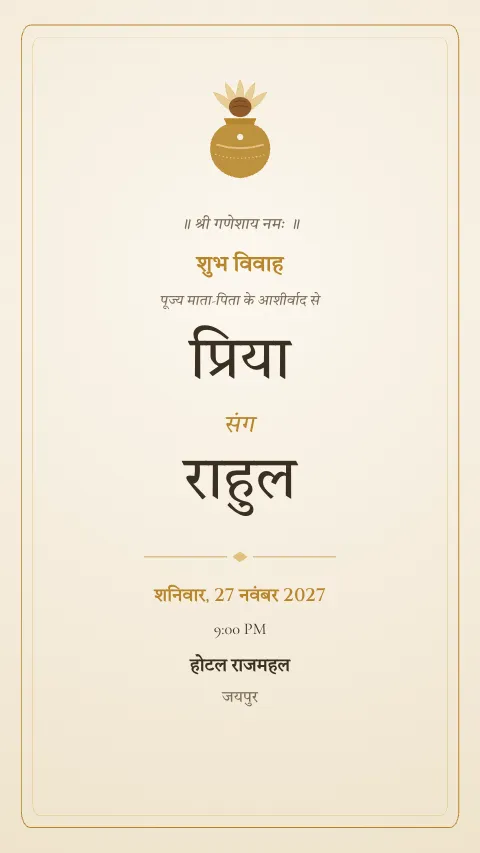
Mangal Kalash
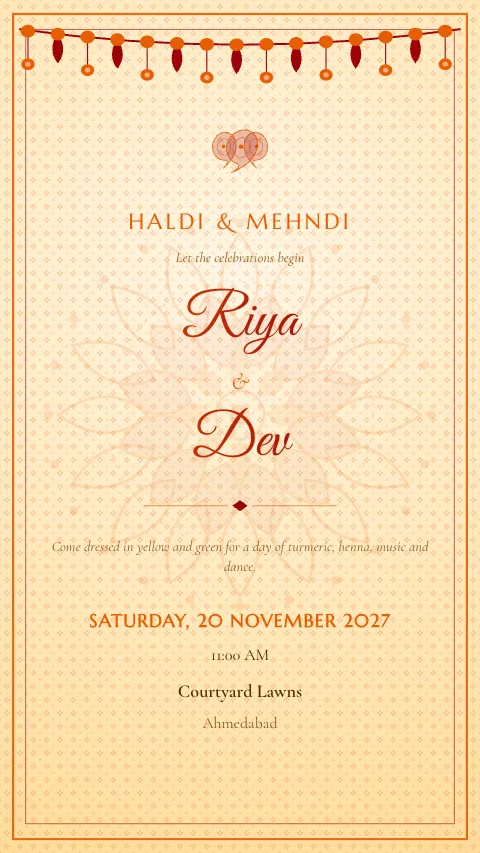
Saffron Sangeet
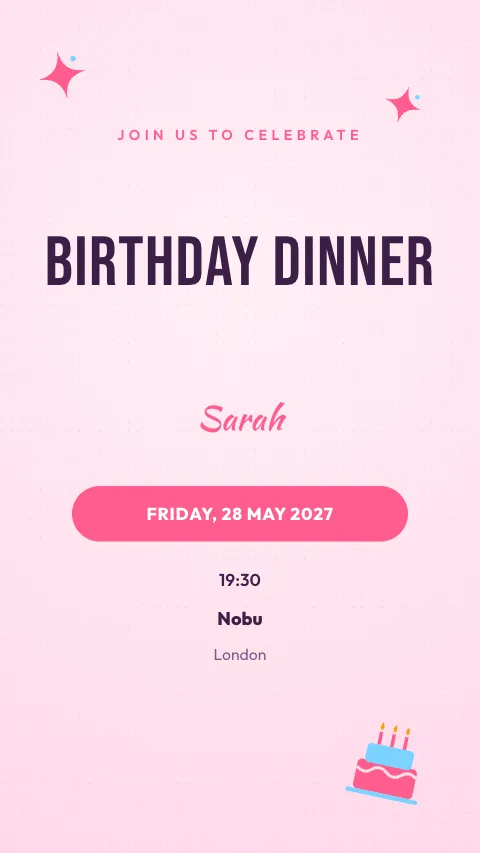
Sprinkles & Cake
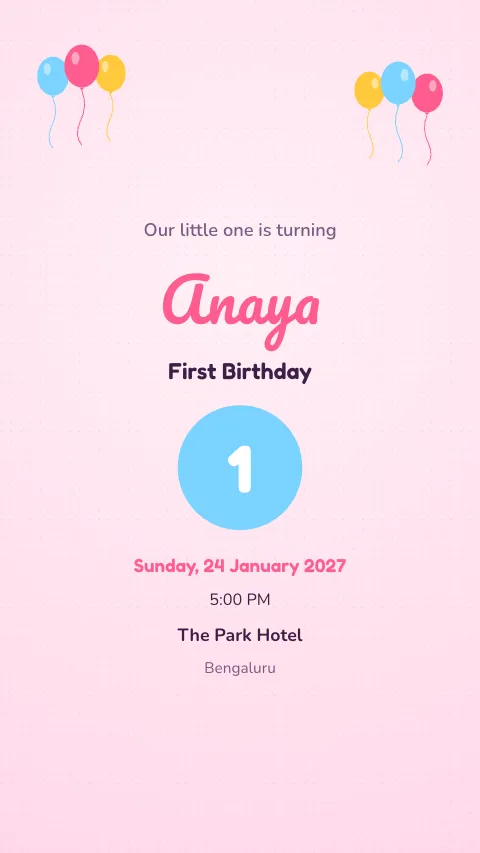
Little One
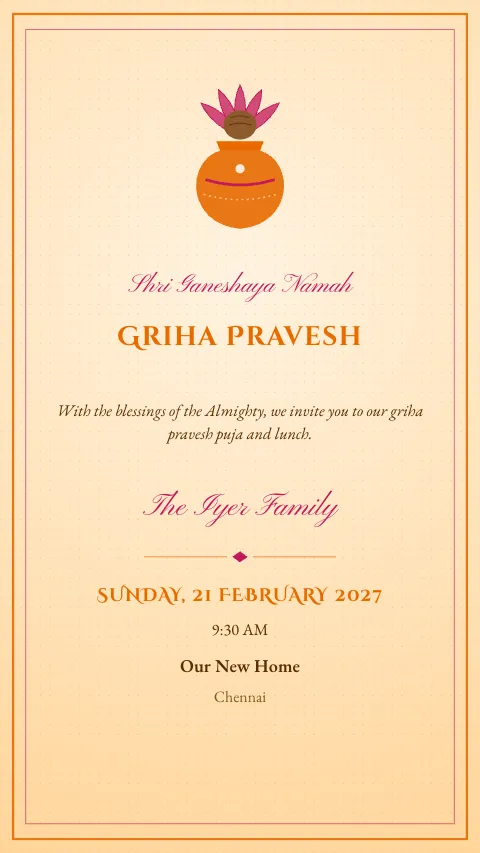
Kalash Welcome

Namkaran Blessings
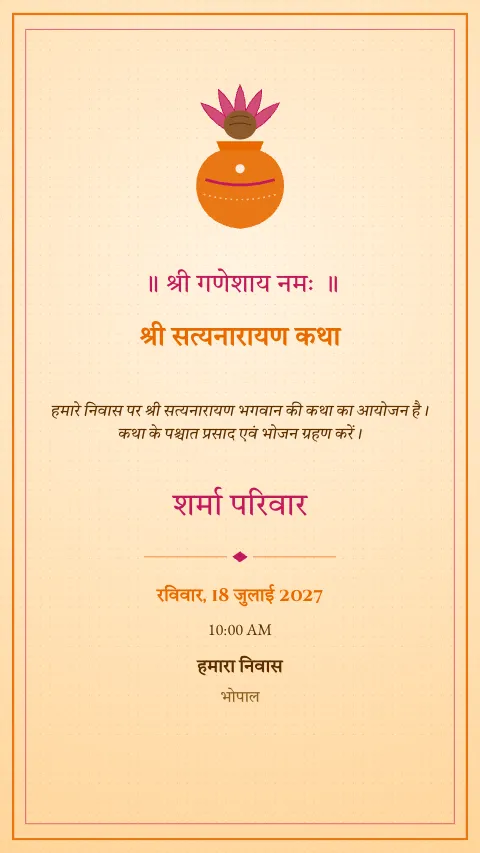
Katha Marigold

Year-End Gala
Free to customise: change every word, colour, photo and the music, then share one link.
Money
How much does an e invitation card cost?
An image e-card costs nothing if you make it from a free template, or a one-time fee if a designer makes it. A FunctionCard invitation is free to design and preview; you pay only to publish: ₹399 plus GST on the Starter plan for one invitation with every function, paid once. Family is ₹999 plus GST for up to ten invitations within 12 months, and Business ₹1,999 plus GST for up to a hundred. The guest count never changes the price, and the PNG, PDF and MP4 downloads are included. See the pricing page.
The honest answer
When is a simple image e-card enough?
When the event is small, the details are settled, and you'll speak to most guests anyway. A picture is familiar to every phone, opens offline and can cost nothing. It falls short when guests must find a new place, when you need numbers, when there are several functions, or when something might change.
Our verdict
A link for planning, a picture for a quick hello
Send a live invitation link whenever guests have to find, reply or plan, and keep a picture or PDF for what files do best: opening without signal, printing, and a quick hello. With FunctionCard you needn't pick one, since the published invitation also downloads as pictures, a print PDF and a video.
A small puja for neighbours, at a time that won't change
An image e-card
Several functions, venues or guest lists
FunctionCard link
You need a headcount for the caterer
FunctionCard link with RSVP
The date, muhurat or venue might still move
FunctionCard link
A venue with weak mobile signal
The link, plus page one as a picture
Elders who want a card to hold
FunctionCard print PDF with QR
Try it live
This is what your guests see
A griha pravesh design from the store, playing here the way a guest sees it. Open it and turn the sound on.
- 1Tap the envelopeIt opens on the guest's screen, with your wax seal and monogram.
- 2Your music beginsTurn the sound on: the song starts as the card unfolds.
- 3The pages come aliveScroll through animated pages, with petals, confetti or lanterns.
Key takeaways
- In India an e invitation card usually means a JPG or PDF on WhatsApp; a live invitation link is the newer kind, one guests can act on.
- A link lets guests open an envelope, hear music, tap a map, save each function to their calendar, reply and send shagun.
- A link is lighter to send and never blurs when forwarded; a file opens offline once downloaded.
- A FunctionCard invitation still prints, as a PDF whose QR code leads back to the live invitation.
- Change the link and everyone sees the update; a sent picture can't be called back.
- For a small, settled, close-family event, a simple image is enough.
Planning a wedding? The digital wedding invitation vs printed card comparison covers paper and cost, and the invitation card format guide shows what to write.
Questions people ask
What is an e invitation card?
How much does an e-invite cost?
How do I make an e invitation card on my phone?
Is a PDF or a JPG better for an e-invitation?
Can an AI app make an e invitation card?
Do guests need an app or internet to open an e-invitation?
How do you write an e invitation card?
Free to design and preview · pay once to publish
Send an e-invitation your guests can open, tap and answer
Read next