Compared
Birthday invitation card: printed, image, PDF or link? An honest comparison
A pack of printed cards for the class, a picture on WhatsApp, a PDF from a seller or a link that opens like a card with music and an RSVP. What each one does well for a kid's party, a first birthday or a fiftieth, and when to use two together.
The FunctionCard team
· updated · 10 min read
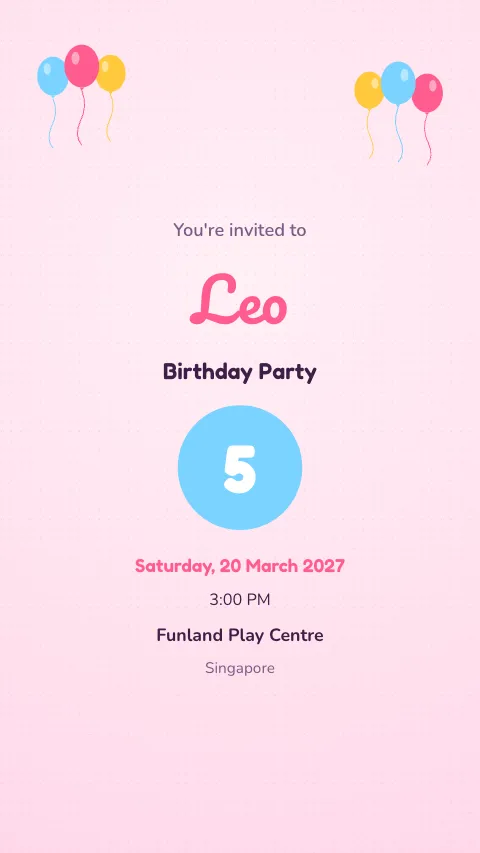
Search for a birthday invitation card and you get three very different things: packs of printed cards with envelopes, fill-in-the-blank cards for children to hand out at school, and sellers who design an image or PDF and send it to your WhatsApp. A fourth option sits alongside them now, an invitation link that opens like a card, plays music and lets guests reply. They suit different parties. A seventh birthday with the whole class is not the same job as a father's sixtieth with relatives in three cities. Here is how the formats compare, honestly, so you can pick the one that fits your party.
Quick answer
Which birthday invitation card should you choose?
Choose printed cards when children hand them out at school or you want a keepsake. Choose an image or PDF when you only need to share the date and venue on WhatsApp. Choose an invitation link when you want a map, RSVPs and a headcount, or the plan might change. Many families send a link and print a few cards for elders.
Four formats
What kinds of birthday invitation card are there?
Printed cards come as ready packs with blank lines to fill in by hand, or as personalised cards printed with the child's name, photo and party details. A WhatsApp image is a single picture of the card, made in a design app or by a seller. A PDF is the same idea as a file, sometimes with a few pages. An invitation link, like a FunctionCard invitation, is a web page: the guest taps it, an envelope opens, music starts and the card unfolds, with buttons for the map, the calendar and the reply.
Invitation link vs printed cards vs image or PDF
| Feature | FunctionCard | Printed cards | Image or PDF |
|---|---|---|---|
| Reaches guests in other cities instantly | |||
| Children can hand it out at school | Partly | ||
| A keepsake to hold and frame | Partly | ||
| Music, animation and effects | |||
| Fix a wrong time after sending | |||
| Tap for directions to the venue | Partly | ||
| Guests reply with how many are coming | |||
| Guest list you can export | |||
| Greets each guest by name | Partly | ||
| Add the party to the phone calendar | |||
| Post as a WhatsApp status | |||
| Hindi and other languages | 53, with fonts | Depends on the printer | Depends on the designer |
| Blessings and shagun by UPI | Partly |
FunctionCard features as of today. Printed cards and image or PDF invitations vary by seller; the rows describe what's usual.
Kids' parties
Is a printed or digital invitation better for a kid's birthday party?
For a children's party the honest answer is often both. Many schools don't share parents' phone numbers, so a printed card in the school bag is still the simplest way to invite classmates, and children love handing them out. The problem comes afterwards: parents have to call or message to say who is coming, someone forgets to reply, and you end up guessing how many return gifts to buy. A link solves that part. Print a small batch of cards from the invitation's PDF, which carries a QR code, and parents who scan it land on the live invitation with the venue map and the RSVP.
The QR trick for school invitations
Download your invitation as a print-ready PDF and print as many as the class needs. The QR code on it opens the live invitation, so parents can reply, find the venue and see any change in timing without calling you.
First birthdays and milestones
What works for a first birthday or a 50th?
A first birthday is as much for the grandparents, uncles and aunts as for the baby, and often includes a puja or a cake cutting followed by dinner. Relatives are spread across cities, so a digital invitation reaches everyone the same evening. Elders who prefer something in their hands can still be given a printed card, ideally with a phone call. Milestone birthdays such as a parent's fiftieth or sixtieth are usually planned by the children and sometimes kept as a surprise; guests need clear instructions about arrival time, and the hosts need to know how many are coming. Both are jobs a link does well, with a few printed cards for the people who matter most.
First birthday and milestone designs
See all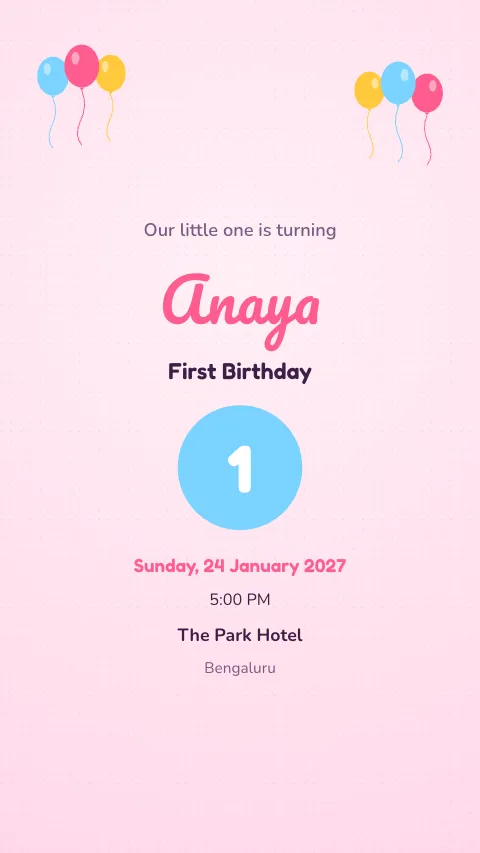
Little One

One Sweet Year

Golden Fifty
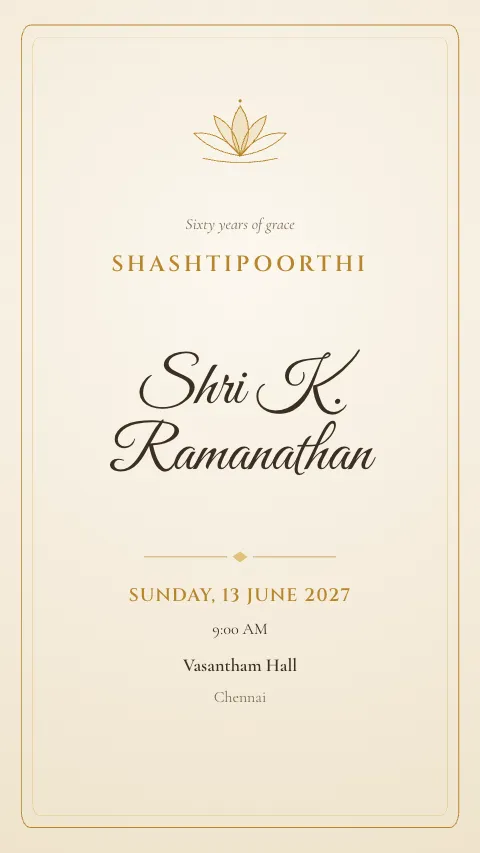
Sixty Blessings
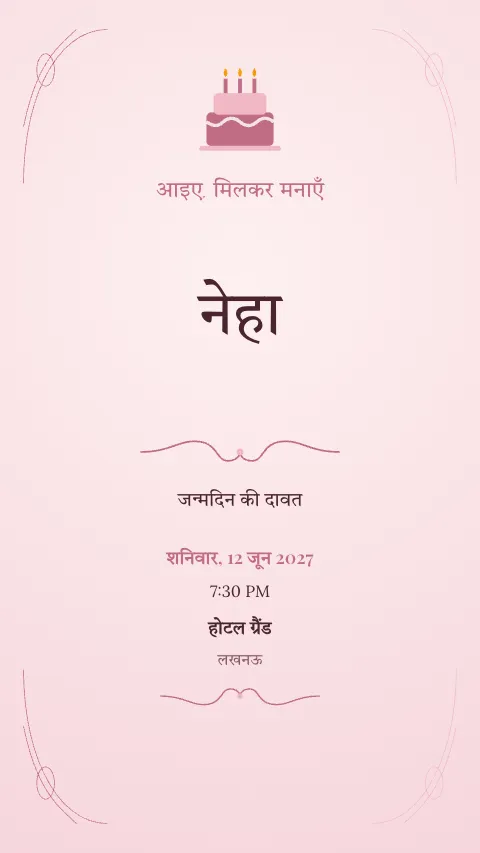
Gulabi Janamdin
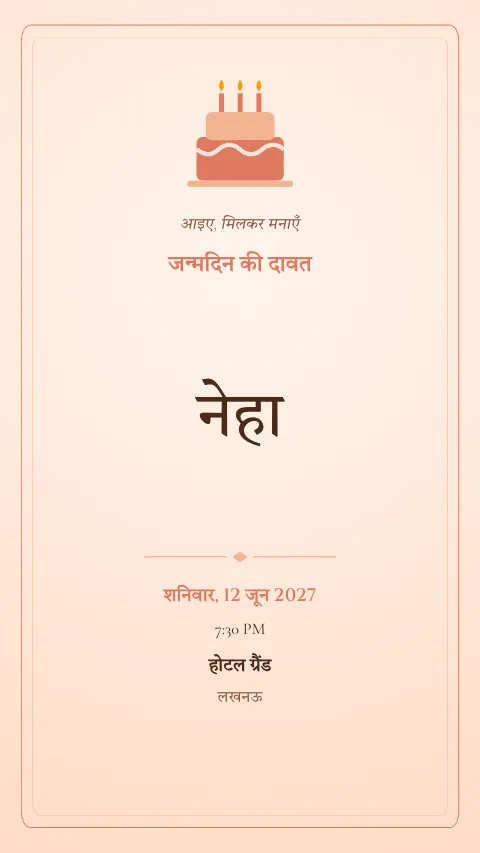
Khushiyon Ki Shaam
Free to customise: change every word, colour, photo and the music, then share one link.
FunctionCard
- Opens like a real card: envelope, music, animated pages and effects such as confetti
- Venue map, add-to-calendar and an RSVP with headcount
- Change the time or venue after sending; the same link updates
- Personal links that greet each guest by name
- Downloads as a print-ready PDF with a QR code, PNG images and an MP4 video
Money
How much does a birthday invitation card cost?
Printed packs are priced per card, and personalised printing adds a design charge and delivery; the total grows with the guest list. A designed image or PDF from a seller is usually a one-time fee, the same for ten guests or two hundred. FunctionCard is free to design and preview and costs ₹399 plus GST to publish one party on the Starter plan, with the link, the PDF, the images and the video included. The defaults below are only rough starting points; type in the prices you are quoted.
What would your birthday invitations cost?
FunctionCard
₹471
Personalised printed cards
₹2,100
Image or PDF from a seller
₹400
Printed prices depend on paper, size, envelopes, quantity and delivery; seller fees depend on revisions. These defaults are estimates for you to change. FunctionCard's price is the real one, including GST.
Step by step
How do you make a birthday invitation card online?
- 1Pick a designBrowse the birthday designs by age and theme: kids' parties, first birthdays, teens and milestones.
- 2Fill in the details onceName, age, date, time and venue go into one form that fills every page of the card.
- 3Make it yoursChange any word, add photos, choose music from the library and add effects. Preview it exactly as guests will see it, free.
- 4Publish and sharePay once to publish, then send the link on WhatsApp or by email, or personal links that greet each guest by name.
- 5Print a few if you need themDownload the print-ready PDF with its QR code for school bags and elders, and the MP4 video or images for your status.
Short lines for the card or the WhatsApp message
[Name] is turning [age]! Come for cake, games and lots of noise on [Date] at [Time], [Venue]. Tap the link to tell us you're coming.
Our little one turns one 🎂 Join us for a puja and dinner on [Date] at [Venue], and bless [Name] on the first birthday.
Fifty years young! Please join us to celebrate [Name] on [Date] at [Venue]. Shh, it's a surprise: arrive by [Time].
Balloons are ready, the cake is ordered, and the party needs you. [Name]'s birthday, [Date], [Venue].
आपको और आपके परिवार को [नाम] के जन्मदिन समारोह में सादर आमंत्रित करते हैं। दिनांक: [तारीख], स्थान: [स्थान]।
Try it live
This is what your guests see
A kids' birthday design from our store, playing as guests see it. Tap the envelope and turn the sound on; the party details, venue map and RSVP sit below the card.
- 1Tap the envelopeIt opens on the guest's screen, with your wax seal and monogram.
- 2Your music beginsTurn the sound on: the song starts as the card unfolds.
- 3The pages come aliveScroll through animated pages, with petals, confetti or lanterns.
Honestly
When is a printed birthday card the better choice?
A printed card is the right choice when the guests can't be reached on a phone: classmates whose parents you don't know, a small-town neighbourhood where people still invite door to door, or a grandparent who doesn't use WhatsApp. It is also the better keepsake for a first birthday, the one many families keep in the baby's album. If your party is small, nothing will change and you don't need replies, a simple image on WhatsApp is enough. The link earns its place when there are many guests, a venue to find, numbers to plan for or a chance that the plan will move.
Quick pick
What kind of birthday are you planning?
Tap the one that sounds like you.
Our verdict
Print for hands, link for planning
Printed cards are best when the invitation has to travel by hand or be kept. An image is enough for a small, fixed party. An invitation link is best whenever you need guests to find the place, reply and see changes. Because a FunctionCard invitation also downloads as a print-ready PDF with a QR code, one design can do both.
Classmates at school
Printed cards with a QR code
Relatives in other cities
FunctionCard link
You need a headcount for the caterer
FunctionCard link
A keepsake for the baby album
A printed card
A small party that won't change
An image on WhatsApp
Key takeaways
- Printed birthday cards are still best for school invitations and keepsakes, but replies and changes are hard.
- An image or PDF is quick to share on WhatsApp but can't be changed, can't take replies and carries no live map.
- An invitation link adds music, a venue map, add-to-calendar, RSVPs with a headcount and edits after sending.
- FunctionCard invitations download as a print-ready PDF with a QR code to the live invitation, so a few printed cards and the link work together.
- Design and preview are free; publishing one party costs ₹399 plus GST.
Planning a bigger family event next? Our comparison of a digital wedding invitation and a printed card covers elders and printing in more depth, and the pricing page lists what each plan includes.
Questions people ask
How do I make a birthday invitation card online for free?
What should a birthday invitation card say?
How early should you send birthday invitations?
Can I print a digital birthday invitation?
Can I make a birthday invitation in Hindi?
Can guests reply to a birthday invitation on WhatsApp?
Can I change the party time after sending the invitation?
Free to design · pay only to publish
Make a birthday invitation guests can reply to
Read next