Compared
WhatsApp wedding invitation: send the card as an image, a PDF or a link?
Many Indian wedding invitations now travel by WhatsApp. What you send decides whether elders can read it, whether replies are counted per function and whether a change of venue reaches everyone. Image, PDF and link compared, with messages to copy and the manners that still matter.
The FunctionCard team
· 14 min read
A WhatsApp wedding invitation is now the usual way to invite in many Indian families, even those who still print a box of cards for the elders. The real choice is what to send: the card as a picture, the printer's PDF, or a link that opens the invitation itself. In the chat they look alike. Afterwards they don't: when an aunt can't read the small print, when the sangeet moves to another lawn, when the caterer asks for the haldi headcount.
Quick answer
Should a WhatsApp wedding invitation be an image or a link?
For most weddings, a link. It opens the full invitation in the phone's browser, can greet each guest by name, collects RSVPs for every function and shows later changes at the same address. A card image or PDF is fine for one small function with fixed details, for close family you'll call anyway, or as a WhatsApp Status.
In the chat
What does a guest see when a WhatsApp wedding invitation arrives?
An image arrives as a picture in the chat, a PDF as a file with a small thumbnail, and a link as a line of text under a preview picture of the card, one tap from the whole invitation.
Then the differences show. A card image has to be zoomed to read the small print: the reception venue, the baraat time. A PDF opens in a separate viewer, and many grandparents stop there. A FunctionCard link opens like a card: an envelope to tap if the design has one, your music, the pages, then each function with its date, time, venue, a Map button and Add to calendar. A personal guest link also greets the guest by name.
Elders and PDFs
If someone rarely opens attachments, don't rely on a PDF reaching them. Call first, then send a link or one clear picture of the main page, and say what it is: Tap the link to open the card.
Size and data
Does a card image, a PDF or a link use more data on WhatsApp?
A link is the lightest thing to receive: a line of text and a small preview picture. A card image is usually a few hundred kilobytes, and a multi-page PDF from a press can run to several megabytes, which WhatsApp may download automatically, depending on each guest's settings.
In a family group of two hundred, every forwarded copy is downloaded again by everyone who gets it, and images sent as ordinary photos are compressed, so fine print can blur. A link leaves nothing in the gallery: the invitation loads only when the guest taps it, like any web page.
The picture that travels with your link
Publishing a FunctionCard invitation makes a picture of your first page to show with the link in WhatsApp and email. Changed page 1? Press Remake picture in the dashboard's Downloads. Older chats may keep the old picture a while; the invitation behind it is always the latest.
Side by side
Card image vs PDF vs invitation link: which works better on WhatsApp?
A link does more once the invitation is out; an image is simpler and suits a status. The first column is a FunctionCard link.
WhatsApp wedding invitation: link, card image or PDF
| Feature | FunctionCard | Card image | PDF card |
|---|---|---|---|
| Leaves a file on the guest's phone | |||
| Opens for elders in one tap | Partly | ||
| Greets each guest by name | |||
| Shows each guest only their functions | |||
| Map button and add-to-calendar | Partly | ||
| RSVPs counted for each function | |||
| See who has opened it | Partly | Partly | |
| Fix a mistake after sending | |||
| Reminders to guests who haven't replied | Email reminders; WhatsApp resends by you | By hand, from memory | By hand, from memory |
| Works as a WhatsApp Status | Partly | ||
| Cost | Free to design; ₹399 + GST to publish | Free if you make it; a fee if a designer does | Often part of a printed card order |
FunctionCard today, against what is typical for a forwarded image or PDF.
Groups or names
Should you post the invitation in the family group or send it to each guest?
Send it to each guest by name and use the family group for a heads-up only. A card in a group of three hundred reaches everyone at once, including people invited only to the reception, and reads like a circular.
Personal guest links turn two hundred typed messages into one button per name. Each guest you add in the dashboard gets a link that greets them by name, shows only their functions and keeps their reply against their name. The WhatsApp button opens their chat with the link typed in, if you added their number, and Opened or Not opened tells you whom to call.
FunctionCard
- Each family's link opens with their name on it
- Close family see the haldi; colleagues see only the reception
- Replies kept against each name, with headcount and functions
- Opened or Not opened beside every guest
Replies
How do RSVPs come back from a WhatsApp wedding invitation?
With an image or a PDF, replies come back as chat messages: a thumbs-up, Congratulations!!, We'll try to come, a voice note from Chacha. They rarely say how many people and almost never which functions, so someone keeps a notebook and the caterer gets a guess.
With a FunctionCard link and RSVP turned on, guests answer on the invitation: Yes, I'll come, Maybe or Can't come, how many people, and which functions. The dashboard counts them, shows Headcount by function, and Download spreadsheet gives the caterer a file. Guests can change a reply from the same link; only the hosts see it. More in our RSVP guide.
After sending
What happens if the venue or time changes after you've sent the invitation?
With an image, you make a new image and send it to everyone again, and the old one stays in every chat and gallery it reached. With a link, you edit the invitation once and everyone who opens the same link sees the new version.
Rain moves the mehndi indoors, the reception hall changes, a grandparent's name is misspelt. On FunctionCard, edit the design, press Update, then Publish changes: it's free, uses no extra invitation and keeps the same link. If page 1 changed, press Remake picture in Downloads. See Change your invitation after publishing.
Two versions in circulation
A corrected image doesn't replace the first one; guests who saved it can still turn up at the old time. If you must re-send, say plainly what changed.
Nudges
How do you send reminders for a WhatsApp wedding invitation?
On WhatsApp you send reminders yourself, so the useful part is knowing whom to remind. With a forwarded card that's memory. With FunctionCard, the dashboard shows who hasn't replied and, with personal links, who hasn't opened the invitation.
For guests you emailed, choose A reminder in the dashboard's Email tab; it goes only to those who haven't replied. For WhatsApp guests, resend their personal link from Guests with a short note. A broadcast list suits the day-before map message, but reaches only people who saved your number. See Send reminders.
Reminder messages that don't nag
Hi [Name], just checking the invitation reached you! Tap the link and tell us which functions you'll make it to: [link]
[Name] ji, namaste 🙏 We're giving the caterer final numbers this week. Could you reply on the invitation when you get a moment? [link]
A small change: the reception is now at [New venue]. The same invitation link has the new address and map: [link]. Everything else stays as it was.
Tomorrow's the day 🌼 The mehndi starts at [Time] at [Venue]; the map is on the invitation: [link]. Come hungry!
Step by step
How do you send a wedding invitation link on WhatsApp?
Once the invitation is published, sending takes a few taps from its dashboard (Guests & RSVPs in My designs): the general link for groups, a personal link for each family.
Step by step
Send your wedding invitation on WhatsApp with personal links
You'll need
- A finished design
- Guest names and phone numbers
- Which functions each family is invited to
Step 1 of 6
Publish the invitation
In the editor, press Publish, choose a plan and pay by UPI, card or netbanking. The You're live! screen shows your link.
See it in the help centrePress WhatsApp on the You're live! screen, or in the dashboard under Your invitation link, and pick a chat or group.
See it in the help centreIn the dashboard's Guests, use Add a guest, Paste a list, Import spreadsheet (CSV) or From my contacts.
Tip: Add phone numbers: the WhatsApp button then opens each guest's chat directly.
See it in the help centreWith more than one function, set Invited to for each guest. Their link then shows only those functions.
See it in the help centrePress the WhatsApp button beside a guest. It opens with a short greeting and their link typed in; make the words your own and send.
See it in the help centreEach guest shows Opened or Not opened and a reply such as Coming · 4; Overview has the totals.
See it in the help centre
The message
What should you write with a WhatsApp wedding invitation link?
Five lines at most: the guest's name, who is inviting, whose wedding and when, the link on its own line, and one warm sentence. Leave venues and timings to the invitation. If replies are built in, say so, because many guests still expect to phone.
Messages to send with your invitation link
Namaste [Name] ji 🙏 With the blessings of our elders, we invite you and your family to the wedding of [Bride] and [Groom] on [Date] in [City]. Every function is on the card: [link]. Do come and bless them.
Hi [Name]! 💛 [Bride] and [Groom] are getting married on [Date], and it won't feel right without you. Open the invitation, pick the functions you'll join and reply right there: [link]
Dear all, the invitation for [Bride] and [Groom]'s wedding is going to each of you personally today. If yours hasn't reached you by evening, message [Name] and we'll send it straight away.
Assalamu alaikum [Name] sahab. By the grace of Allah, the Nikah of [Bride] and [Groom] is on [Date], with the Walima the next evening. We would be honoured by your presence: [link]
Sat Sri Akal [Name] ji 🙏 With Waheguru's blessings, the Anand Karaj of [Bride] and [Groom] is on [Date] at [Gurdwara]. The full programme is on the invitation: [link]
हिंदी में संदेश
नमस्ते [नाम] जी 🙏 हमारी बेटी [दुल्हन] और [दूल्हा] के शुभ विवाह में आप सपरिवार सादर आमंत्रित हैं। सभी कार्यक्रमों की जानकारी इस लिंक पर है: [link]
[नाम] जी, अभी फ़ोन पर बात हुई थी, यह रहा निमंत्रण: [link]। लिंक पर टैप करते ही कार्ड खुल जाएगा; हर कार्यक्रम का समय और नक्शा उसी में है।
आपके आशीर्वाद के बिना यह शुभ दिन अधूरा है। [तारीख] को [शहर] में [दूल्हा] और [दुल्हन] के विवाह में ज़रूर पधारें: [link]
Want a different tone? The free invitation message writer writes in English, Hindi, Marathi or Hinglish, and our wedding invitation messages post has lines for the printed card.
Manners
What is the etiquette for sending a wedding invitation on WhatsApp?
Call the elders first and send the link straight after. Send everyone else a personal message during the day, from the person they know best, saying who is inviting and what the link is.
- Phone first for elders. The call is the invitation; the link is the card they can look at again.
- The right sender. Parents invite their relatives and friends; the couple invites theirs.
- The first card to God. Many homes offer the first invitation to the family deity, or at the temple or gurdwara, before sending any.
- Their name, and never a forward. Type the guest's name at the top and send it fresh: a card marked Forwarded feels like an afterthought.
- Both sides, one version. If the two families send separately, agree on the link and the wording first, so no guest gets two different timings.
When to send what on WhatsApp
About 3 months before
A short save the date, so out-of-town family can book travel.
5 to 6 weeks before
Calls to the elders, then the invitation link to everyone, personally.
3 to 4 weeks before
A gentle nudge to guests who haven't opened it or replied.
2 weeks before
Replies close: set this as the Reply by date.
5 days before
Final numbers for each function to the caterer.
The day before
One short message with the venue, the time and the map link.
Honestly
When is a plain card image good enough for WhatsApp?
A plain card image is enough when the event is small, has one function and nothing will change: lunch after a court marriage, a temple wedding for close family, a nikah with dinner at home. It's also the right format for a WhatsApp Status; a FunctionCard invitation downloads as PNG pictures and an MP4 video for that, in every plan (see pricing).
Our verdict
Send the link to guests, post the picture
For several functions, a guest list in the hundreds or details that might change, send a link: it greets each guest, counts replies per function and stays correct after edits. Keep a card image for your status and small close-family events, and the phone call for the elders.
Several functions and a big guest list
FunctionCard with personal guest links
One small function, close family only
A card image is fine
Your WhatsApp Status
A picture or the MP4 video
Grandparents who don't open links
A phone call, then a link or picture
Wedding designs that open from a WhatsApp link
See all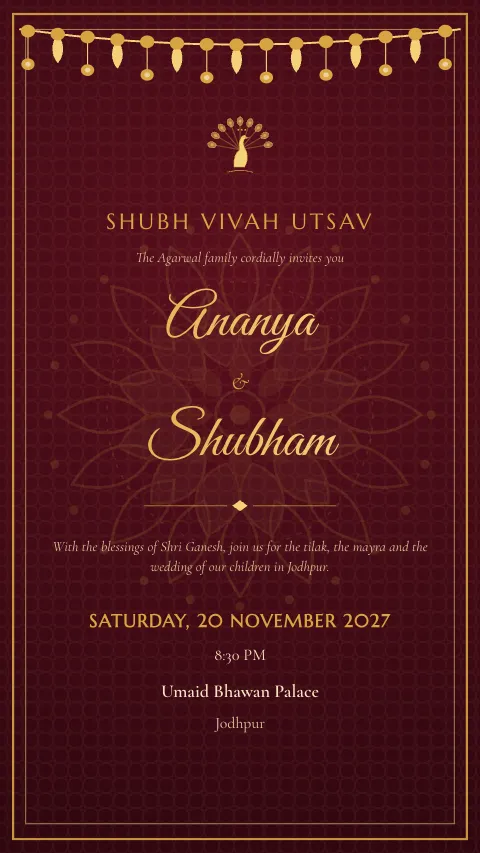
Jodhpur Toran
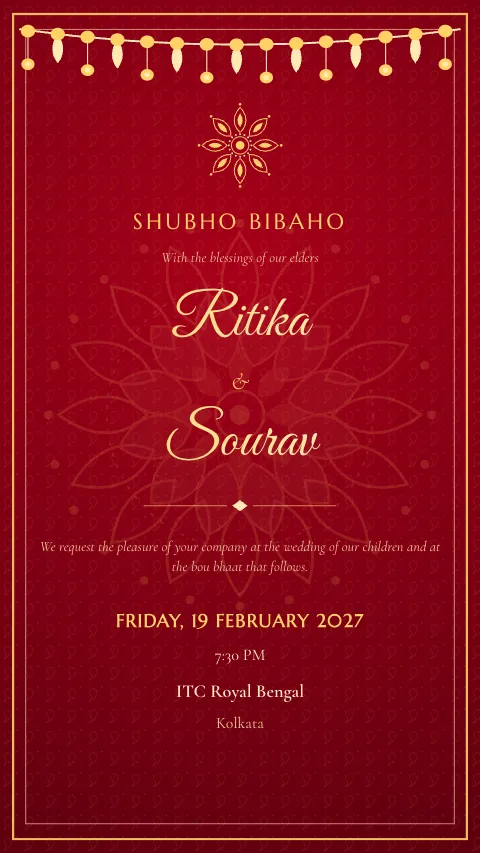
Laal Benarasi
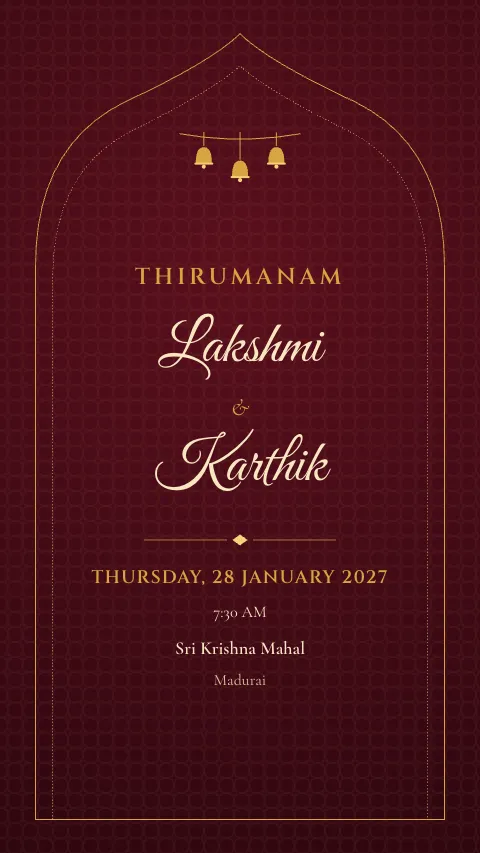
Kanjeevaram Silk
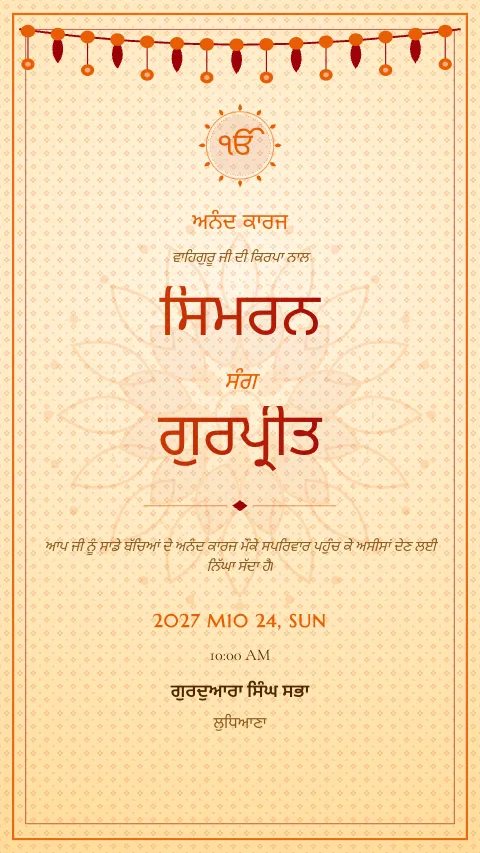
Gurmukhi Kesari
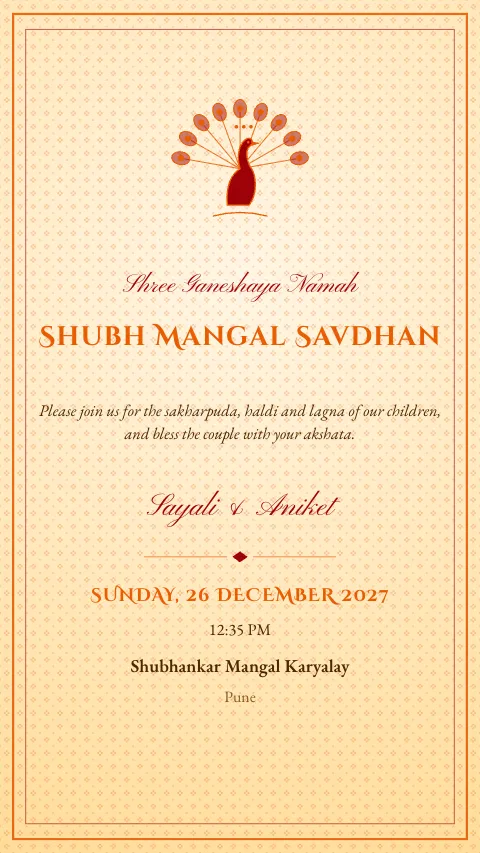
Nauvari Saffron
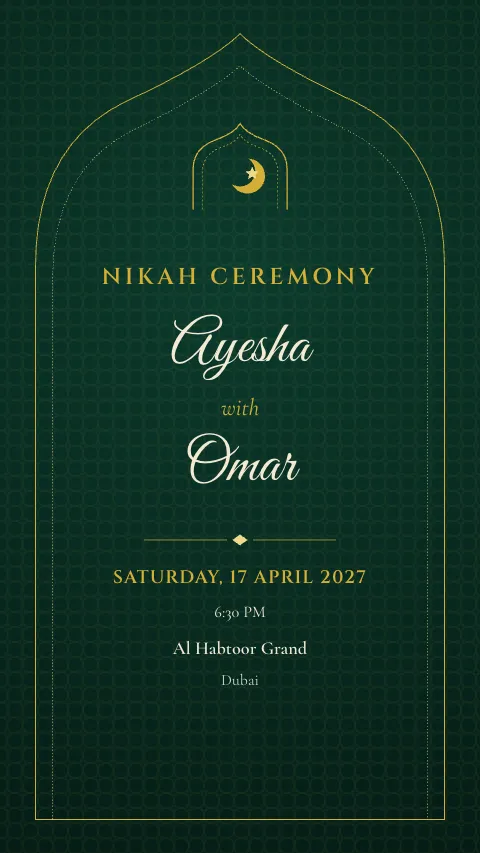
Emerald Nikah
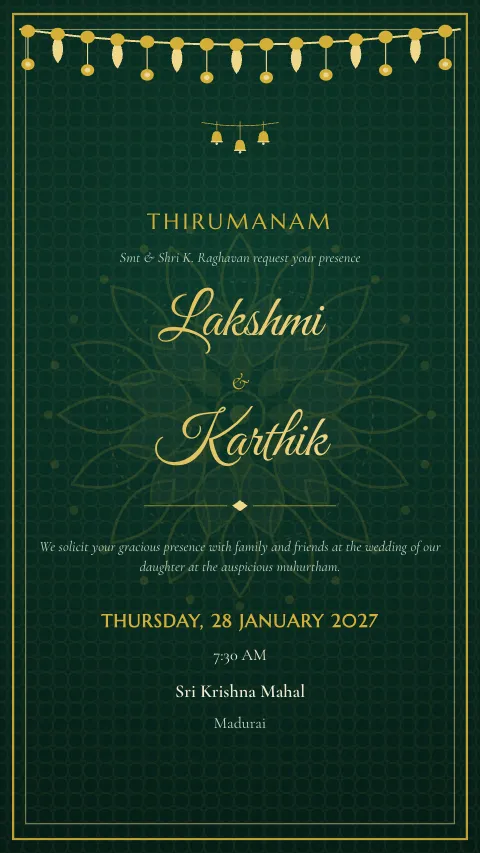
Mallipoo Gold
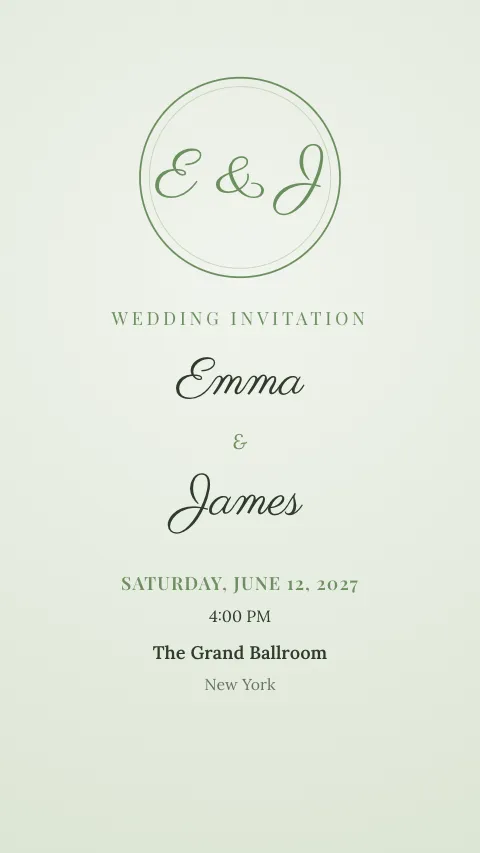
Sage Monogram
Free to customise: change every word, colour, photo and the music, then share one link.
Try it live
This is what your guests see
A design from our store, playing as a guest sees it after tapping the link in WhatsApp. Open the envelope, turn the sound on, then scroll to each function's map, calendar button and RSVP.
- 1Tap the envelopeIt opens on the guest's screen, with your wax seal and monogram.
- 2Your music beginsTurn the sound on: the song starts as the card unfolds.
- 3The pages come aliveScroll through animated pages, with petals, confetti or lanterns.
Key takeaways
- A link opens the whole invitation; an image shows one page, and many elders leave a PDF unopened.
- Personal guest links greet each guest by name, show only their functions and show who has opened them.
- RSVPs on the invitation are counted per function; replies in chats are not.
- Edit once and every link shows the change; a corrected image must be re-sent, and the old one lingers.
- Call the elders first, then send personally, from the person the guest knows.
Also weighing a printed card? See digital wedding invitation vs printed card, and for a status video, the wedding invitation video comparison.
Questions people ask
How do you send a wedding invitation on WhatsApp?
How do I create a wedding invitation for WhatsApp?
How do I write a simple wedding invitation message for WhatsApp?
How do I invite friends for my marriage on WhatsApp Status?
Is it rude to invite elders on WhatsApp?
Can I send a WhatsApp wedding invitation for free?
How should I reply to a wedding invitation on WhatsApp?
Free to design and preview · pay once to publish
Send a WhatsApp wedding invitation that greets every guest by name
Read next