Guides
RSVP full form and meaning: how to reply, and how to collect RSVPs for every function
Four letters at the bottom of almost every invitation, and one of the most searched questions about them. Here is what RSVP stands for, what it asks of you as a guest, the replies you can copy, and how hosts turn those replies into the right number of plates at every function.
The FunctionCard team
· updated · 13 min read


The RSVP full form is one of those things everyone has seen and few people were ever told. It sits under the venue on wedding cards, at the end of birthday invitations and in the corner of office event emails, usually followed by a date or a few phone numbers. It is a small request with a big job: it is how a host knows whether to cook for eighty people or for two hundred.
Quick answer
What is the full form of RSVP?
RSVP stands for répondez s'il vous plaît, French for "please reply". On an invitation it asks you to tell the host whether you are coming, how many people, and by when. In Hindi it means कृपया उत्तर दें (kripya uttar dein). Hosts use the replies to plan food, seating, rooms and return gifts for each function.
Four letters, one small favour
An RSVP is not a formality. Every reply, even a no, saves a family a phone call, a guess and often money. This guide covers both sides: what to do when you see RSVP as a guest, and how to collect replies as a host without spending your evenings on the phone.
The meaning
What does RSVP mean on a wedding card?
Word for word, répondez s'il vous plaît is "reply, if you please". English-speaking society borrowed the phrase from French etiquette, when French was the language of polite manners, and it stuck long after the French itself was forgotten. You say it as four letters: ar-es-vee-pee.
On many Indian wedding cards, R.S.V.P. is followed by a few family names and phone numbers. That is a slightly different use: it means "tell one of these people whether you are coming". It is often printed near lines such as swagatakankshi (those who look forward to welcoming you), which name the family rather than ask for a reply. If a card gives names under RSVP, a call or a WhatsApp message to any of them is the reply.
- RSVP by 15 January: reply before that date, yes or no.
- RSVP regrets only: reply only if you can't come; silence means yes.
- Kindly RSVP or Please RSVP: the same request. Strictly it says "please" twice, but it is so common that nobody minds.
- RSVP with names and numbers: the people to tell, usually the parents or brothers of the couple.
- RSVP for each function: say which functions you will attend, because the haldi and the reception are planned separately.
In Hindi
What is the RSVP meaning in Hindi?
The closest Hindi is कृपया उत्तर दें (please reply) or कृपया सूचित करें (please let us know). Hindi cards often keep the English letters R.S.V.P. and put the family's names under them, because everyone recognises the letters. If you are writing a Hindi invitation and want the request in Hindi, the lines below read naturally.
RSVP lines for a Hindi card or message
कृपया अपने आने की सूचना 15 जनवरी तक अवश्य दें।
आपकी उपस्थिति की पुष्टि का इंतज़ार रहेगा। कृपया बताएँ कि आप कितने लोग पधारेंगे।
कृपया सूचित करें कि आप किन-किन कार्यक्रमों में शामिल होंगे।
आपके उत्तर से हमें तैयारी में बड़ी मदद मिलेगी।
कृपया निमंत्रण पर दिए गए लिंक से अपना उत्तर भेजें।
For guests
How do you reply to an RSVP?
Reply before the date on the card, say how many people are coming, including yourself, and name the functions you will attend. Only count the people the invitation was meant for: if the card says Mr and Mrs Sharma, the children may not be invited, and the host would rather you asked than assumed. And reply even if the answer is no. A quick no is more useful to a host than a polite silence.
Yes, we're coming
Thank you for the invitation! The four of us will be there for the sangeet and the wedding. Can't wait.
We're delighted to come. Two of us for the reception, please. Congratulations to the whole family!
Count us in: three people for the haldi and the wedding. Sending love till then.
Wouldn't miss it! I'll be there for every function, and Riya will join for the reception.
Thank you, Aunty. We'll come for the wedding ceremony; my parents will join for the lunch after.
Sorry, we can't come
Thank you so much for inviting us. We're travelling that week and won't be able to come, but our blessings are with you both.
We're sorry to miss it. Wishing the couple a lifetime of happiness; we'll visit soon after the wedding.
Thank you for thinking of us. We can make it to the reception but not the earlier functions.
Sadly we can't be there in person. Please share the photos, and congratulations to everyone!
जवाब हिंदी में
निमंत्रण के लिए बहुत धन्यवाद! हम चार लोग शादी और संगीत में ज़रूर आएँगे।
हम रिसेप्शन में आ रहे हैं, दो लोग। पूरे परिवार को ढेर सारी बधाई!
क्षमा कीजिए, उन दिनों हम बाहर रहेंगे और आ नहीं पाएँगे। नवदंपति को हमारा आशीर्वाद।
हम हल्दी में नहीं आ पाएँगे, पर शादी में तीनों लोग ज़रूर पहुँचेंगे।
Step by step
Reply to a FunctionCard invitation
When the invitation came as a FunctionCard link, the reply is built in. This is all a guest does.
You'll need
- The invitation link from WhatsApp, a text or email
Step 1 of 6
Open the link
If the card has an envelope, tap it: the card opens and the music starts. A personal link greets you by name.
Below the pages, each function shows its date, venue, a Map button and Add to calendar. The RSVP form is there too.
Pick Yes, I'll come, Maybe or Can't come.
Give the number of people including yourself and, when there is more than one function, choose the ones you will attend.
Write a line for the hosts and, if you like, a phone number or email. Only the hosts see your reply.
Tip: Plans changed? Open the same link and change your reply; the hosts' numbers update with it.
Is it rude not to RSVP?
It is not meant as rudeness, but it lands that way. When you don't reply, the host has to guess, and guessing at an Indian wedding is expensive: caterers charge per plate, many charge for the number booked whether or not guests arrive, and rooms and buses are booked by headcount. A Maybe is fine early on, as long as you turn it into a yes or a no before the reply-by date.
If you replied yes and can't make it
Tell the host as soon as you know, not on the day. A day's notice can still change a caterer's count; an hour's notice usually can't.
For hosts
Why do hosts need RSVPs for each function?
Because the functions are not the same party. A haldi at home might be for forty close relatives, the sangeet for a hundred and fifty, the wedding for three hundred and the reception for four hundred, with colleagues and neighbours who come only to that. One overall "yes" tells you nothing about how many plates to order for the lunch after the pheras. Replies per function do.
The other half is timing. Close replies too late and the caterer's deadline has passed; ask too early and half the family hasn't checked their leave. Pick your event and date below to see when each step usually happens.
Free planner · try it here
When should your RSVPs close?
Choose the kind of event and its date. The planner works back to when to send the invitation, when to close replies and when to remind the guests who haven't answered.
- 90d
- 42d
- 21d
Remind those who haven't replied
21 days before
A gentle nudge to the guests still silent, a week before replies close.
How - 14d
- 5d
Final numbers to caterer and venue
5 days before
Count each function separately: haldi and reception rarely match.
How - 1d
A common rule of thumb, not a rule: move any date to suit your family.
How do you collect RSVPs for a wedding?
There are four common ways, and most families mix them. The table compares them on what actually matters when you are counting plates.
Four ways to collect RSVPs
| Feature | FunctionCard | Phone calls | WhatsApp replies | A separate online form |
|---|---|---|---|---|
| A separate count for each function | Partly | Partly | ||
| Guests reply in a few taps | Partly | |||
| A reply-by date that closes replies | Partly | |||
| Reminders to those who haven't replied | Email reminders, or resend their link | Another round of calls | Partly | Partly |
| Invitation, map and reply in one place | ||||
| A spreadsheet for the caterer | ||||
| Easy for elders who rarely use phones | Partly | Partly | ||
| Cost | Included in every plan | Free, but takes evenings | Free | Often free |
Our honest summary: send the link to everyone, and call the elders who won't open it. Add their answers to the numbers yourself before you give the caterer a final count.
Step by step
Collect RSVPs for each function in FunctionCard
Every plan includes RSVPs for every function, personal guest links and email sending. Designing and previewing are free; you pay only when you publish.
You'll need
- Your design, saved in My designs
- The date, time and venue of each function
- Your guest list (names, and phones or emails if you have them)
Step 1 of 8
Add your functions
In the editor, open Details, go to Functions and press Add a function, or tap a quick one such as + Haldi or + Sangeet. Give each its own date, time and venue.
See it in the help centreStill in Details, go to Replies and turn on Ask guests to RSVP.
See it in the help centreSet Reply by. Replies close by themselves after that day, so late answers don't upset your final numbers.
Tip: Two weeks before the wedding gives you time to chase the silent ones before the caterer's deadline.
Press Publish, choose a plan (Starter publishes this invitation with all its functions) and pay. Already live? Press Update, then Publish changes.
See it in the help centreOpen the invitation's dashboard (Guests & RSVPs in My designs) and go to Guests. Add guests one by one, paste a list straight from a spreadsheet, or import a CSV file.
Tip: Add families, not individuals: "Sharma family" with the number of people you expect.
See it in the help centrePress the WhatsApp button next to each guest to send their own link. It greets them by name, keeps their reply against their name and shows you whether they have opened it.
See it in the help centreOverview shows how many are Coming, Maybe and Can't come, and how many have yet to reply. With several functions, Headcount by function gives you each function's number.
See it in the help centreIn Email, choose A reminder to nudge guests who were emailed and haven't replied. When replies close, press Download spreadsheet in Replies and send it to the caterer.
See it in the help centre
Can you invite some guests to only some functions?
Yes, and it is the reason many families stop using one shared card. Close family come to the haldi and the mehndi, everyone comes to the reception, and the old way of handling that was two sets of cards and some awkward explaining. With FunctionCard, the Add a guest form has Invited to, with a button for each function. Each guest's personal link then shows only their functions, they can reply only for those, and Headcount by function also shows how many guests on your list each function expects. The steps are in Invite guests to only some functions.
Try it live
This is what your guests see
A live wedding design: open the envelope, then scroll to the functions. Each has its own date, venue, map and RSVP.
- 1Tap the envelopeIt opens on the guest's screen, with your wax seal and monogram.
- 2Your music beginsTurn the sound on: the song starts as the card unfolds.
- 3The pages come aliveScroll through animated pages, with petals, confetti or lanterns.
How should you write the RSVP line on your card?
Keep it short, give a date, and say how to reply. If the invitation is a link with replies built in, say so, because many guests still expect to call. Pick a line below, or write your whole message with the free invitation message writer.
RSVP lines for the card
Kindly reply by 15 January, so we can plan every function with you in mind.
Please let us know by 10 February which functions you'll join. You can reply right on this invitation.
Your reply by 1 March helps us more than you know. Reply on this link, or call Rohan on the number above.
RSVP by 20 December: Sharma family. Replies on this link are the quickest.
We'd love to know you're coming. Please reply by 5 January, and tell us how many of you to expect.
Regrets only by 12 January. If we don't hear from you, we'll save you a seat.
Quick pick
What are you planning?
Tap the one that sounds like you.
Designs to start from: every one takes RSVPs
See all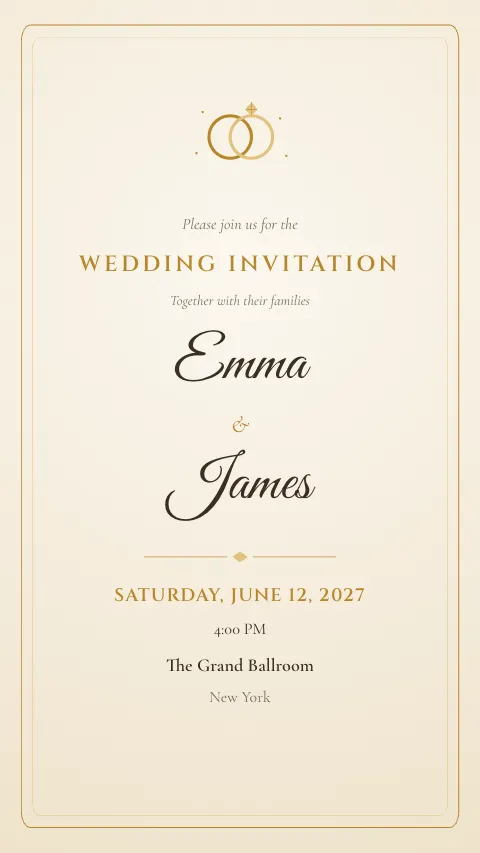
Ivory Vows

Emerald Mahal
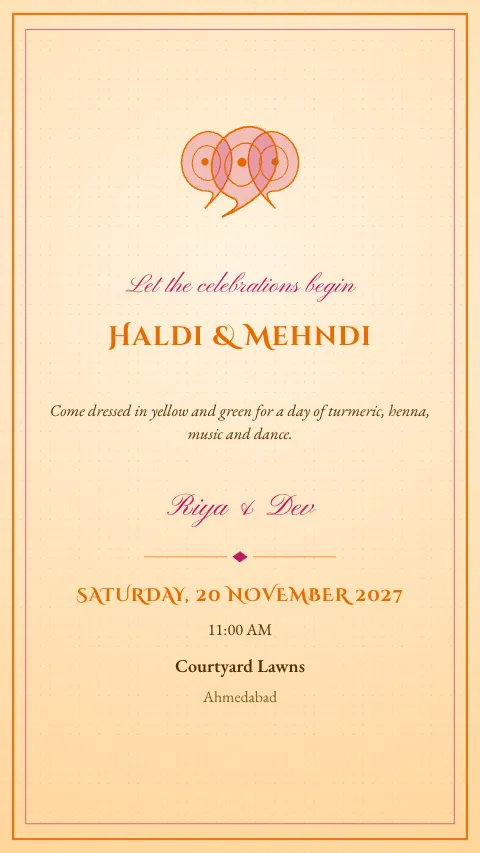
Marigold Haldi
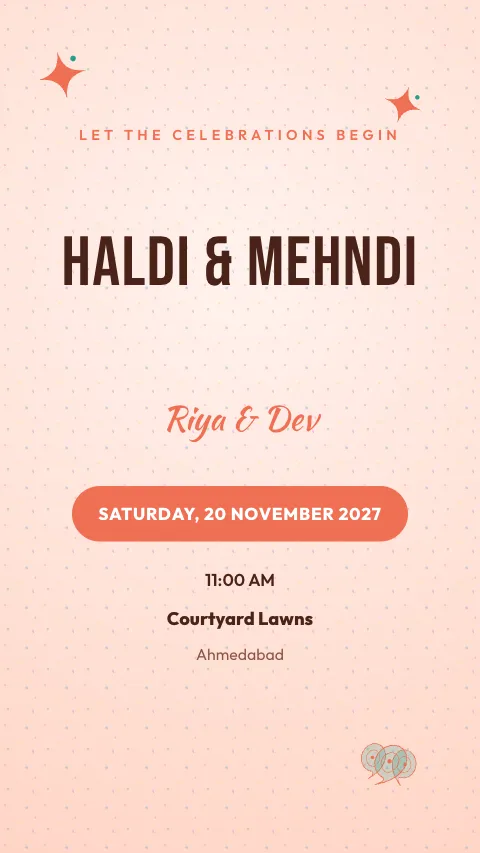
Sangeet Night

Lilac Soirée

Pheras Portrait

Kesari Laavan

Jasmine Nikah
Free to customise: change every word, colour, photo and the music, then share one link.
Key takeaways
- RSVP is French for "please reply": répondez s'il vous plaît. In Hindi, कृपया उत्तर दें.
- As a guest, reply before the date, say how many and which functions, and reply even when the answer is no.
- On Indian cards, names under R.S.V.P. are the people to tell; a call or message to any of them is your reply.
- Hosts need replies per function, because the haldi, the wedding and the reception are planned and paid for separately.
- Send the invitation link to everyone and call the elders who won't open it; keep every answer in one count.
Questions people ask
How do you pronounce RSVP?
Is "please RSVP" wrong?
What does "RSVP regrets only" mean?
What does RSVP mean on a marriage card with names under it?
Can I change my RSVP after replying?
What is the difference between an RSVP and a save the date?
Do guests need an app to RSVP on FunctionCard?
Does every FunctionCard plan include RSVPs?
Free to design and preview · RSVPs for every function in every plan
Make an invitation that collects the RSVPs for you
Read next