Guides
Guest list for an Indian wedding: who to invite, how many will come, and how to track every reply
Every Indian wedding has two lists: the one on paper and the one in Papa's head. This guide merges them. Start with circles of closeness, count the people behind each family name, decide who comes to which function, and watch the real numbers arrive before the caterer asks.
The FunctionCard team
· 13 min read
The guest list is where wedding planning stops being a dream and starts being arithmetic. The hall holds 400. The caterer quotes per plate. And somewhere between the bride's mother's diary, the groom's father's phone contacts and a cousin's WhatsApp group, there are more names than either number allows. A good list is not a longer or shorter list. It is one where every name has a reason, every family has a head count, and every function has its own number.
Quick answer
How do you make a guest list for an Indian wedding?
Write names in circles of closeness, starting with immediate family, then relatives, family friends, your own friends and colleagues. Count people, not just families. Decide which functions each guest is invited to, since haldi and reception crowds differ. Set a reply-by date, collect RSVPs for each function, and give caterers the counted numbers rather than guesses.
Three numbers, not one
A wedding guest list gives you three numbers: households invited, people invited and people expected at each function. Caterers, venues and decorators need the last one, and it is the one most families guess.
Start here
Who should be on the wedding guest list first?
Draw circles before you write names. The inner circles decide themselves; the arguments happen at the edges. Writing the list circle by circle means that if the venue or budget forces a cut, you cut from the outside in, instead of debating each name on its own.
- 1Circle 1: the people the wedding can't happen withoutParents, grandparents, siblings and their families, the couple's own closest friends. If any of them can't come, you would move the date.
- 2Circle 2: close relativesChacha, mama, bua, mausi and their families, first cousins. In most families this circle is not up for discussion, so count it honestly.
- 3Circle 3: family friends and neighboursThe people your parents have known for decades, the neighbours who will lend chairs and cars, the families whose weddings you attended.
- 4Circle 4: your own friends and colleaguesCollege and school friends, office teams, the couple's social circle. This circle often grows fastest; give it a fixed number early.
- 5Circle 5: return invitations and courtesy namesBusiness contacts, distant relatives you meet only at weddings, people who invited you to theirs. These are the names to review if numbers must fall.
Let each side draft alone, then merge
Ask the bride's family and the groom's family to draft separately, each with an agreed share of the total. Merge afterwards. Two families writing one list at one table is how a 300-guest wedding becomes 700.
Counting
Should you count families or individual people?
Both, and in that order. Indian invitations go to households: "Sharma family" on the envelope, one call to the head of the house. But plates, chairs and return gifts are counted per person. A list of 150 families can mean 400 people or 650, depending on whether the Sharmas bring the grandparents, the newly married son and the three children. Write the family name as the guest, and next to it the number of people you expect from that home.
Counting families
- Matches how invitations are actually sent
- Easy to agree on between the two sides
- One phone call or one link per home
- Hides the true number of plates
In practice, write one line per household with an expected count, then add the counts. That single habit turns a vague list into a number you can plan with.
Free planner
How many guests will actually come to each function?
Fewer than you invite, and a different share at each function. The wedding ceremony draws the most people; the haldi and mehndi are usually family-heavy mornings and afternoons; a sangeet or cocktail evening sits in between. The planner below starts from common rules of thumb (about nine in ten invited people at the wedding, three in four at the reception, six in ten at a sangeet, four in ten at a haldi or mehndi). They are starting points, not facts about your family: drag each slider to what you know of your guests.
Free planner · try it here
Estimate the headcount for each function
Set how many families you are inviting, the average people per family and a small buffer for walk-ins. Then adjust the share expected at each function and copy the numbers for the family group.
360 people invited in all. Set how many you expect at each function:
Haldi
about 152 guests
Mehndi
about 152 guests
Sangeet
about 227 guests
Wedding
about 341 guests
Reception
about 284 guests
Estimates to plan with. Real replies, counted per function, replace them once invitations go out.
Estimates first, replies later
Use these numbers to shortlist venues and get caterer quotes. Once the invitation is out, replace them with the replies guests send for each function: real numbers always beat a rule of thumb.
Functions
How do you decide who is invited to which function?
Not everyone on a wedding guest list comes to everything, and nobody expects to. The haldi is intimate, the sangeet is for people who will actually dance, the reception is for everyone. Deciding this per guest, early, keeps each venue the right size and saves the awkwardness of a colleague turning up to a family ritual. If you are still deciding which functions to hold, our guide to one invitation for all the wedding functions walks through that.
Quick pick
Which guest are you placing?
Tap the one that sounds like you.
Trimming
How do you cut a guest list without hurting anyone?
Cut by rule, not by name. A rule applies to everyone equally, so nobody can feel singled out, and it saves you from re-arguing the same question for every family. Agree the rules with both sides before anyone sees the trimmed list.
- The last-three-years rule: if neither family has spoken to a person in three years, they move to the outer circle.
- The one-side rule for colleagues: invite your own team, not the whole floor; the reception is the place for them.
- A clear plus-one rule: married and engaged couples are invited together; other plus-ones only when you know the partner.
- A children rule: decide whether children are invited to every function or only some, and say so on the invitation if needed.
- An A list and a B list: send the A list first. As "Can't come" replies arrive, invite from the B list, early enough that nobody feels like a late addition.
Don't promise what the list can't keep
A casual "of course you'll be there" at a family dinner is a promise. Until the list is final, talk about the wedding without inviting anyone in passing.
Format
What should a wedding guest list format include?
Whether you keep it in a notebook, a spreadsheet or an invitation's guest list, the same columns make the difference between a list and a plan. A simple wedding guest list template has one row per household and these columns:
- 1Guest name as it should appear on the envelope or greeting, such as "Sharma family" or "Priya and Rohan".
- 2Side: bride's or groom's, so each family can see its own share.
- 3Circle: 1 to 5, so cuts happen from the outside in.
- 4People expected from that household, including children.
- 5Functions they are invited to: haldi, mehndi, sangeet, wedding, reception.
- 6Phone and email, to send the invitation and reminders.
- 7Reply: coming, maybe or can't come, and how many are coming to each function.
- 8Notes: travel, a room needed, food preference, an elder who needs a wheelchair at the venue.
Spreadsheets break down at the reply column. Guests answer on calls, in DMs and in family groups, and somebody has to type every reply in by hand. That is the part an invitation with RSVPs takes over: guests answer on their own link and the count updates itself.
Step by step
How do you build and track a guest list in FunctionCard?
Each invitation has its own guest list of up to 500 guests, with one line per guest (a family counts as one guest, with the number of people you expect). You can build the list before you publish; each guest's personal link starts working once the invitation is live. Publishing a whole wedding, every function included, is one Starter invitation at ₹399 plus GST, paid once; see pricing.
Step by step
Build your wedding guest list and collect replies for each function
From a spreadsheet or a paper list to counted replies for every function.
You'll need
- Your merged list, or a spreadsheet saved as CSV
- Phone numbers or emails, if you have them
- Your functions added to the invitation
- A reply-by date
Step 1 of 7
Open the guest list
In My designs, open the invitation's Guests & RSVPs dashboard and go to Guests.
See it in the help centrePress Paste a list and paste one guest per line, such as a name, an email and a phone number; you can copy columns straight from Excel or Google Sheets. Or press Import spreadsheet (CSV) for a file under 500 KB. Use Add a guest for single names, with how many people you expect.
Tip: Guests already on the list aren't added twice, so a second paste from the other side's list is safe.
See it in the help centreTick the guests, press Invite … to…, choose their functions and press Save. To change one guest, tap the line under their name that says All functions.
Tip: A pasted list invites everyone to every function. Tick the colleagues and courtesy guests afterwards and set them to the reception.
See it in the help centreIn the editor, open Details, go to Replies and turn on Ask guests to RSVP. Set a Reply by date; replies close automatically after it. Then publish.
See it in the help centreIn Guests, press the WhatsApp button next to a guest to send their own link, which greets them by name and shows only their functions. To email several guests at once, tick them and press Email.
See it in the help centreThe dashboard's Overview shows who is Coming, Maybe and Can't come, and Headcount by function shows the number for each event. Press Download spreadsheet in Replies for your caterer.
See it in the help centrePress Save to contacts in Guests. Everyone is added to your contacts, tagged with the invitation's name, ready for the next family event.
See it in the help centre
Try it live
This is what your guests see
A live wedding design: tap the envelope to open it. Each guest's personal link greets them by name and shows only the functions they're invited to.
- 1Tap the envelopeIt opens on the guest's screen, with your wax seal and monogram.
- 2Your music beginsTurn the sound on: the song starts as the card unfolds.
- 3The pages come aliveScroll through animated pages, with petals, confetti or lanterns.
Final numbers
How do replies turn into the final headcount?
A reply on a FunctionCard invitation says whether the guest can come (Yes, I'll come, Maybe or Can't come), how many people, and which functions. So the Sharmas can say four for the wedding and two for the haldi, and the count for each function moves on its own. Guests can change their reply later from the same link, and the hosts can see whether each personal link has been Opened or Not opened: a quiet way to know whom to call.
Treat Maybe as half a guest when you give numbers to the caterer, and call the households still silent a week before replies close. Why per-function replies save money is explained in our guide to RSVPs and what the word means.
What FunctionCard doesn't do
It doesn't plan seating, book rooms or track gifts. The downloaded spreadsheet of guests and replies opens in Excel or Google Sheets, where you can add those columns yourself.
Plan it
A guest list checklist, from the first draft to the final count
Checklist
Tick off as you go
0 of 12 done · ticks stay in this browser
4–6 months before
4 months before
3 months before
7 weeks before
6 weeks before
5 weeks before
3 weeks before
5 days before
After the wedding
Designs for every function on your list
See all
Royal Durbar
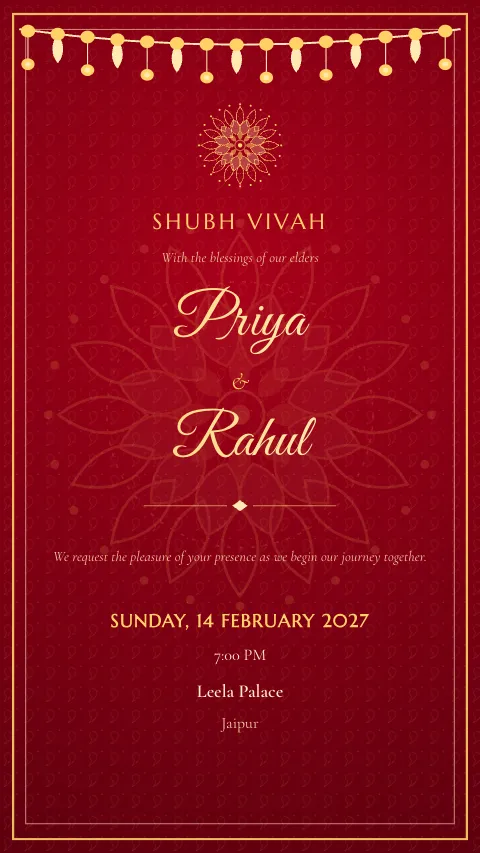
Crimson Toran
Marigold Haldi

Terracotta Mehndi
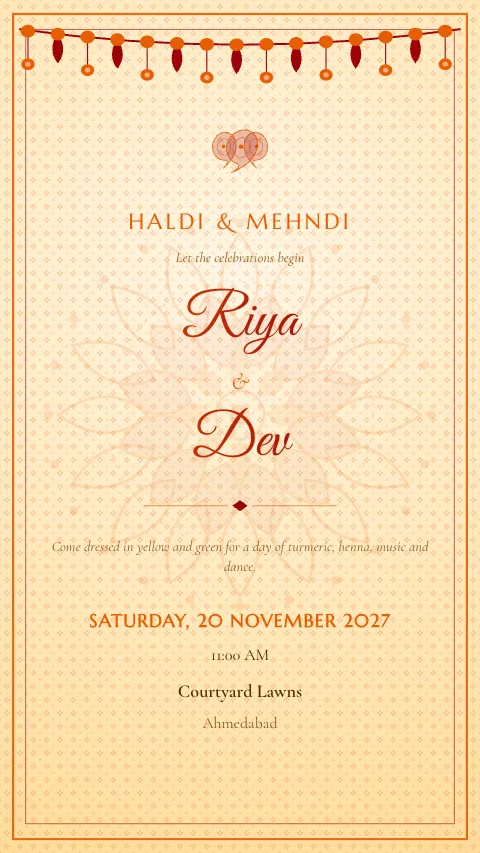
Saffron Sangeet
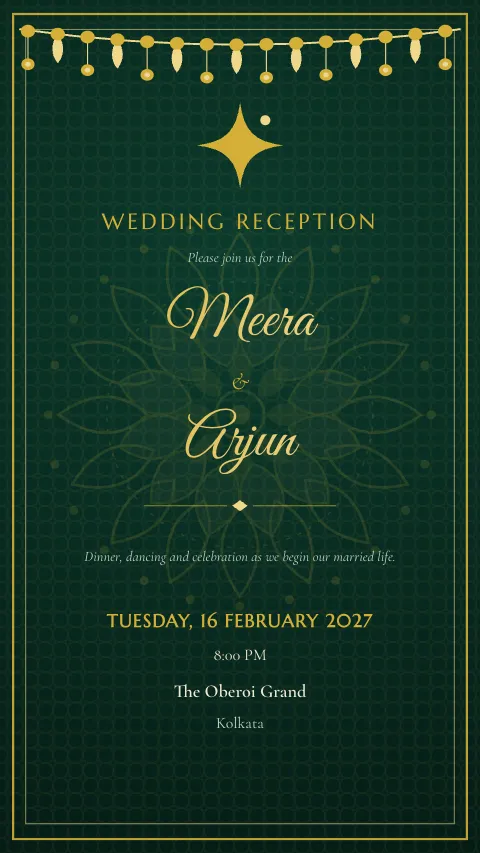
Emerald Reception
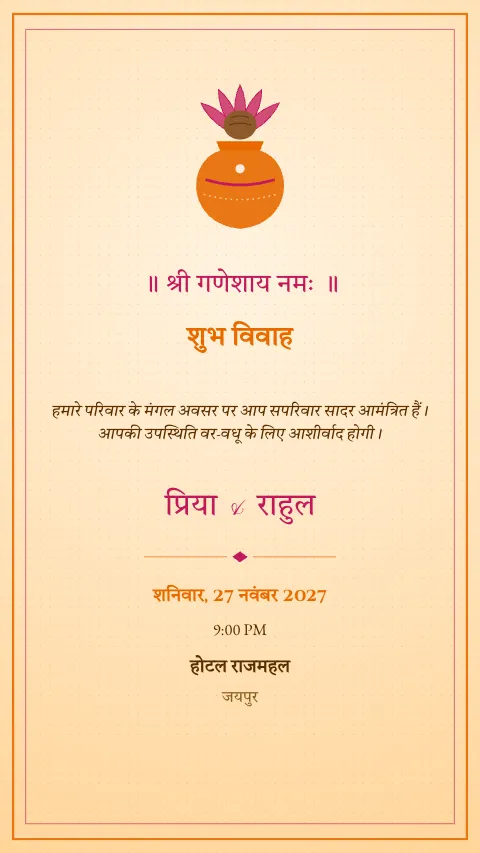
Genda Phool
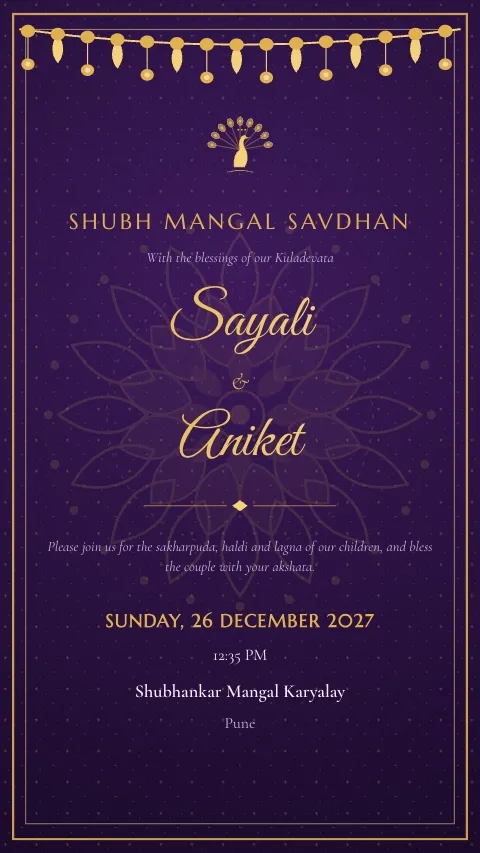
Paithani Peacock
Free to customise: change every word, colour, photo and the music, then share one link.
One design carries every function, each with its own date, venue map and RSVP. A traditional pick such as Crimson Toran or a bright one such as Genda Phool works for the whole celebration; see every option on the wedding designs page.
Key takeaways
- Draft the guest list in circles of closeness, so any cut happens from the outside in.
- Write one line per household but count the people behind it: plates are counted per person.
- Expect a different turnout at each function; the free planner gives rule-of-thumb starting numbers to adjust.
- Cut by rules everyone shares (plus-ones, children, colleagues) and keep a B list for "Can't come" replies.
- In FunctionCard, each guest's personal link shows only their functions and their replies add up to a headcount for each one.
Questions people ask
What is a guest list?
How do I make a wedding guest list in Excel or Google Sheets?
How many people should I count per family?
What is an A list and a B list for a wedding?
How many invited guests usually attend an Indian wedding?
How many guests can one FunctionCard invitation hold?
Can I reuse my guest list for the next event?
Paste your list · choose functions for each guest · personal links on WhatsApp · a headcount for every function
Turn your guest list into counted replies
Read next