Compared
Wedding invitation video or animated invitation link: which should you send?
A video plays the moment it's opened; a link opens like a card and carries every function, map and RSVP. Here is what each does well, where each falls short, and why many families now send both.
The FunctionCard team
· updated · 9 min read
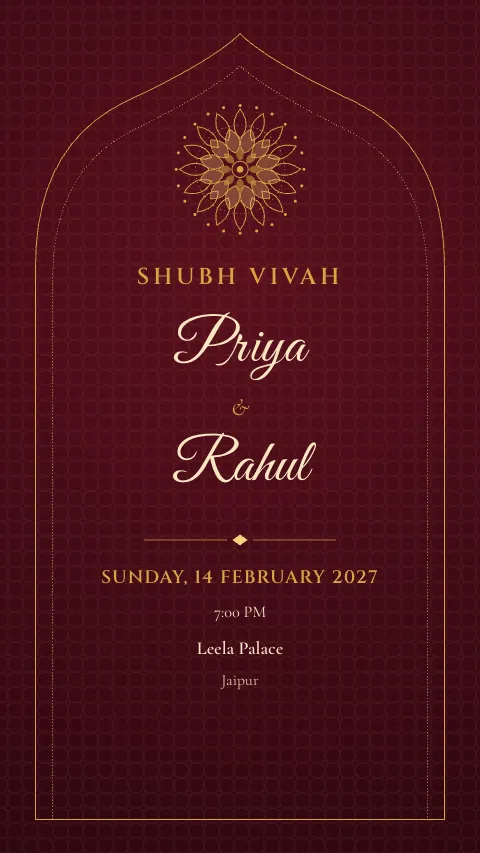
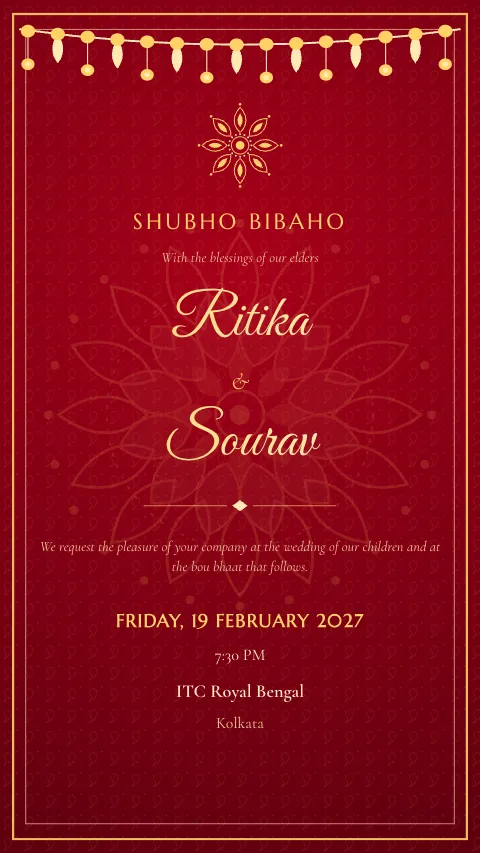
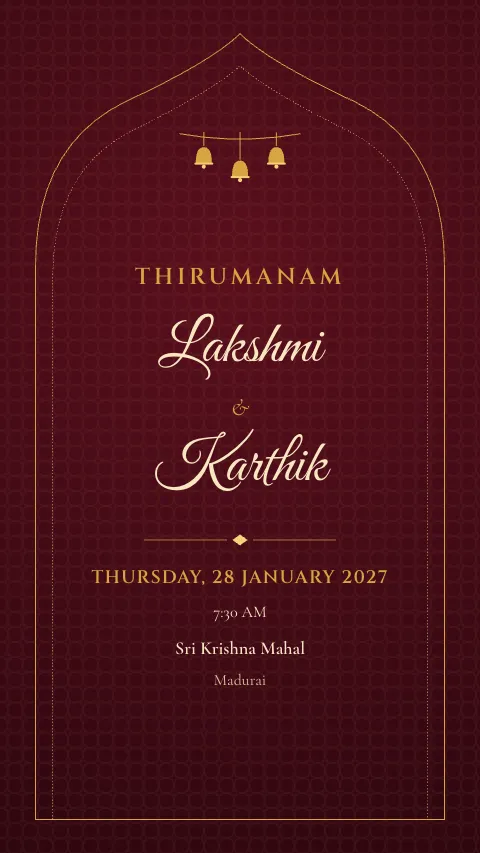
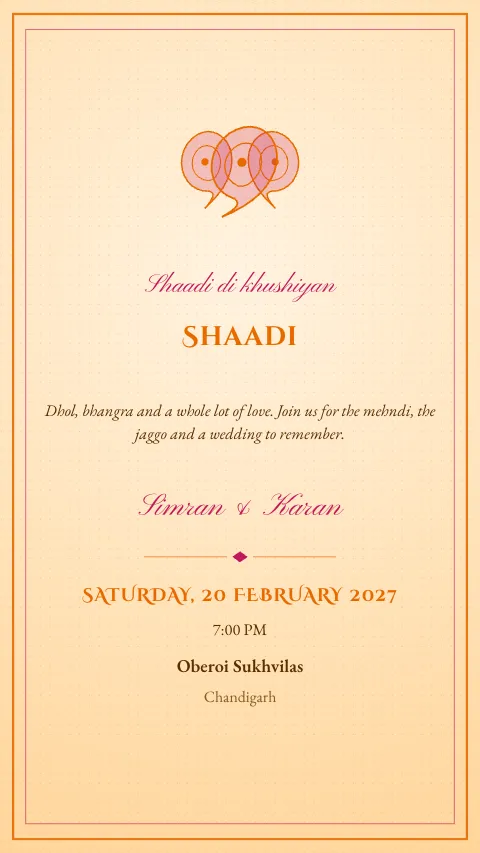
Somewhere in the last few wedding seasons the video invitation became the default in many Indian families. Thirty to ninety seconds of shehnai, an animated Ganesha, the couple's names in gold and the dates sliding in one after another, forwarded to every family group. It looks wonderful. It also leaves guests asking the same questions: which hall, what time is the sangeet, where do I reply? Before you order or make a wedding invitation video, it's worth knowing what it can and can't do next to its closest alternative, an animated invitation link.
Quick answer
Is a wedding invitation video better than an invitation link?
A wedding invitation video is better for instant impact: it plays with music the moment it's opened and suits WhatsApp status and social stories. An animated invitation link is better for the practical work: every function with its own map, add-to-calendar and RSVP, edits after sending, and headcounts. Many families send the link as the invitation and a short video to share.
The two formats
What is the difference between an invitation video and an invitation link?
A wedding invitation video is a file, usually an MP4, made in a video maker app, by a designer or by a videographer from your pre-wedding shoot. Guests download it and watch it like any other clip. An animated invitation link is a web page: an envelope opens on the guest's screen, music begins, and the card unfolds page by page, with buttons for maps, calendar and reply under each function. A FunctionCard invitation is a link of this kind, and it also downloads as an MP4 video, so you can have both from one design.
Invitation link vs invitation video vs image or PDF
| Feature | FunctionCard | Invitation video | Image or PDF |
|---|---|---|---|
| Plays with music and animation | |||
| Music starts with no tap at all | |||
| Light on guests' data and storage | |||
| Fix a mistake after sending | |||
| Tap for directions to each venue | Partly | ||
| Add each function to the calendar | |||
| Guests reply per function | |||
| Headcount for each function | |||
| Greets each family by name | Partly | ||
| Post as a WhatsApp status or story | |||
| Your own footage from a pre-wedding shoot | Partly | ||
| Languages | 53, with fonts | Whatever the maker supports | Whatever you design |
| Blessings and shagun by UPI | Partly |
FunctionCard features as of today. Video invitations vary with the app or designer; the rows describe what's usual.
On the phone
How does a wedding invitation video behave on WhatsApp?
Video is heavier than everything else you send. A one-minute invitation in good quality is many megabytes, and WhatsApp compresses it when it's sent, so the gold text that looked crisp on your laptop can arrive soft or blocky. Every guest downloads the whole file before they see a frame, which matters on slow connections and for relatives abroad on roaming. And because it saves itself to their phone gallery, a big family group full of forwarded wedding videos fills phones quickly. None of that makes video wrong; it makes it worth keeping short. A link, by contrast, is a line of text: the guest taps it and the page loads, with no file left behind.
Why the music needs a tap
Phone browsers don't let any web page play sound until the person taps it. That's why an invitation link opens with an envelope: the tap that opens it also starts the music. A video, once the guest presses play, has its sound from the first second.
After sending
What happens when a time or venue changes?
Weddings change after the invitations go out: a muhurat shifts by an hour, the sangeet moves to a bigger lawn, a reception is added for the office. A video is finished the moment it's exported. Fixing it means editing the project, exporting again and forwarding the new file to everyone, hoping they watch the second one. With a live link you change the time or venue in the invitation and everyone who opens it afterwards sees the new details and the new map. On FunctionCard, editing after publishing is included and doesn't use up another invitation.
FunctionCard
- Opens like a real card: envelope, music, animated pages and effects such as petals and confetti
- Each function has its own date, venue map, calendar button and RSVP
- Edit after sending; the same link shows the change
- Personal links greet each family by name
- Also downloads as an MP4 video and PNG images to share as a status
Money
How much does a wedding invitation video cost?
There are three common ways to get one. Video maker apps and online editors offer templates, often free to try, with a fee to remove a watermark or export in high quality. A freelance designer makes a custom animated video for a one-time fee. A videographer cuts one from your pre-wedding shoot, usually as part of a bigger package. On FunctionCard you design and preview free, and pay once to publish: ₹399 plus GST for an invitation with every function; the MP4 download comes with the invitation. Set the calculator to the quotes you have.
What would your wedding invitation cost?
FunctionCard
₹471
Template video app
₹800
Custom video by a designer
₹4,000
At 300 guests, FunctionCard costs ₹329 less than the cheapest option above.
Video prices vary with length, the number of functions, revisions and whether photos or footage are used. These defaults are only a starting point; type in your own quotes. FunctionCard's price is the real one, including GST.
Honestly
When is a wedding invitation video the better choice?
There are real cases where a video is the right thing to send. If you have a beautiful pre-wedding shoot, a videographer's cut of it is something no card can replace. If most of your guests are elders who are comfortable pressing play on a forwarded clip but hesitant to tap a link, a video reaches them more easily. And for a WhatsApp status or a social story, a short video is exactly the right shape. The weakness is everything after the first watch: no replies, no maps, no edits. That's why the most practical pattern is a short video to announce, and a link that does the work.
Quick pick
What matters most for your invitation?
Tap the one that sounds like you.
Our verdict
Announce with a video, invite with a link
A wedding invitation video is the best way to make people feel the celebration in thirty seconds. An invitation link is the best way to get them to the right place at the right time and to know how many are coming. They aren't rivals; used together they cover both jobs.
Several functions in different venues
FunctionCard link
A pre-wedding shoot you want to show
A videographer's video, plus the link
WhatsApp status or Instagram story
A short MP4 video
You need RSVPs and headcounts
FunctionCard link
Details may still change
FunctionCard link: edit any time
Try it live
This is what your guests see
A wedding design from the store, playing as guests see it. Tap the envelope and turn the sound on; then imagine it as your status video too.
- 1Tap the envelopeIt opens on the guest's screen, with your wax seal and monogram.
- 2Your music beginsTurn the sound on: the song starts as the card unfolds.
- 3The pages come aliveScroll through animated pages, with petals, confetti or lanterns.
Wedding designs that work as a link and a video
See all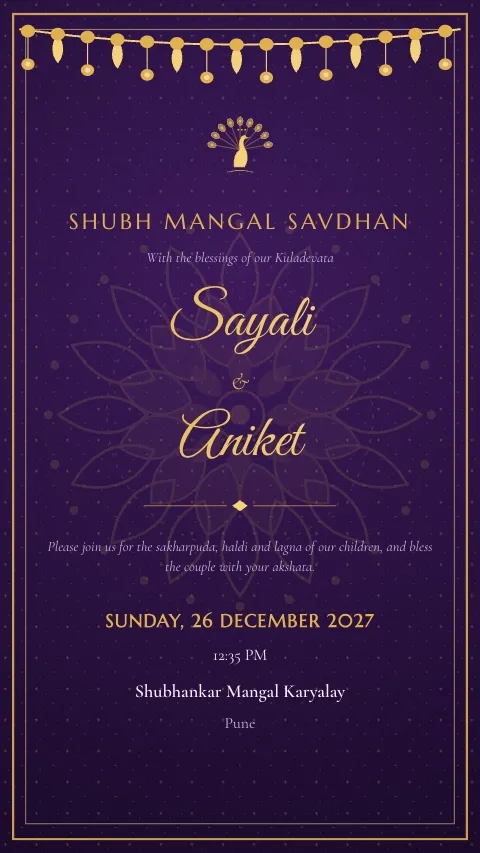
Free to customise: change every word, colour, photo and the music, then share one link.
Key takeaways
- A wedding invitation video plays with sound instantly and is ideal for a status, a story or showing a pre-wedding shoot.
- Videos are heavy on WhatsApp, get compressed, and can't be changed after they're sent.
- An animated invitation link gives every function its own map, calendar button and RSVP, and can be edited after sending.
- A link's music starts on the first tap because phone browsers block sound until then.
- FunctionCard invitations also download as MP4 video, so one design gives you both the link and the video.
Still deciding on paper as well? Our comparison of a digital wedding invitation and a printed card covers cost and elders, and the wedding invitation messages post has lines for the video's caption and the WhatsApp message.
Questions people ask
How do I make a wedding invitation video?
Can I make a wedding invitation video for free?
How long should a wedding invitation video be?
Can guests reply to a wedding invitation video?
Why doesn't the music start by itself on an invitation link?
Is a video invitation okay for elders?
Free to design · pay only to publish
One design: the invitation link and the video
Read next