Compared
Wedding RSVP: how to collect and count replies for every function, five ways compared
Phone calls, a free online form, a WhatsApp poll, a spreadsheet, or RSVPs built into the invitation: how each does at the job that matters, which is giving your caterer and venue the right number for every function.
The FunctionCard team
· 14 min read
About six weeks before a wedding, every family reaches the same question: how many people are actually coming? Not to "the wedding" in general, but to the haldi in the courtyard, the sangeet in the banquet hall, the pheras and the reception, each needing its own count for the caterer. Collecting a wedding RSVP is how those numbers get made, and the method you pick decides how much of them is guesswork. Here are the five ways Indian families usually do it, compared.
Quick answer
What is the best way to collect wedding RSVPs?
For a wedding with several functions, the most reliable way is an invitation with the RSVP built in: each family gets its own link, replies count people for each function, reminders reach those who haven't answered, and the list downloads for the caterer. Phone calls suit a small family event, a free online form suits a single function, and a WhatsApp poll gives only a rough idea.
The host's side of the RSVP
What RSVP means and how a guest should answer is in our RSVP full form guide. This page is about the other end: asking, counting, chasing and handing over numbers, so each function is cooked for the right crowd.
Five methods
What are the ways to collect RSVPs for a wedding?
There are five common ways, and most families combine two or three:
- Phone calls. Warm and trusted by elders, but slow, and only as accurate as the notes taken.
- A free online form. Tidy rows, but a second link beside the card, and replies aren't matched to your list.
- A WhatsApp poll or the family group. Fast, but a poll counts phones rather than people, and everyone sees everyone's vote.
- A spreadsheet. Where answers end up. Every caterer understands it; someone has to keep typing into it.
- RSVPs built into the invitation. The card asks, counts per function and keeps each answer against the family's name. FunctionCard works this way.
Collecting wedding RSVPs: four ways to ask, side by side
| Feature | FunctionCard | Phone calls | A free online form | A WhatsApp poll or group |
|---|---|---|---|---|
| Each answer tied to a name on your list | Partly | Partly | ||
| A separate count for every function | Partly | Partly | Partly | |
| Counts people, not just replies | ||||
| Plus-ones and children | One total per family | |||
| Host's effort for a big list | Guest list once, then watch | Hours of calls | Build, then cross-check | Low, but count by hand |
| Shows who hasn't answered yet | Partly | Partly | ||
| Reminders to the silent ones | Email reminders, or resend the link | Another call | Resend the link by hand | A nudge in the group |
| Stops taking answers on a set date | Partly | |||
| Answers private from other guests | ||||
| Ready-made spreadsheet for the caterer | CSV with a column per function | Only what you typed in | ||
| Comfortable for elders without smartphones | Partly | Partly | ||
| Cost | Included in every plan | Free, apart from time | Usually free | Free |
What FunctionCard does today, against what is typical for each other method; form tools differ. The fifth method, a spreadsheet, is compared further down.
Accuracy and effort
Which wedding RSVP method is most accurate, and which takes the least effort?
The most accurate method ties every answer to a name on your guest list and asks for a number of people, not just a yes. Personal invitation links and careful phone calls both do that; forms and polls need extra work to match answers to families.
Accuracy slips in familiar ways. On the phone, "haan, hum sab aayenge" sounds like an answer until you write a number next to it: is hum sab two people, or six? With a form, husband and wife both fill it in. In a poll, Dadi votes from her son's phone, and one household goes uncounted. Across a few hundred families, these slips become trays of food nobody eats.
Effort is easier to measure. At four minutes a call, 150 families means ten hours on the phone, before the second round. A form takes an hour to build, then evenings of matching. With the RSVP in the invitation, you enter the guest list once, send each family its link, and the count builds itself.
FunctionCard
- Each family's answer lands against its name, through its own link
- Guests give the number of people and pick their functions themselves
- Coming, maybe, can't come and yet to reply at a glance
- Guests correct their own answer when plans change
Per function
How do you get a separate headcount for the haldi, mehndi, sangeet, wedding and reception?
Ask every guest which functions they will attend, then count each function on its own. The haldi is mostly the two households and their closest cousins, while the reception adds colleagues and neighbours who come to nothing else, so one overall yes tells the caterer nothing about the haldi lunch. Caterers usually quote per plate, and many bill for the number you guarantee.
On the phone you ask the question five times per family. A form needs a question for every function; a poll needs one poll per function and still counts phones. A FunctionCard invitation asks once: guests pick their functions and say how many people, and the dashboard's Headcount by function table shows how many are coming, and maybe coming, to each. Guests you've invited to only some functions can reply only for those.
Free planner · try it here
How many guests should each function expect?
Set the families you're inviting, people per family and a margin for walk-ins, then the share you expect at each function. Use the estimate for the caterer's first quote; real answers replace it later.
360 people invited in all. Set how many you expect at each function:
Haldi
about 152 guests
Mehndi
about 152 guests
Sangeet
about 227 guests
Wedding
about 341 guests
Reception
about 284 guests
Estimates to plan with. Real replies, counted per function, replace them once invitations go out.
Plus-ones and kids
How should you count plus-ones and children in wedding RSVPs?
Decide how many people you're inviting from each family before the invitations go out, and ask every guest for one total that includes themselves and their children. Then compare each answer with the number you expected; the differences are the plus-ones and children worth a conversation.
Invitations go to families, and that is where counts drift: "Mr and Mrs Kapoor and family" can mean four people or seven, and friends may assume a partner is welcome. Some caterers also price children's plates differently, so it helps to know how many are small.
Calls handle this best, because you can ask "and how many children?" there and then. A form can ask separately for adults, children and a plus-one's name. A poll can't. On FunctionCard the answer is one number, everyone coming including the guest, with no separate box for children or a plus-one's name. On a personal link that number starts at the people you entered for the family, and your guest list shows how many you expected beside each answer, so changes stand out.
Ask about children and food in one line
Add a line near the RSVP: Please mention children under 12 and any food needs in your message. The Replies tab shows each message beside its number of people and functions, so you can pass Jain food or an allergy on to the caterer.
Reminders
How do you remind wedding guests who haven't replied?
Set a reply-by date, send one or two friendly reminders before it, and phone the last few families yourself. Late answers are normal at Indian weddings; what helps is knowing exactly who is still silent.
That is the hard part with most methods. After calls, the silent families are whoever is missing from your notes. A form can't tell you who hasn't filled it in; you compare rows with your list by hand. A reminder in the family group reaches everyone who already answered, and misses those who keep it muted.
On FunctionCard, the Overview shows how many guests are yet to reply, and each family on the guest list shows Opened or Not opened. In Email, A reminder goes only to emailed guests who haven't replied, up to three times each; for families on WhatsApp, press the button beside their name to send their link again. Replies close by themselves after the Reply by date, or turn off Taking replies in Settings to close them early.
Reminder messages for guests who haven't replied
Hi Mausi! Have you had a chance to open Anjali's wedding invitation? Could you tell us by Sunday how many of you are coming, and to which functions? The reply is on the same link.
A gentle reminder from the Mehta family: we give the caterer final numbers on 2 February. If you haven't replied yet, it takes a minute on the invitation link.
We'd hate to run short of laddoos at the haldi! Please let us know which functions you'll make it to before 28 January.
Replies for Kabir and Ira's wedding close this Friday. Still deciding? A Maybe now helps more than silence, and you can change it later.
After the reply-by date, the link stops taking answers
Guests who try to answer late are told replies have closed and to contact the hosts. If a branch of the family is still to reply, move the date in Details → Replies and publish your changes, or take their numbers by phone and add them to your count.
Exporting
Can you export the wedding RSVP list for your caterer?
Yes, if the answers were collected somewhere that produces a spreadsheet. Forms and invitation RSVPs export directly; answers from calls and chats have to be typed in by hand first.
On FunctionCard, Download spreadsheet in Replies (or Download list in Guests) gives a CSV file for any spreadsheet app. Each guest is a row: reply, number of people, a column per function with the number coming, message, reply time, personal link and when it was opened. Answers through the general link, the one shared in groups, aren't matched to names on your list and appear as rows of their own, so send personal links wherever you can.
FunctionCard
- Fills itself as guests reply; nobody types answers in
- A column for each function, holding the number coming
- A fresh copy whenever the caterer asks
Step by step
How do you set up RSVPs for each function on FunctionCard?
Add each function to the invitation, turn on RSVP, publish, and send every family its personal link from the guest list. The headcount for each function fills in as answers arrive.
Step by step
Collect a wedding RSVP for every function and read the headcount
Designing and previewing are free. Every plan includes RSVPs for every function, personal links, email reminders and the spreadsheet, and a whole wedding publishes as one Starter invitation for ₹399 plus GST, paid once. See pricing.
You'll need
- Your design, saved in My designs
- Date, time and venue for each function
- Your guest list, by family
Step 1 of 8
List every function
In the editor, open Details, go to Functions and press Add a function, or tap + Haldi, + Mehndi or + Sangeet. Give each its own date, time and venue.
See it in the help centreIn Details → Replies, turn on Ask guests to RSVP and set a Reply by date.
Tip: Pick a date a few days before the caterer's deadline, not on it.
See it in the help centrePress Publish, choose Starter and pay by UPI, card or netbanking. Every function is included.
See it in the help centreIn My designs, choose Guests & RSVPs and open Guests. Use Add a guest, Paste a list, Import spreadsheet (CSV) or From my contacts, with how many people you expect from each family.
See it in the help centreIn Add a guest, tap the functions under Invited to. For guests already listed, tick them and press Invite … to….
See it in the help centrePress the WhatsApp button beside a guest to send their personal link, or tick several and press Email.
See it in the help centreOverview shows Coming, Maybe and Can't come, and how many are yet to reply. Headcount by function gives each function its number.
See it in the help centreIn Email, choose A reminder. When replies close, press Download spreadsheet in Replies.
See it in the help centre
Timeline
When should wedding RSVPs be due, and when does the caterer need final numbers?
For most Indian weddings, send the invitation about six weeks ahead, ask for answers about two weeks before the first function, and give the caterer final per-function numbers about a week before, or whenever the contract says. Destination weddings need every step earlier. These are rules of thumb; move them to suit your family.
Checklist
Wedding RSVP timeline: from guest list to the caterer's final count
0 of 10 done · ticks stay in this browser
3 months before
6 weeks before
3 weeks before
2 weeks before
1 week before
1 day before
After the wedding
The honest bit
When is a phone call or a free form enough for an RSVP?
For a small, single-function event where you know every guest, phone calls or a simple free form are enough. A registry wedding with lunch for thirty, or a haldi at home for the two households, needs a round of calls, not a system. The trouble starts with several functions, different guest lists and a caterer who wants exact numbers.
Our verdict
Match the method to the event
For one small function with close family, calls or a short free form are simpler and enough. Once there are several functions, different guest lists and a caterer who bills by the plate, RSVPs built into the invitation save the most time and give the most reliable count for each function. Keep the phone for the elders either way.
One function, under about forty guests, all close family
Phone calls
A single event among friends who live on their phones
A free online form
A rough sense of numbers from the family group
A WhatsApp poll
Several functions with different guest lists
FunctionCard
The caterer and venue need exact per-function numbers
FunctionCard, plus calls to elders
Try it live
This is what your guests see
A live wedding design from our store, playing as guests see it: tap the envelope and turn the sound on. On a published invitation, the functions, map buttons and RSVP form follow the pages.
- 1Tap the envelopeIt opens on the guest's screen, with your wax seal and monogram.
- 2Your music beginsTurn the sound on: the song starts as the card unfolds.
- 3The pages come aliveScroll through animated pages, with petals, confetti or lanterns.
Wedding and pre-wedding designs that take RSVPs for every function
See all
Kesariya Vivah
Sunshine Haldi
Mint Mehndi Garden
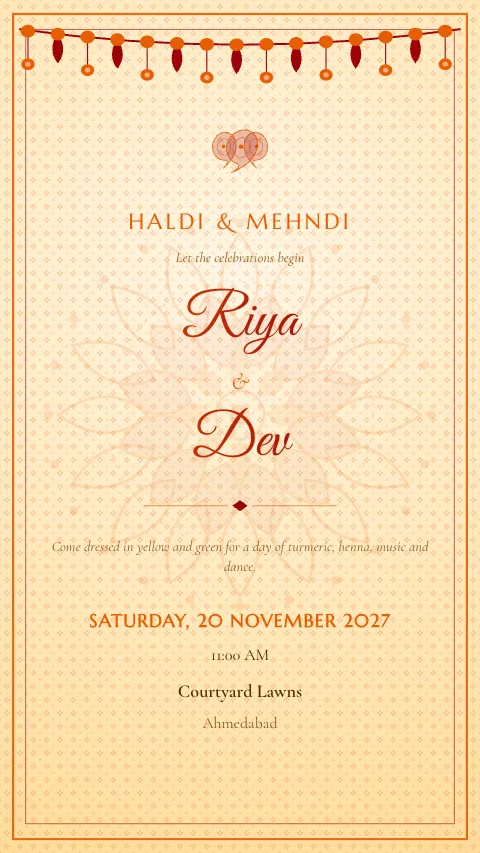
Saffron Sangeet
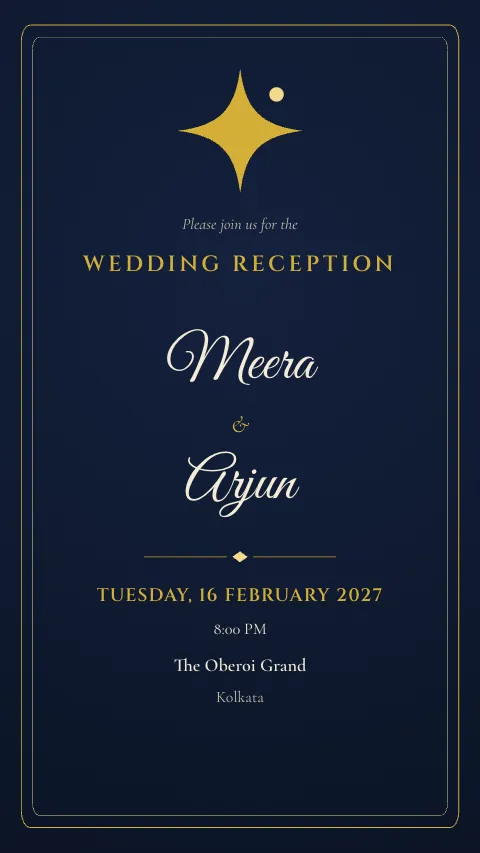
Navy & Gold Evening
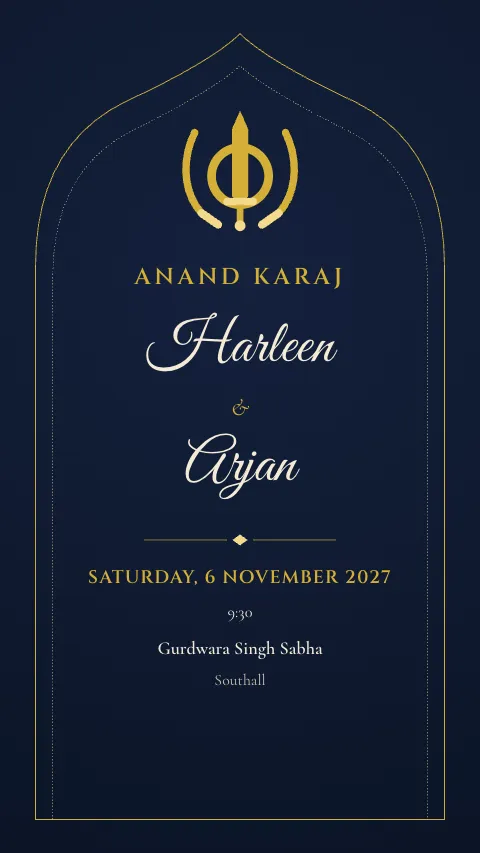
Gurdwara Blue
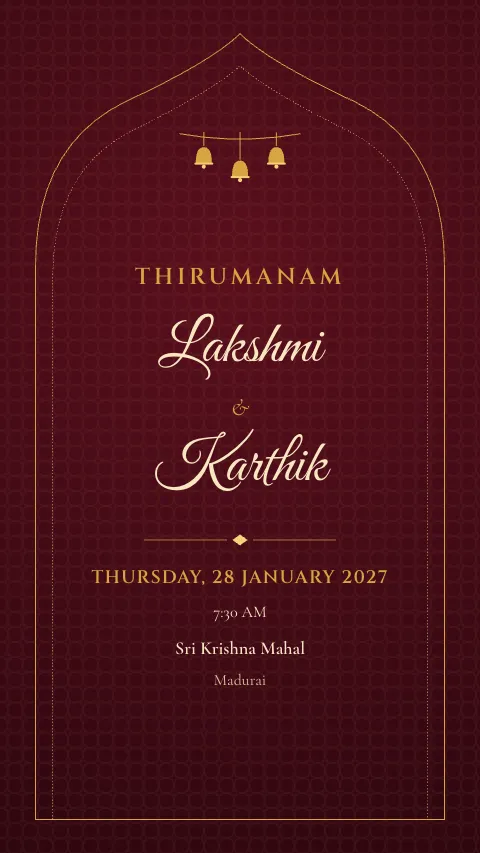
Kanjeevaram Silk

Emerald Nikah
Free to customise: change every word, colour, photo and the music, then share one link.
Key takeaways
- A wedding RSVP is only useful when it gives a number of people for each function, tied to a name on your list.
- Calls are accurate when the notes are good but cost hours; forms need cross-checking; polls count phones, not people.
- Settle plus-ones and children before you invite, then compare each answer with the number you expected.
- Close replies a few days before the caterer's deadline, remind once or twice, then call the last few families.
- On FunctionCard, all of this comes with every plan; a whole wedding is one Starter invitation at ₹399 plus GST.
Still writing the invitation itself? Our wedding invitation messages have lines to copy, the message writer drafts the rest, and the pre-wedding designs cover the haldi, mehndi and sangeet.
Questions people ask
How can wedding guests RSVP?
Is there a free way to collect wedding RSVPs?
How do you write the RSVP part of a wedding invitation?
What does RSVP mean on a wedding invitation?
How many days before the wedding should RSVPs close?
What should hosts do about guests who never reply?
Can guests add a plus-one to their RSVP?
Can hosts get an email each time a guest replies?
Design free · every function counted on its own · one payment for the whole wedding
Let the invitation collect and count your wedding RSVPs
Read next