Guides
How to make a birthday invitation card: a step-by-step guide for kids' parties, first birthdays and milestones
A birthday card has a simple job: tell people whose party it is, when and where, and find out who is coming. This guide walks through making one on your phone or computer, from the first design to the last reply, with the choices that differ for a child's party, a first birthday and a 50th.
The FunctionCard team
· 15 min read
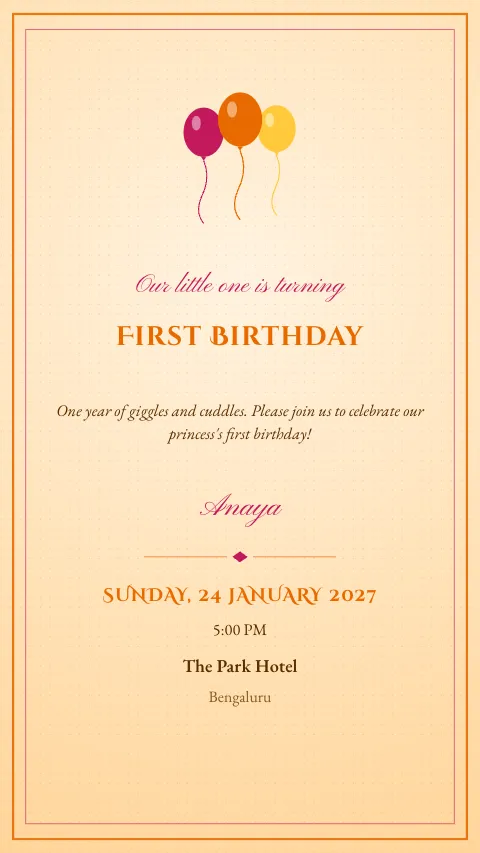
Knowing how to make a birthday invitation card used to mean sketch pens, glitter and a trip to the photocopy shop. Today most birthday invitations travel on WhatsApp, and the card that works best is one guests can open on a phone, tap for directions and answer in a few seconds. You can still make it beautiful: a photo of the birthday child, a theme, music, an envelope that opens. This guide covers the whole job in order, with the exact buttons in FunctionCard, so you finish with a card your guests can use and a headcount you can trust.
Quick answer
How do you make a birthday invitation card?
Pick a birthday design for the age and theme, then fill in the name, age, date, time and venue once in Details. Replace the sample photo, add music and an envelope, and turn on RSVP so guests can reply with how many are coming. Press Preview to check it free, then publish once and share the link on WhatsApp.
1,777
designs to start from
53
languages besides English
1,150
music tracks to add
417
fonts for every script
Get ready
What should a birthday invitation card include?
Every good birthday invitation answers the questions a guest would otherwise send you on WhatsApp: whose birthday, which one, where, when it starts and ends, and whether they need to reply. Gather these before you open any design, because the details are the part people get wrong, not the decoration.
Checklist
Details to have ready before you design
0 of 8 done · ticks stay in this browser
Who
When
Where
Extras
Replies
Two events? List both
Many first birthdays have a puja or havan in the morning for family and a party in the evening for everyone. Treat them as two functions on one card, each with its own time, venue and replies, rather than two separate invitations.
Step one
How do you choose the right birthday design?
Start with the age, then the theme. A design made for a first birthday has room for a baby photo and a soft palette; a kids' party design is bright and playful; a milestone design for a 50th or 60th is more formal, often with gold. You can change colours, fonts and pictures later, so pick the layout that already feels closest.
Quick pick
Which birthday are you planning?
Tap the one that sounds like you.
Real birthday designs to start from
See all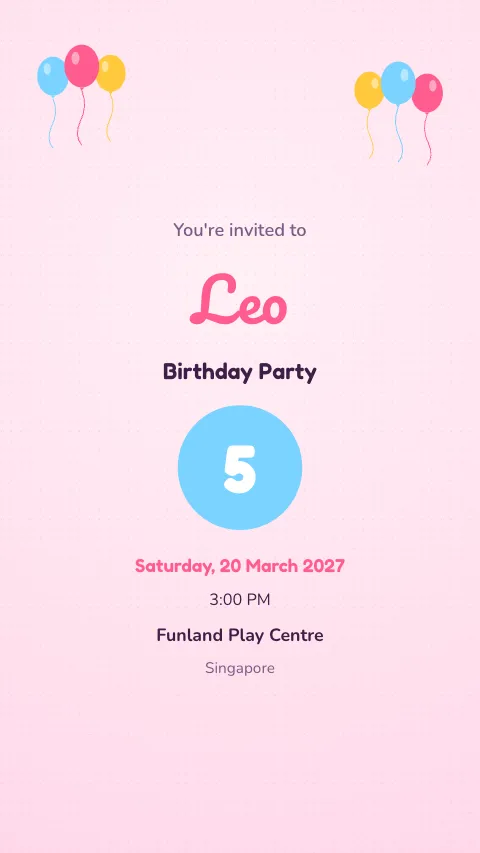
Balloon Bash
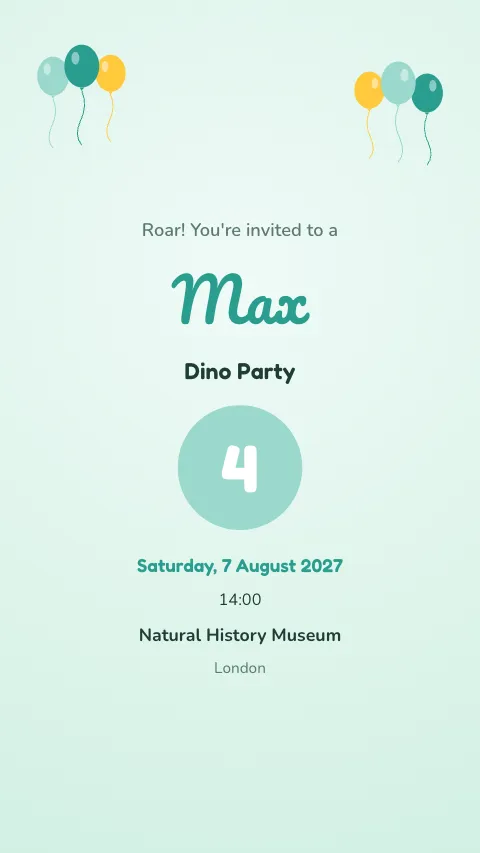
Dino Stomp
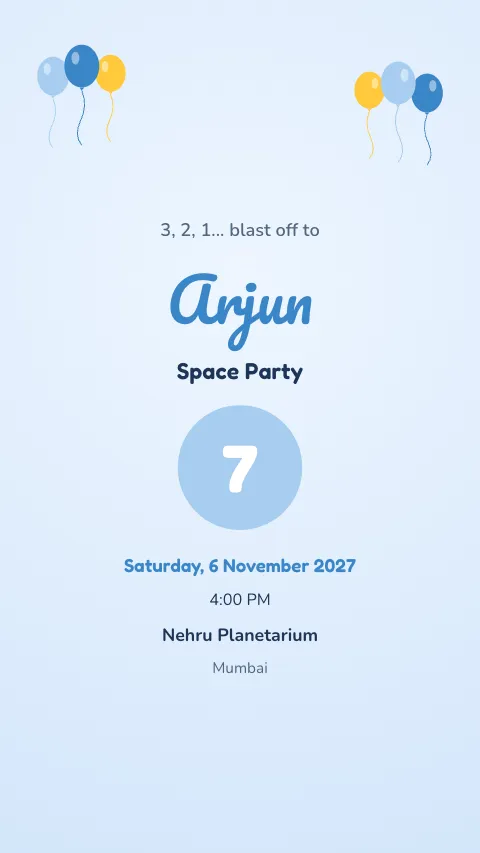
Blast Off
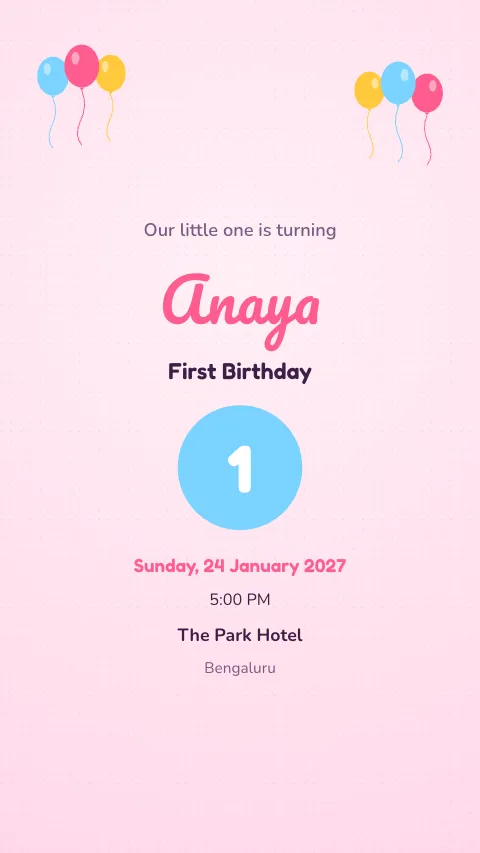
Little One
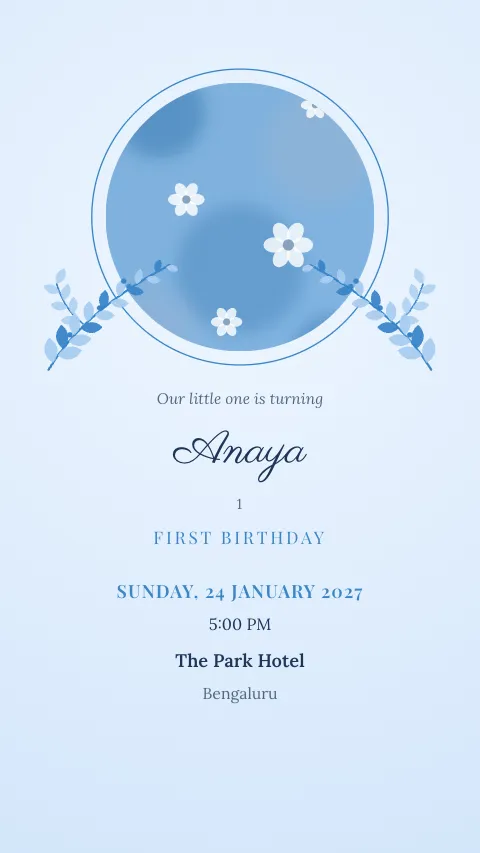
Baby's First Portrait
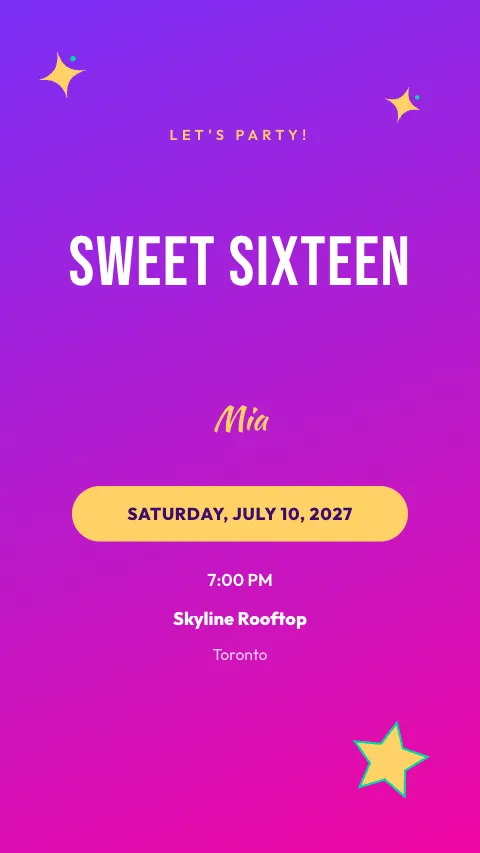
Neon Sixteen
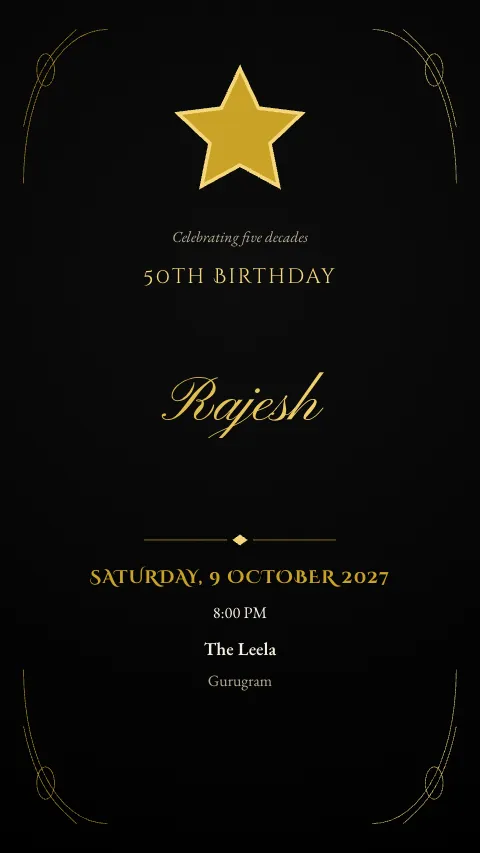
Golden Fifty
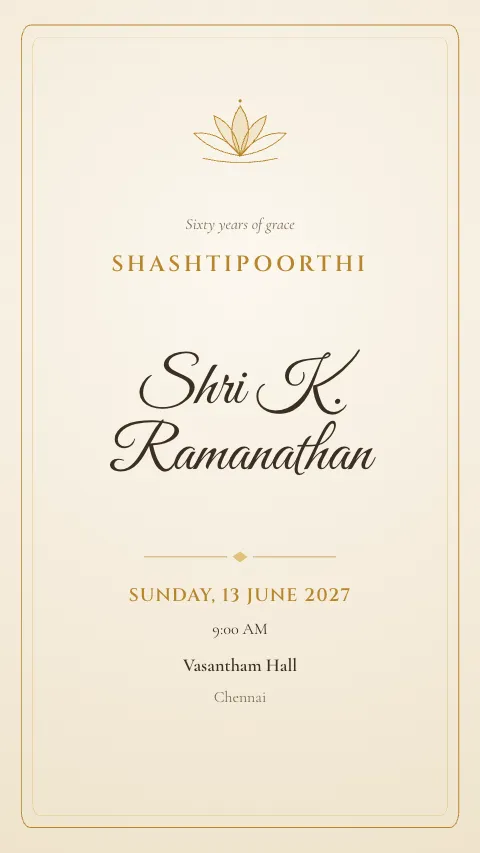
Sixty Blessings
Free to customise: change every word, colour, photo and the music, then share one link.
Search from the box at the top of any page with words like "first birthday jungle" or "50th dinner gold", or open the birthday designs and the first birthday designs. Tap the heart on any design to save it for later. On a design's page you also choose the size (phone, a 5 × 7 inch print card, or square) and, if you like, a language such as Hindi or Marathi.
Step two
How do you make a birthday invitation card online, step by step?
The editor works the same on a phone and a computer: on a phone the tools sit along the bottom, on a computer down the left side. You don't need to sign in to start. Sign in, which is free, when you want to keep the design in your account, add your own photos or music, and publish.
Step by step
Make your birthday invitation card
Plan on twenty to thirty minutes, most of it choosing the photo and the music.
You'll need
- The name, age, date, time and venue
- A Google Maps link to the venue
- One or two photos
- A song or a voice note, if you want one
Step 1 of 7
Open a design and press Customise this card
Open the design you chose, watch it play, then press Customise this card. The editor opens with the design ready to change. Prefer a blank card? Press Start designing instead.
See it in the help centreOpen Details and type the Occasion as it should read (for example "Aarav turns 5!"), the Names, and the Date, Time, Venue, Address and Map link. Text on every page that comes from these fields changes as you type.
Tip: Paste the Google Maps link in Map link. Without it, the map button only searches for the venue's name.
See it in the help centreIf there is more than one event, open Functions in Details and press Add a function for each, with its own name, date, time and venue. The Programme smart block shows them on the card with a map and calendar button each.
See it in the help centreTap the sample photo on the card, press Replace photo and upload yours. To add more, open Photos, press Upload photos, tap one to place it and pick a Shape such as a circle, arch or heart.
See it in the help centreOpen Music, search the library (try "piano" or "happy"), listen and press Use. For a personal touch, find Voice message, fill in Who is speaking?, press Record, then Stop and Use it.
See it in the help centreOpen Envelope and turn on Open with an envelope, with the birthday person's initials as the Monogram on the seal. In Effects, choose confetti or another falling effect in up to two colours.
See it in the help centrePress Preview in the top bar and watch the whole card as a guest would, envelope, music and all. It carries a watermark until you publish, and checking it costs nothing.
See it in the help centre
Try it live
This is what your guests see
A live kids' birthday design: tap the envelope to open it, listen to the music, then scroll to the party details, the map and the RSVP.
- 1Tap the envelopeIt opens on the guest's screen, with your wax seal and monogram.
- 2Your music beginsTurn the sound on: the song starts as the card unfolds.
- 3The pages come aliveScroll through animated pages, with petals, confetti or lanterns.
Wording
What should you write on a birthday invitation?
Keep it short. A guest reads the first line and the date, and skims the rest. A reliable order is: the headline ("You're invited!" or the child's name and age), one warm line, the date and time, the venue, the theme or dress code, and the reply request. Under Message in Details you can pick a ready-made message idea for your occasion, in English or Hindi, and change any word.
Message lines to start from
Aarav is turning 5 and the party needs you! Come for cake, games and a lot of noise.
Our little one turns one. Join us for a morning puja and an evening of celebration.
Five candles, one jungle and plenty of balloons. Dress in your wildest colours.
Please drop the children at 4 pm and collect them at 7. Snacks, games and return gifts are on us.
Fifty years of Papa's jokes deserve a proper dinner. Join the family to celebrate with him.
Shh, it's a surprise! Please arrive by 7:30 pm, before the birthday girl does.
Your presence is the only gift we're hoping for. Do let us know if you can come by 10 March.
Need more lines, or a different tone? Our birthday invitation messages post has a full set for kids, milestones and surprise parties, and the free message writer drafts wording for you in English, Hindi, Marathi or Hinglish.
Photos
How do you make a birthday invitation card with a photo?
A photo is the part guests look at first, especially on a first birthday. Choose a sharp, well-lit picture where the face fills a good part of the frame; a phone photo taken near a window usually works better than a dim party snapshot. Photos are made smaller before they upload, so even large files go up quickly.
- 1Swap the sampleTap the sample photo, press Replace photo and pick your picture, or one you uploaded before.
- 2Shape itWith the photo selected, choose its Shape (square, rounded, circle, oval, arch or heart), then a Filter and a Border if you like.
- 3Or use it as the backgroundIn Photos, press Background on an uploaded photo. Then set Photo strength, Blur and Darken for readable text under Background → Photo background, so the words stay easy to read.
Ask before you post other children
Only use photos you have the right to use, with permission from the people in them. For a class party, a photo of the birthday child alone is the safe choice.
Replies
How do guests reply, and why does it matter for a birthday?
Birthday costs follow the headcount: the size of the cake, the number of return gifts, the plates at a restaurant, the chairs at a party hall. A forwarded picture gives you none of that. Turning on RSVP means each guest says whether they are coming and how many people they are bringing, so a kids' party plans for the real number of children and parents.
Step by step
Turn on RSVP, publish and share your birthday card
About ten minutes, once the card looks right.
You'll need
- A finished design
- UPI, a card or netbanking
- Guests' names and phone numbers, for personal links
Step 1 of 6
Ask guests to RSVP
In Details, go to Replies and turn on Ask guests to RSVP. Set a Reply by date; replies close automatically after it.
See it in the help centrePress Publish in the top bar and read Before you publish, which flags things like a sample photo still on the card. Choose Starter for this one invitation.
See it in the help centrePress Pay … and publish and pay through Razorpay by UPI, card or netbanking. You're live! shows your link as soon as the payment is confirmed.
See it in the help centrePress WhatsApp on the You're live! screen and choose a chat or a group. The message shows a picture of your card's first page. In another app, press Copy link and paste it.
See it in the help centrePress Guests, RSVPs & email, add guests in the Guests tab, and press the WhatsApp button next to each name. Their link greets them by name and shows you whether they have opened it.
See it in the help centreThe dashboard's Overview shows how many are Coming, Maybe and Can't come. Press Download spreadsheet in Replies before you order the cake.
See it in the help centre
Guests reply with Yes, I'll come, Maybe or Can't come, how many people including themselves, which functions they will attend when there is more than one, and a message for you. They can change their reply later from the same link, and replies are shared only with the hosts.
Timing
When should you send a birthday invitation?
A simple timeline for a birthday party
3 to 4 weeks before
Milestone birthdays and first birthdays with outstation family: send the invitation so people can book travel.
2 weeks before
Kids' parties and dinners in town: send the link to parents' and friends' groups, or personal links one by one.
1 week before
Your reply-by date. Look at the headcount and message anyone who hasn't answered.
2 to 3 days before
Confirm numbers with the venue and cake shop, using the downloaded spreadsheet.
The morning of
Share the link once more in the group: the map button is what late guests need most.
Changed the time? Fix it at the same link
Open the design from My designs, make the change, press Update and then Publish changes. Guests see the new version at the link they already have, and editing never costs another invitation.
Cost
Can you make a birthday invitation card for free?
On FunctionCard, designing, changing and previewing are free, and you can try every design as long as you like. You pay once, only when you publish the live link guests open; that also removes the watermark from the downloads. Nothing renews. Every plan has every feature, so the RSVP, music, envelope and personal links are not extras.
Quick pick
Which plan fits your birthdays?
Tap the one that sounds like you.
Wondering whether a link beats a printed card or a forwarded image for a birthday? Our birthday invitation card comparison weighs them honestly, including when a printed card is the better choice.
Downloads
Can you print it or post it on WhatsApp Status?
Yes. After publishing, open the invitation's dashboard and go to Downloads. Under Pictures (PNG) each page downloads as a picture 1080 pixels wide, good for WhatsApp Status, Instagram and printing at home, and PDF gives every page in one file. Under Video (MP4), Make video records the card opening with its envelope, effects, voice message and music; the video ends on your invitation link.
The live link compared with a downloaded picture
Good
The link plays the envelope, music and animations; a picture is still
Guests tap the map, add the party to their calendar and reply from the link
A change you publish shows at the same link; a forwarded picture stays wrong
Personal links greet each guest by name
Watch out
A picture or video is better for Status and Reels, where links don't play
Elders who prefer paper need the PDF printed at a local shop
What FunctionCard doesn't do
It doesn't print or post cards, book venues or order cakes. Videos can be made in Chrome or Edge on a computer, or Safari on an iPhone or Mac; in other browsers the button stays off and a note explains why.
Avoid these
What are the most common birthday invitation mistakes?
- No end time on a kids' party. Parents need to know when to collect their children.
- Only the venue name. "The clubhouse" means nothing to a guest from another society. Add the full address and a Map link.
- A sample photo left on page two. Before you publish reminds you, but read every page in Preview as well.
- Posting a surprise in the family group. If the birthday person is in the group, use personal links instead.
- No reply date. Without one, half the replies arrive the evening before, after the cake is ordered.
- Forgetting the language. For grandparents, set the Card language to Hindi, Marathi or another language so the buttons and dates are in it too.
Key takeaways
- Gather the name, age, date, start and end time, full venue with a Map link, and a reply-by date before you design.
- Pick a design for the age first (kids' party, first birthday, milestone), then change the photo, colours and music.
- Fill in Details once and every page updates; add the puja and the party as separate functions.
- Turn on RSVP so you know how many children and adults are coming, function by function.
- Design and preview free; publish once from ₹399 plus GST and share one link on WhatsApp.
Questions people ask
How do I make a birthday invitation card on my phone?
Can I make a birthday invitation card for free?
What should be written on a birthday invitation card?
How do I add a photo to a birthday invitation?
How do I make a first birthday invitation card with a puja and a party?
Can guests reply to a birthday invitation online?
Can I make the birthday card in Hindi?
Free to design and preview · RSVP, music and envelope included · pay once to publish
Pick a birthday design and make it yours
Read next