Guides
Invitation card size: every standard size in inches, cm and pixels, and how to choose
A card that looks perfect on a laptop can come back from the press cramped, or reach a phone as a thin strip. Here are the standard sizes in inches, centimetres and pixels, which suits which occasion, and how one design can work in print and on WhatsApp.
The FunctionCard team
· 12 min read
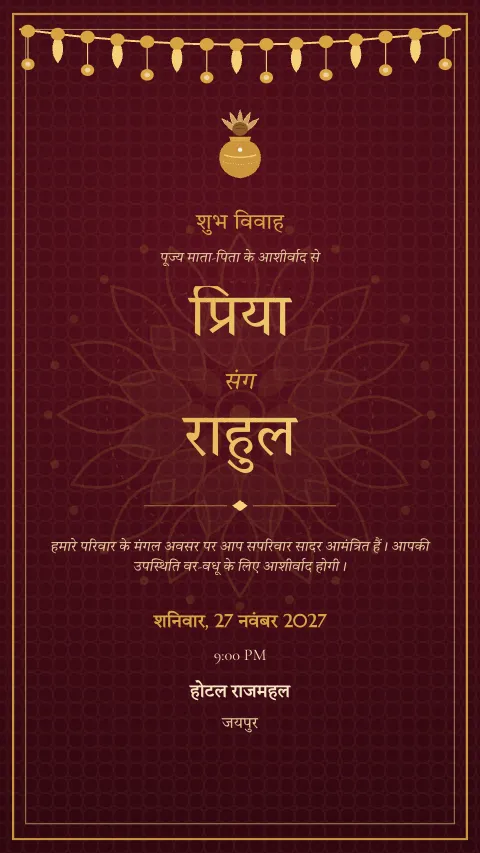
Most people pick an invitation card size last, after the design and the wording are done, and then discover the problem: the press wants a different shape, the text no longer fits, or the card looks tiny on a phone. Choosing the size first saves that rework. The good news is that there are only a handful of sizes worth knowing, and each one has a clear job.
Quick answer
What is the standard invitation card size?
The standard printed invitation card size is 5 × 7 inches (12.7 × 17.8 cm, or 127 × 178 mm). Smaller cards such as 4 × 6 inches or A6 (105 × 148 mm) suit RSVP cards and simple parties. For invitations sent on WhatsApp, a phone-shaped card of 1080 × 1920 pixels fills the screen, and a square of 1080 × 1080 pixels suits social posts.
Choose the size before you design
Text, photos and borders are placed for a shape. Change the shape at the end and every page has to be checked again. Decide first where most guests will see the card, on paper, on a phone or in a social feed, and start in that size.
The chart
What are the standard invitation card sizes in inches, cm and mm?
Printers in India work in inches and in the international A sizes, so it helps to know both. The list below gives each common flat card size in all three units, with what it is usually used for. Folded and boxed wedding cards are measured closed, and their sizes vary from press to press, so ask for the exact dimensions before you design for one.
- 5 × 7 inches (12.7 × 17.8 cm · 127 × 178 mm): the standard invitation. Fits a full wedding programme, a birthday with theme and timings, or a formal event.
- 4 × 6 inches (10.2 × 15.2 cm · 102 × 152 mm): postcard size. Good for RSVP cards, save-the-dates and a single-event party.
- A6 (10.5 × 14.8 cm · 105 × 148 mm, about 4.1 × 5.8 inches): close to 4 × 6, common at local presses for simple cards and inserts.
- A5 (14.8 × 21 cm · 148 × 210 mm, about 5.8 × 8.3 inches): a larger card with room for two languages or a long programme.
- 5.5 × 8.5 inches (14 × 21.6 cm): a tall format for formal and corporate events.
- Square, 5.5 or 6 inches (14 × 14 cm or 15.2 × 15.2 cm): a modern look; square envelopes are often harder to find.
- A4 (21 × 29.7 cm): too large for a single card; use it as a sheet to print two A5 or four A6 cards and cut them.
Width first, height second
Sizes are written width × height. A 5 × 7 card is portrait (tall); 7 × 5 is the same paper turned sideways (landscape). Say which you mean when you order.
The usual question
Are invitations 4x6 or 5x7?
Main invitations are usually 5 × 7, and the smaller 4 × 6 is used for the pieces around them: a reply card, a separate function card, a thank-you note. The deciding factor is how much you need to say. A wedding with haldi, mehndi, sangeet, the ceremony and a reception needs the extra room of 5 × 7 for the programme to stay readable. A child's birthday with one time and one venue looks generous on 4 × 6. Our invitation card format guide lists every part a card needs, which is a good way to judge how much space yours will take.
Quick pick
What are you printing?
Tap the one that sounds like you.
A sizes
Which is better for a wedding invitation, A5 or A6?
For a wedding, A5 is usually the safer choice. A6 is about the size of a 4 × 6 postcard, which suits one event but gets cramped once you list several functions, two family names on each side and a reply line. A5 is roomier than 5 × 7 and reads well for elders, at the cost of a bigger envelope and slightly more paper. Is A6 a standard invitation size? Yes, for small cards and inserts; it is a common choice for parties, thank-you notes and reply cards, and many presses keep A6 envelopes in stock.
The elders test
Print one page at home at the real size and hand it to the oldest person on your guest list. If they reach for their glasses to read the venue, the type is too small for that size: shorten the text or move up a size.
On screens
What size should an invitation card be in pixels?
On a phone there are no inches, only the shape of the screen. Most phones are tall, close to 9:16, so a card in that shape fills the screen and its names and date read without zooming. A printed shape such as 5 × 7 shows on a phone with empty bands above and below, which makes everything smaller. Square cards suit posts in a social feed. These are the three shapes FunctionCard designs come in, all 1080 pixels wide:
The three sizes in FunctionCard
Phone card
1080 × 1920 pixels. Fills a phone screen; best for WhatsApp and email.
Classic card
1080 × 1512 pixels, the same shape as 5 × 7 inches. Prints well.
Square
1080 × 1080 pixels. For Instagram and Facebook posts.
If you are designing a card for print in a general photo or design program, a common rule of thumb is to work at 300 pixels per inch: a 5 × 7 card becomes 1500 × 2100 pixels, and a 4 × 6 card 1200 × 1800. Ask your press what they prefer; some want a PDF rather than a picture.
Free tool
How much text fits on each invitation card size?
The size sets a budget for words. As a rough guide, if the main page runs past about a hundred words, the type has to shrink, and on a 4 × 6 card that happens much sooner. The fix is rarely a bigger card; it is a shorter message. Keep the names and the date large, write the invitation line in one sentence, and move the full programme to its own page or insert. The message writer below gives you a short, complete invitation message for your occasion that fits any size. Type the names, date and venue, pick a tone and a language, and copy it.
Free tool · try it here
Write a message short enough for your card
Choose the occasion, tone and language (English, Hindi, Marathi or Hinglish), fill in the details and copy a message that fits a small card or a phone screen. Free to use.
Short invitation lines for small cards
Two families, one celebration. Join us as [Bride] and [Groom] marry on [date].
With love and blessings, we invite you to the wedding of [Bride] and [Groom].
[Name] turns [age]! Cake, games and you, on [date] at [time].
Our new home is ready for its first guests. Griha pravesh puja on [date] at [time].
Please reply by [date]: it helps us plan every plate.
Full programme and map on the next page.
Before the press
What should you check before printing an invitation card?
A printed batch can't be edited, so a few checks at the right size save a reprint. Most of these come down to one habit: look at the card at its real size, not zoomed in on a big screen.
Checklist
Print-ready check
0 of 10 done · ticks stay in this browser
Size
Layout
Envelopes
Extras
Before the batch
Step by step
How do you change the size of an invitation card in FunctionCard?
Many families need two versions: a phone card for WhatsApp and a 5 × 7 card for elders and the family priest. In FunctionCard you don't redesign for that. You switch the size, and the layout adapts. Designing and previewing are free once you sign in; you pay only when you publish.
Step by step
Resize your invitation and get a print-ready PDF
From a phone card to a 5 × 7 print, with a QR code that leads back to the live invitation.
You'll need
- Your design, with details filled in
- The size your press prints
- A phone to scan the QR code on the proof
Step 1 of 6
Open your design in the editor
Go to My designs and open the invitation, or start from Templates, where you can pick the size when you begin.
See it in the help centrePress Resize in the editor's top bar, or open Background → Card size.
See it in the help centrePick Phone card, Classic card (5 × 7 inches) or Square. The layout, text and stickers adapt to the new shape.
Tip: Not happy with the result? Press Undo and the old size comes back.
See it in the help centrePress Preview and read each page at the new size, especially long names and the programme.
Press Publish. One Starter invitation is ₹399 plus GST, paid once, and covers every function.
Open itIn the invitation's dashboard, open Downloads and press Print PDF with QR code. It adds a last page with a QR code guests can scan to open the invitation and reply.
See it in the help centre
Need pictures instead? Under Downloads → Pictures (PNG), each page downloads 1080 pixels wide, which suits WhatsApp status, Instagram and printing at home (how downloads work). For just the code, press Download QR on the dashboard's Overview and add it to any printed card. If you usually start in one size, set it once under Account → Preferences → New designs → Card size.
Try it live
This is what your guests see
A live wedding design: tap the envelope to open it. The same card can be switched between Phone card, Classic card and Square in the editor.
- 1Tap the envelopeIt opens on the guest's screen, with your wax seal and monogram.
- 2Your music beginsTurn the sound on: the song starts as the card unfolds.
- 3The pages come aliveScroll through animated pages, with petals, confetti or lanterns.
What FunctionCard doesn't do
It doesn't print, cut or post cards, or sell envelopes. Download the print PDF and take it to a local press for the paper, printing and envelopes.
Quick picks
Which invitation card size suits each occasion?
- 1Wedding5 × 7 or A5 for print, with 4 × 6 inserts for separate functions; a phone card for WhatsApp, where every function can carry its own map and RSVP.
- 2Engagement, roka or reception5 × 7 when printed; one event fits comfortably. A phone card for the online invitation.
- 3Birthday4 × 6 or A6 for a kids' party; 5 × 7 for a milestone birthday with a photo. Square if you also post it.
- 4Griha pravesh, puja or naming ceremony5 × 7 so the new address and the puja time have room; a phone card so the map link is one tap away.
- 5Office or business event5.5 × 8.5 or A5 for print; a phone card for email invitations.
Designs to start from, in any of the three sizes
See all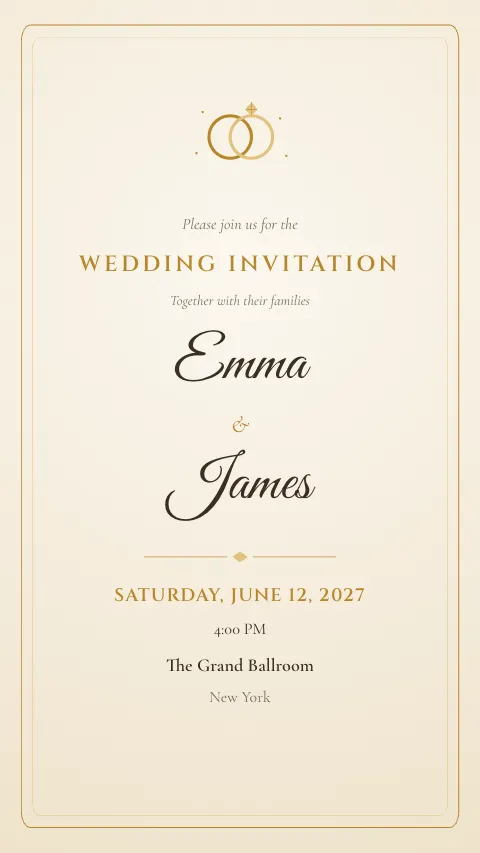
Ivory Vows
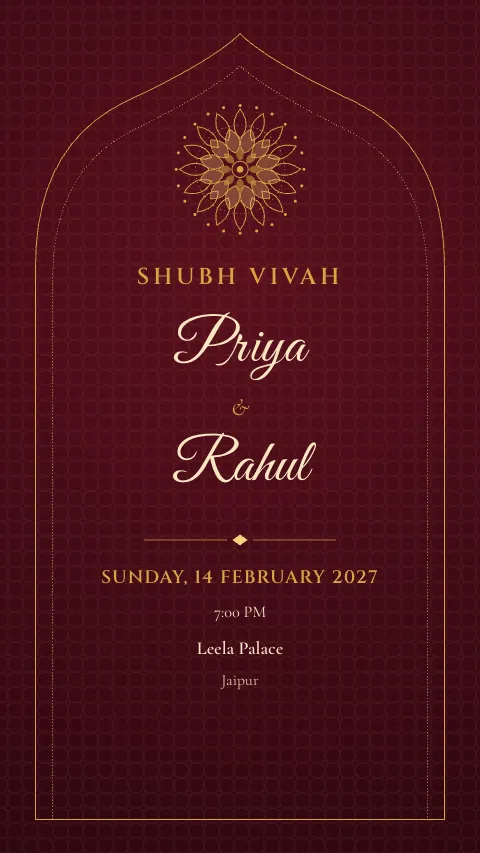
Royal Durbar
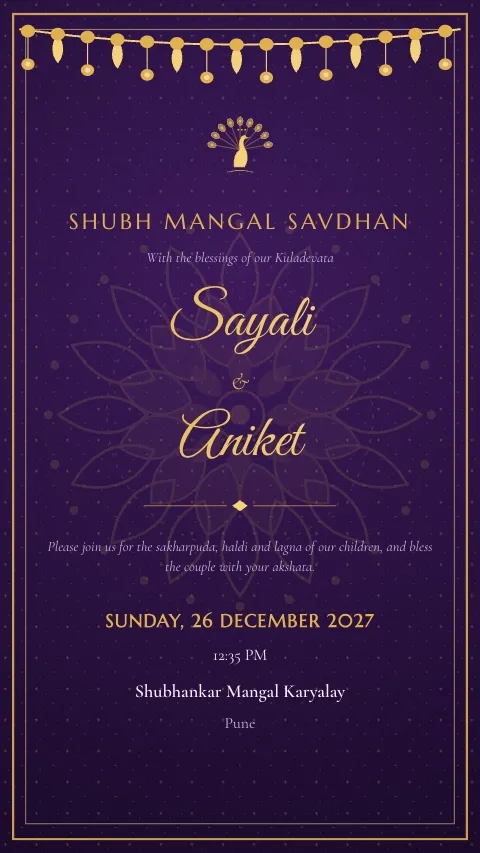
Paithani Peacock
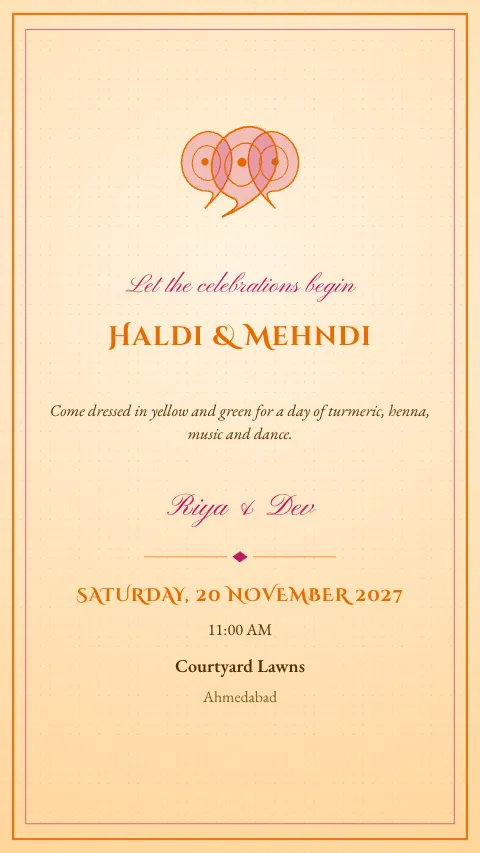
Marigold Haldi
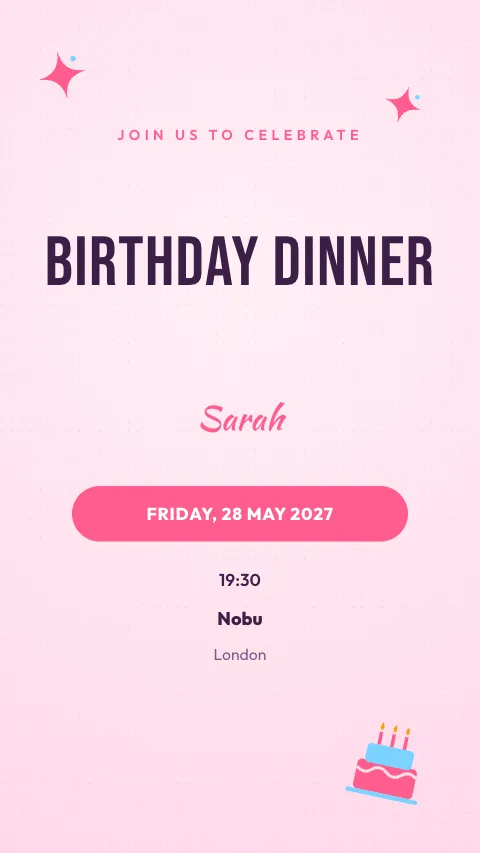
Sprinkles & Cake
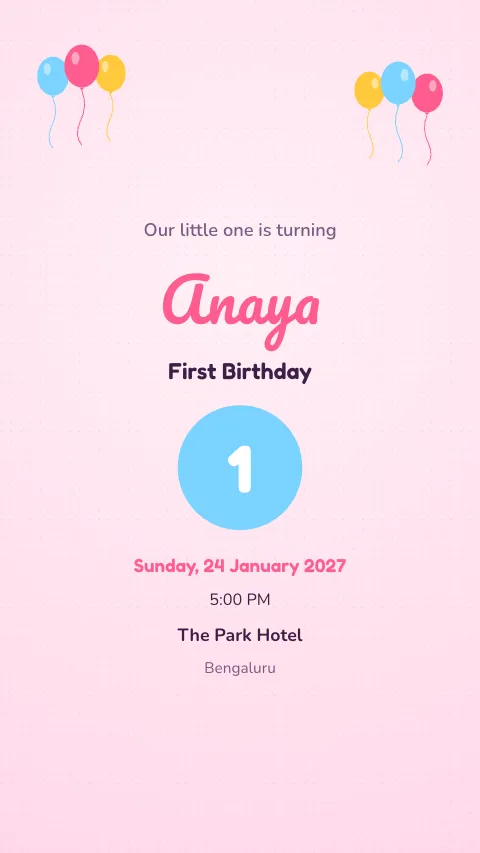
Little One
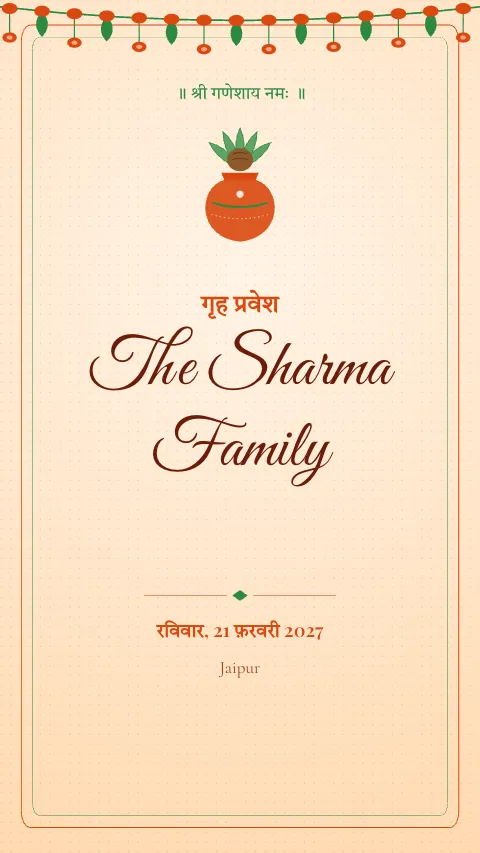
Griha Pravesh Kalash
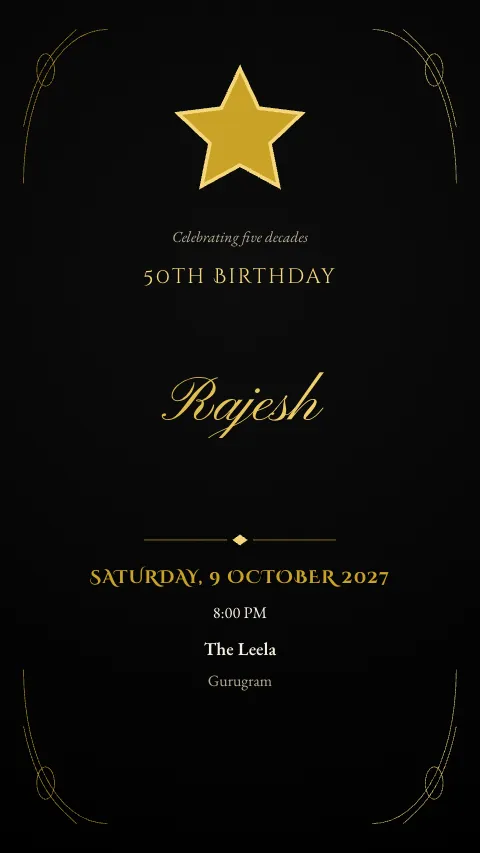
Golden Fifty
Free to customise: change every word, colour, photo and the music, then share one link.
Paper and phones
Should you print invitations at all, or only send them on phones?
Many families now do both: a few dozen printed cards for elders and the people who are invited in person, and a link for everyone else. The printed card is the keepsake; the link carries the details that change, such as a venue update or a new function time, and the replies. If you're weighing the two, our comparison of digital invitations and printed cards sets out the costs, and the shaadi card design guide explains what changes on a phone screen.
Sizes: what to do and what to avoid
Good
Start the design in the size most guests will see.
Use 5 × 7 for a printed wedding card with several functions.
Keep inserts smaller than the main card.
Use a phone-shaped card for WhatsApp so it fills the screen.
Print a proof at real size before the whole batch.
Watch out
Squeezing a full programme onto a 4 × 6 card.
Sending a landscape card to phones, where it shows as a thin strip.
Designing to the very edge without asking the press about bleed.
Ordering envelopes the exact size of the card.
Judging type size zoomed in on a laptop screen.
Key takeaways
- The standard printed invitation card size is 5 × 7 inches (12.7 × 17.8 cm).
- 4 × 6 inches and A6 suit RSVP cards, inserts and simple parties; A5 suits long programmes and two languages.
- For WhatsApp, a phone card of 1080 × 1920 pixels fills the screen; square 1080 × 1080 suits social posts.
- The size sets a word budget: shorten the message before you shrink the type.
- In FunctionCard, press Resize to switch between Phone card, Classic card and Square, then download the Print PDF with QR code after publishing.
Questions people ask
What size is a 5x7 invite in cm?
Are invitations A5 or A6?
What is the standard wedding card size in India?
What is the invitation card size in pixels for WhatsApp?
What is a basic invitation size?
Can I change the size after designing my card?
Does FunctionCard print invitation cards?
Phone card, Classic 5 × 7 or Square · switch any time · free to design and preview
Pick a design in the right size
Read next
Guides
How to make a birthday invitation card: a step-by-step guide for kids' parties, first birthdays and milestones
Guides
Wedding checklist for an Indian wedding: month by month, from the muhurat to the thank-yous
Guides
AI invitation card maker: make an invitation by asking Claude, ChatGPT or your own AI app