Compared
Online invitation maker: how to choose one, with four options compared and a 12-point checklist
A design app, an event invitation maker, a designer or the local press: all four can make something beautiful. What separates them is what happens after you press send. Here they are side by side, with twelve checks to run before you pay.
The FunctionCard team
· 14 min read
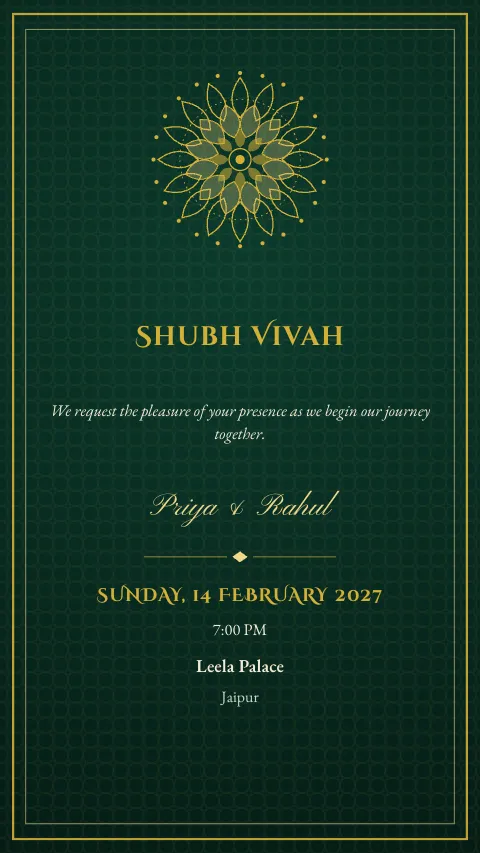
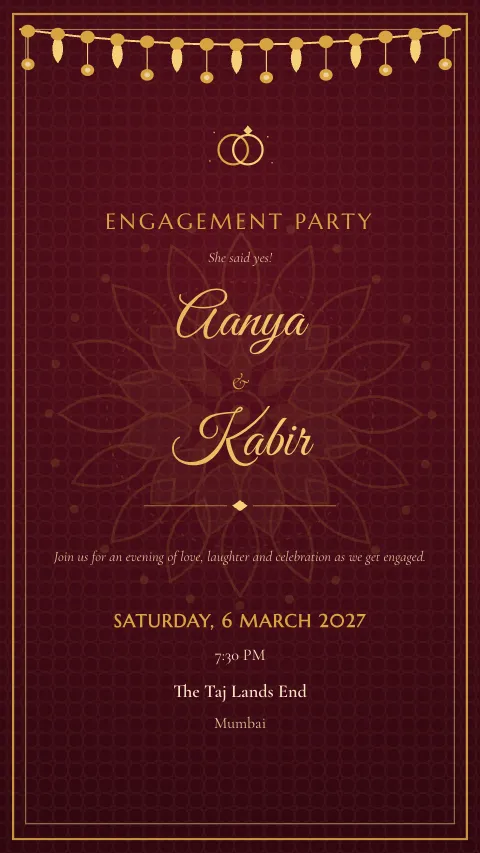
Search for an online invitation maker and you get a wall of tools that all promise a beautiful card in minutes. Most can make something pretty. Far fewer can do the jobs an invitation has once it leaves your phone: tell three hundred guests which hall the sangeet is in, count who is coming to the reception, greet Mausiji by name, and quietly update everyone when the mehndi moves to the terrace. This is a buyer's guide: four ways to make an invitation, side by side, and twelve checks to run before you spend a rupee.
Quick answer
What is the best online invitation maker?
The best online invitation maker is the one that handles guests, not just the design. Check for RSVP for each function, personal guest links, your language and script, licensed music, an opening envelope, free edits after sending, a one-time price rather than a subscription, private links, PNG, PDF and MP4 downloads, and nothing for guests to install. FunctionCard is built around all of these.
1,771
ready designs to start from
165
occasions, each with its own designs
53
languages, with fonts for each script
1,150
royalty-free tracks, credits handled
The options
What kinds of tool can make your invitation?
There are four: a general design app, an invitation maker built for events, a designer you hire, and a printing press. The first two you do yourself; the other two are done for you. All four can make a lovely card; they split apart after it is sent.
- A general design app makes everything from posters to presentations. Huge template libraries, total freedom of layout, and exports as a picture, PDF or short video. Premium templates and fonts usually sit behind a monthly or yearly plan.
- An invitation maker built for events, which is what FunctionCard is, starts from the event rather than the page: details typed once, each function added, and a live link with replies, maps and a guest list built in.
- Hiring a designer gets you artwork nobody else has. You receive image, PDF or video files; changes after delivery depend on what you agreed.
- A printing press gives you a card to hold, in a real envelope. It's the traditional choice for elders and rituals, and the only option whose cost climbs with every name on the list.
Side by side
How do the four options compare, feature by feature?
On looks, all four can do well. The gaps show up in replies, corrections, languages and cost. The table sets what FunctionCard does today against what is typical for each other kind; individual apps, designers and presses vary, so treat each row as a question to ask.
Event invitation maker vs design app vs designer vs printed cards
| Feature | FunctionCard | General design app | Hiring a designer | Printed cards |
|---|---|---|---|---|
| Designs made for your occasion and ritual | 165 occasions | Partly | Made to your brief | The press's catalogue |
| Every function with its own date, venue and map | Partly | Partly | Partly | |
| RSVP and headcount for each function | ||||
| A personal link that greets each guest by name | Partly | Partly | ||
| Your language and script, buttons included | 53 languages | Partly | Depends on the designer | Depends on the press |
| Music you're allowed to share | Partly | Depends on the licence | ||
| An envelope that opens, with animation | Partly | Partly | Partly | |
| Correct a detail after sending | Free, same link | Partly | A new file | |
| How you pay | Once per invitation | Free tier, then a plan | A fee per job | Per card |
| Take it back after sending | Partly | |||
| PNG, PDF and MP4 files | The formats you agree | |||
| One-of-a-kind artwork | Partly | Partly | Partly | |
| Something to hold and keep | Partly | Partly | Partly |
What FunctionCard does today, against what is typical for each other kind. Other event invitation makers, apps, designers and presses differ: use the rows as questions to ask any of them.
The big choice
Should you use a general design app or an invitation maker built for events?
Use a design app when the job ends at a picture; use an event invitation maker when the job carries on after sending. One is a blank canvas with a brilliant toolbox. The other already knows what a haldi is, where the venue map belongs, and that the caterer needs a number by Thursday.
FunctionCard
- Names, dates and venues typed once fill every page
- Up to 20 functions per invitation, each with a map, calendar button and RSVP
- Personal links that greet each guest and show only their functions
- Royalty-free music, a family voice message and an opening envelope
- Fix a mistake after sending; the same link shows it
- Paid once per invitation; nothing renews
Already paying for a design app at work? A quick image for a small get-together then costs nothing extra, and that is sensible. The sums change with hundreds of guests, several functions and a date that may still move.
Buyer's checklist
What should you look for in an online invitation maker?
Twelve things. The first six decide whether guests can actually use the invitation; the other six decide what it costs you in money, privacy and effort. Tick them off while you test any tool, this one included.
Checklist
Twelve checks before you choose an invitation maker
0 of 12 done · ticks stay in this browser
For guests
For you
The two-minute test for any invitation maker
Type a grandparent's name in your own script, add a second function at another venue, switch the card's language and preview it on a phone. Then change the date and watch where it updates. Whatever breaks now would break in front of every guest.
Replies
Why does RSVP for each function matter so much?
Because an Indian celebration is rarely one event. A haldi for forty, a sangeet for two hundred and a reception for six hundred each need their own number, and a single 'coming or not' gives you none of them. An invitation maker built for events asks each guest which functions they'll attend and for how many, then counts per function. Our RSVP guide covers replies in depth.
What an invitation link keeps doing after you send it
The day you send
Each family gets its own link. The chat shows a picture of the first page, and the invitation greets them by name.
The first week
Replies land in the dashboard, counted per function. Emailed guests who haven't answered can get a reminder.
Two weeks before
The caterer asks for numbers. You download a spreadsheet instead of scrolling through chats.
Ten days before
The mehndi moves indoors. You change the venue once and every guest's link shows the new hall.
On the day
Guests tap Map for directions from wherever they are.
Afterwards
The invitation stays online for at least 12 months after the last function.
Music
Is the music on an online invitation legal to use?
It is when the track is licensed for the way you use it. A film song you don't hold the rights to isn't yours to share with hundreds of people. FunctionCard's 1,150 tracks are all royalty-free (public domain, CC0 or CC BY), with credits shown for you where a track asks for one; the royalty-free music declaration sets out the terms. You can upload your own song once you confirm you have the right to use it, or record a voice message of up to two minutes.
Languages
Can an online invitation maker handle Hindi, Tamil or Gurmukhi properly?
A good one can, but test it before you choose: type a name in your script and check that every conjunct and matra appears as it should. On FunctionCard, Show designs in… switches the whole store to any of 53 languages, and a card's Card language setting changes its dates, the design's own words and everything guests tap. Type in any script and fonts that can write it load by themselves; words you typed yourself stay as written.
Money
Subscription or one-time price: which costs less for one event?
For one event, a one-time price usually works out cheaper, and there is nothing to remember to cancel. FunctionCard is free to design and preview, and you pay once to publish: Starter is ₹399 plus GST for one invitation with every function, Family ₹999 plus GST for up to 10 invitations within 12 months, Business ₹1,999 plus GST for up to 100. Swap the guesses below for your own quotes.
What would each option cost for your guest list?
FunctionCard
₹471
General design app
₹500
Hiring a designer
₹4,000
Printed cards
₹12,750
At 250 guests, FunctionCard costs ₹29 less than the cheapest option above.
Every figure except FunctionCard's is an estimate for you to change: apps, designers and presses all price differently. FunctionCard's figure is the real Starter price.
What 'free' usually means
A watermark on the download, the best designs held back, or a picture with nothing after it: no replies, no map, no way to fix a mistake. On FunctionCard, designing, previewing and the invitation message writer cost nothing; the watermark comes off when you publish.
Privacy
Is an online invitation private, and who sees your guests' details?
An online invitation is as private as its link. On FunctionCard, anyone with the link can open it, search engines are asked not to list invitations, and each reply is shared only with the hosts. Guests' names, emails and phone numbers are used only to send your invitation and show you replies, never sold or used for advertising. A UPI ID added for shagun is visible to anyone who opens the invitation, and you can switch the invitation off at any time in the dashboard's Settings.
Guests
Do guests need an app to open an online invitation?
They shouldn't. A FunctionCard invitation is a web link that opens in the phone's own browser from WhatsApp, a text or an email, with no download and no account for guests. If a tool asks guests to install something, expect some elders never to see it.
Files
Can you still get a PNG, a PDF or a video from an online invitation maker?
You should. After publishing, FunctionCard's dashboard gives you each page as a PNG for status posts, a PDF of every page, a Print PDF with QR code at the 5 × 7 inch size so guests holding paper can open the live invitation and reply, and an MP4 of the card opening, music and all. The video needs Chrome or Edge on a computer, or Safari on an iPhone or Mac.
Weddings
Which online invitation maker suits an Indian wedding?
One that treats a wedding as a programme, not a single date: a design made for your ceremony, every function from haldi to reception, replies per function, personal links for families invited to only some, and your language. FunctionCard's wedding designs cover pheras, nikah, Anand Karaj, Bengali, Gujarati, Marathi and South Indian weddings among others, and one Starter invitation holds up to 20 functions. For the build itself, see our wedding card maker guide or browse wedding designs.
Designs made for the ceremony, not just the date
See all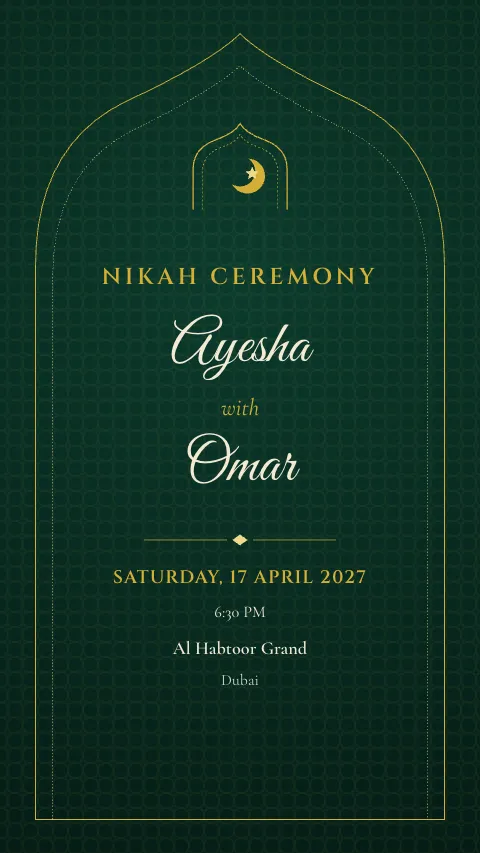
Emerald Nikah
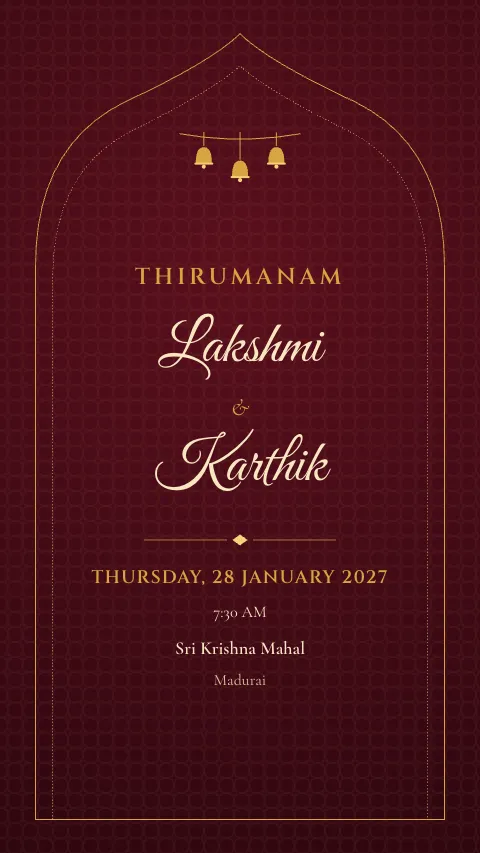
Kanjeevaram Silk
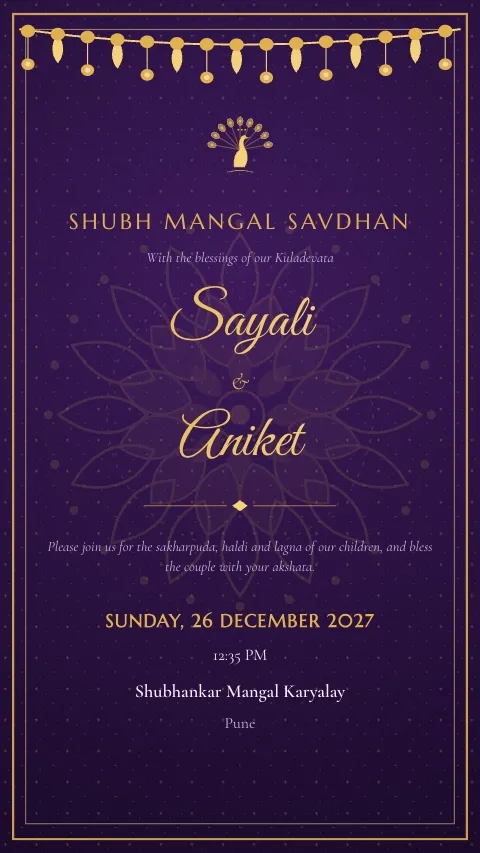
Paithani Peacock
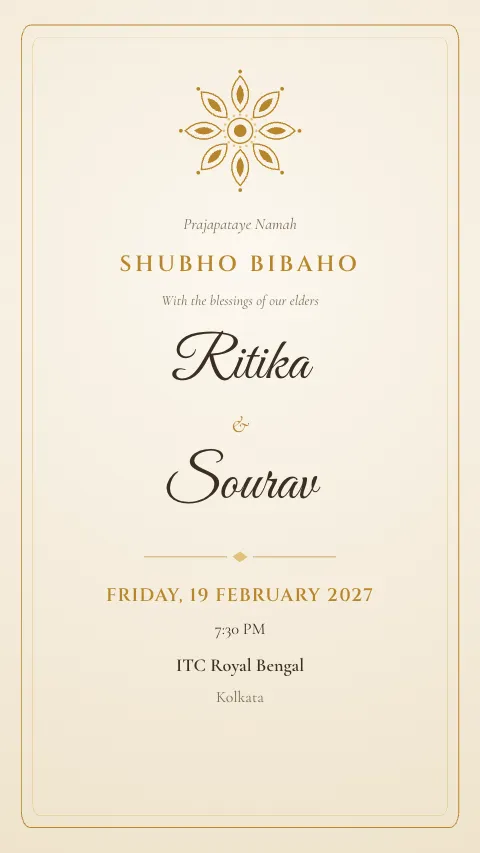
Shankha Pola
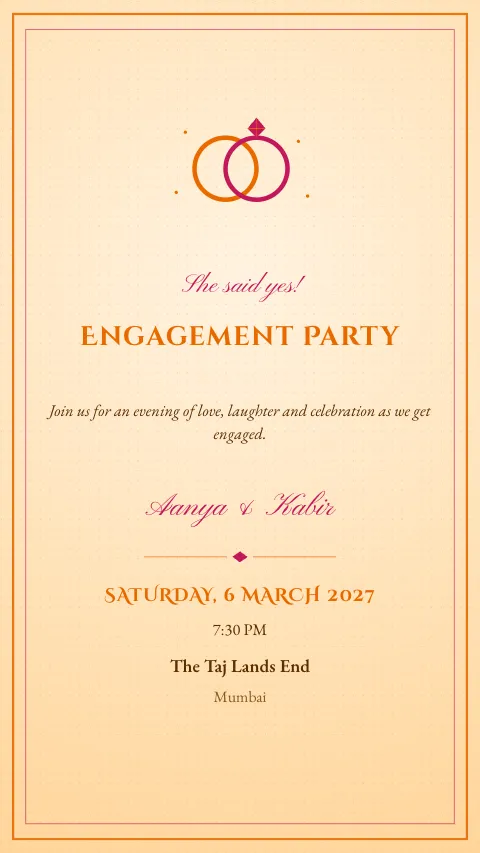
Roka Celebration
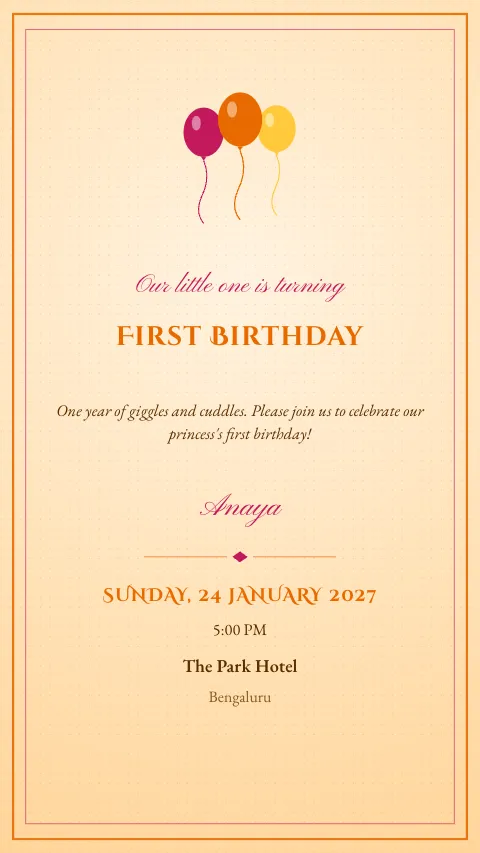
Pehla Janmadin
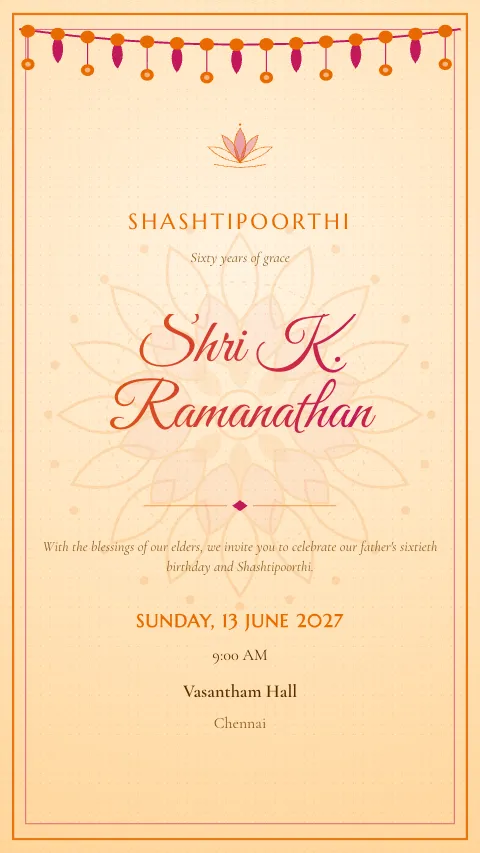
Golden Sixty
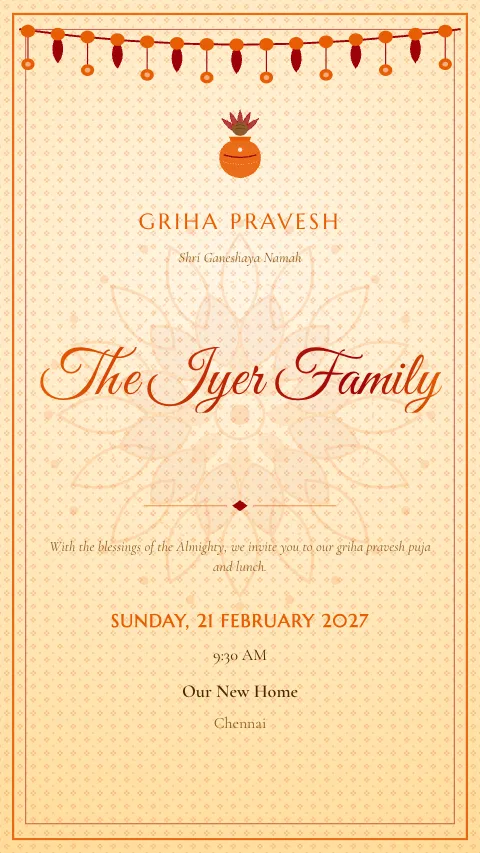
Toran Welcome
Free to customise: change every word, colour, photo and the music, then share one link.
Try it live
This is what your guests see
An Anand Karaj design from the store, playing as guests see it. Tap the envelope with the sound on, then scroll to each function's map, calendar button and RSVP.
- 1Tap the envelopeIt opens on the guest's screen, with your wax seal and monogram.
- 2Your music beginsTurn the sound on: the song starts as the card unfolds.
- 3The pages come aliveScroll through animated pages, with petals, confetti or lanterns.
Honest verdict
When is a design app, a designer or a printed card the better choice?
More often than an invitation company might like to admit. A design app wins for one still image, or posters, menus and signage that all match. A designer wins for artwork nobody else has, such as an illustrated portrait of the couple, or when you'd rather not touch the work at all. Printed cards win as keepsakes, and for the card that goes in the puja thali.
Our verdict
Choose by the job the invitation has to do
With several functions, hundreds of guests or details that might change, an invitation maker built for events does the most work. Many families use two: a link for everyone, printed cards for a few elders.
One still image for a small get-together
A general design app
Posters, menus, signage and social posts in one style
A design app or a designer
Hand-drawn artwork nobody else will have
Hiring a designer
A keepsake for elders and the puja thali
Printed cards, with a QR code to the link
Several functions, replies and details that may change
FunctionCard
Quick pick
What are you making the invitation for?
Tap the one that sounds like you.
Key takeaways
- Judge any online invitation maker on what guests can do with the invitation, not only on how it looks.
- The twelve checks: per-function RSVP, personal links, your script, map and calendar, envelope and music, no app, licensed music, edits, one-time price, privacy, downloads, free preview.
- Design apps suit still images and matching pieces; designers suit one-of-a-kind artwork; presses suit keepsakes; event invitation makers suit several functions and changing details.
- FunctionCard is free to design and preview; you pay once to publish, from ₹399 plus GST, with every feature on every plan.
Ready to try one? Our invitation card maker tour opens every editor tool in order, and every occasion lists the designs for yours.
Questions people ask
What is the best online invitation maker in India?
Is there a free online invitation maker without a watermark?
Can I make a Sikh, Muslim or South Indian wedding invitation online?
Can I download an online invitation as a PDF?
What is the difference between a digital invitation card and an online invitation?
Is it safe to add guests' phone numbers and emails?
Design and preview at no cost · pay once to publish · every function on one invitation
Run the twelve checks on FunctionCard, free
Read next