Guides
Wedding card maker: make your wedding card online, from the first design to the last RSVP
A wedding card used to mean a printer, a proof and a box of envelopes. Now it can mean an afternoon on your phone. Every step in FunctionCard with the exact buttons, which design to pick, every function on one card, and what to check before you send it.
The FunctionCard team
· 15 min read
Somewhere between booking the venue and choosing the lehenga, someone in the family asks the question: who is doing the cards? A wedding card maker is the answer for families who want to design the card themselves, on a phone or laptop, without waiting on a print shop. This guide walks through the whole job in FunctionCard, from the first design to the moment the RSVPs start coming in.
Quick answer
How do you make a wedding card online with a wedding card maker?
Pick a wedding design, sign in free and press Customise this card. Fill in the names, date and venue once in Details, add each function from haldi to reception, then change photos, fonts, music and the envelope. Preview it free. When it looks right, press Publish, pay once and send the link on WhatsApp. Guests open it in any browser.
1,771
designs to start from
53
languages for the card
1,150
royalty-free music tracks
417
fonts, Indian scripts included
The basics
What is a wedding card maker?
It is a tool that gives you ready wedding designs and lets you change the words, photos, colours and layout yourself. Some makers only produce a picture or a PDF that you forward. Others, like FunctionCard, produce a live invitation: a link that opens like a real card, with an envelope to tap, music, animated pages, and buttons for the map, the calendar and the RSVP. The card is the same on every guest's phone, and you can still correct it after it has been sent.
A card that keeps working after you send it
A printed card is finished the day it leaves the press. A live invitation keeps doing jobs for weeks: it tells guests where to go, counts who is coming to each function, takes shagun by UPI if you turn it on, and updates for everyone if the sangeet moves to a different hall.
If you are still deciding between paper and a link, our comparison of a digital wedding invitation and a printed card covers cost and etiquette in detail. This guide assumes you have chosen to make the card online and want to do it well.
Step by step
How do you make a wedding card online, step by step?
Set aside about half an hour for the first version. Most of that time goes on choosing a design and getting the names exactly right; the rest is quick. Everything saves to your account as you go, so you can stop and come back from another device.
Step by step
Design your wedding card in FunctionCard
Designing and previewing are free once you sign in. Nothing is paid until you publish.
You'll need
- The couple's names as they should read
- The date, time and venue of each function
- A couple photo, if the design takes one
- A Google Maps link for each venue (optional)
Step 1 of 8
Find a wedding design
Open Templates or the wedding designs page, or type something like "Marathi wedding" in the search box at the top of any page. Open a design to watch it move, with its envelope and music.
Tip: Tap the heart on designs you like. They wait under Saved, so you can show the family a shortlist.
See it in the help centreOn the design's page, choose the size (for phones, for print at 5 × 7 inches, or square) and, if you like, the language. Then press Customise this card. You will be asked to sign in first; it is free.
See it in the help centreIn the editor, open Details. Type the Occasion, the Names, an optional Hosts line such as "Together with their families", and your Message. Then the Date, Time, Venue, Address and City. Linked text on every page changes as you type.
Tip: Stuck on the message? Under Message, pick one of the ready-made message ideas and change any word.
See it in the help centreStill in Details, go to Functions and press Add a function, or tap a quick one such as + Haldi, + Mehndi or + Sangeet. Give each one its date, time and venue, and use the arrows to put them in order.
See it in the help centreTap the sample photo on the card and press Replace photo, then upload yours. To add more, open Photos, press Upload photos and choose a shape such as a circle, arch or heart.
See it in the help centreOpen Music, listen to a few tracks and press Use on the one you like. Then open Envelope, turn on Open with an envelope and add a monogram on the seal, such as A&R.
See it in the help centreOpen Effects and choose something under Falling and floating, such as petals or confetti, in up to two colours. Animation style for the whole card sets how every page moves.
See it in the help centrePress Preview in the top bar. You see the envelope, the music and every page exactly as guests will, with a watermark until you publish. Press Close preview to keep editing.
See it in the help centre
Starting from scratch instead
Have a design in mind that no template matches? Press Start designing at the top of the page to begin with a blank card. The same Details, Functions and tools are there.
Choosing
Which wedding card design should you choose?
Start with the ceremony, not the colour. A design made for pheras, a nikah, an Anand Karaj or a Marathi lagna already carries the right symbols, the right opening line and a layout that suits the way that wedding is announced. Changing colours later takes a minute; rebuilding a card's whole feel takes an evening. Then think about the phone: a card is read on a small screen, often in bright light, so designs with clear lettering and one strong picture read better than crowded ones.
Quick pick
What kind of wedding is it?
Tap the one that sounds like you.
Wedding designs from across India
See all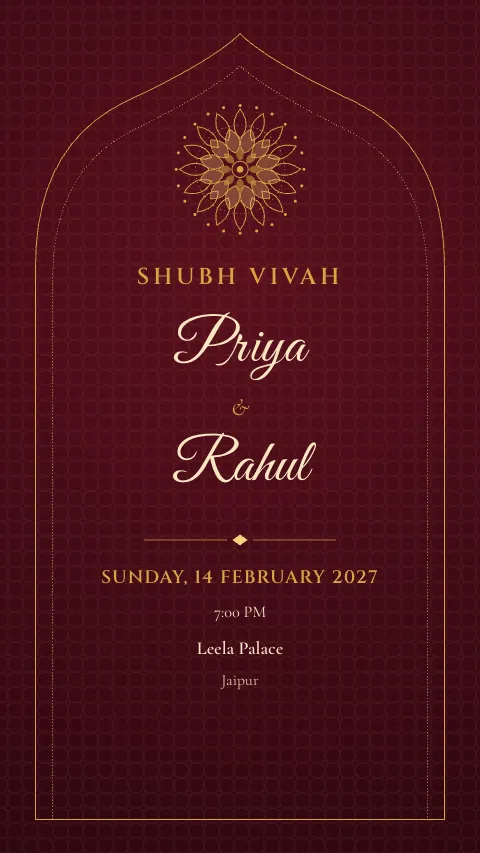
Royal Durbar
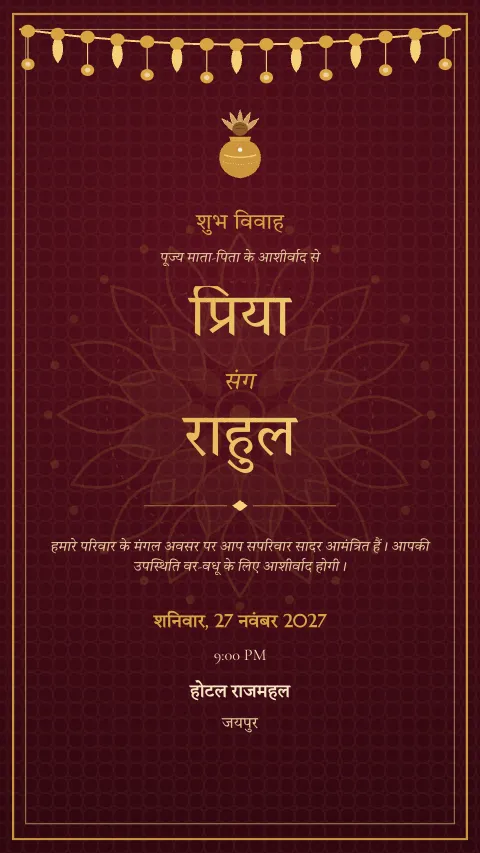
Kesariya Vivah
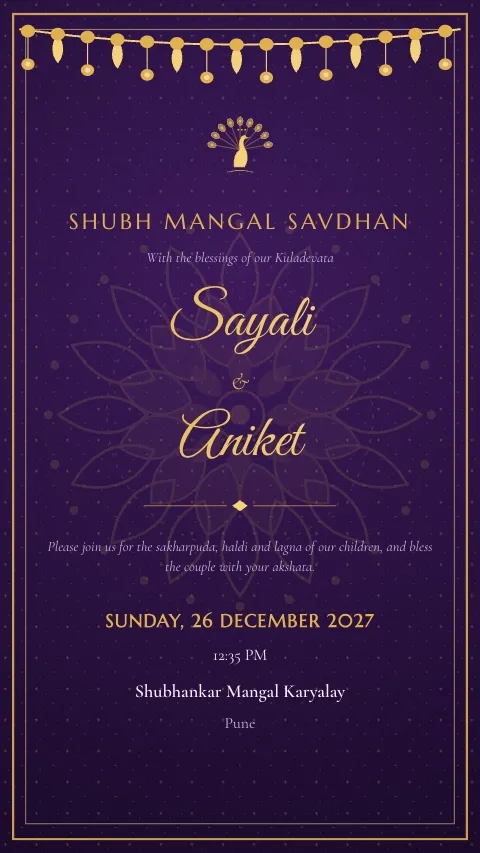
Paithani Peacock
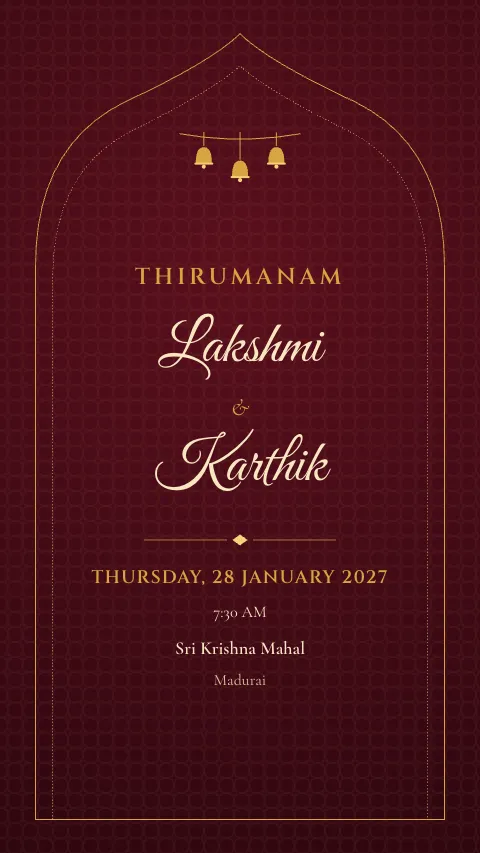
Kanjeevaram Silk
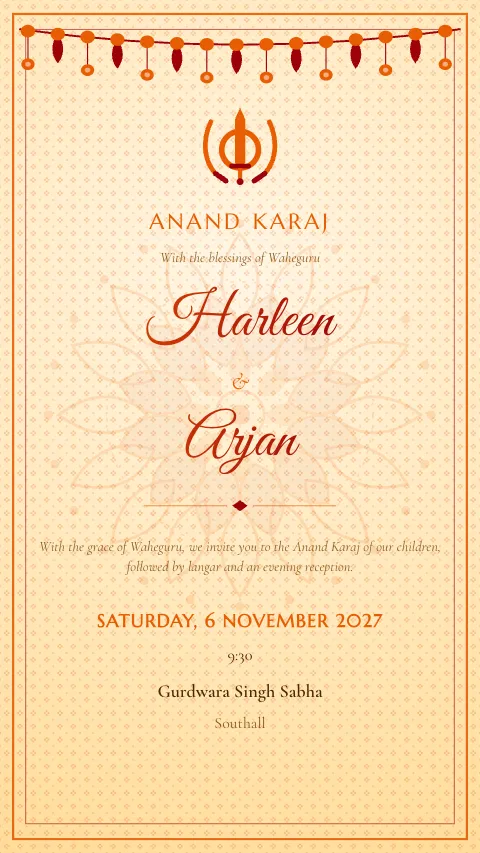
Kesari Laavan
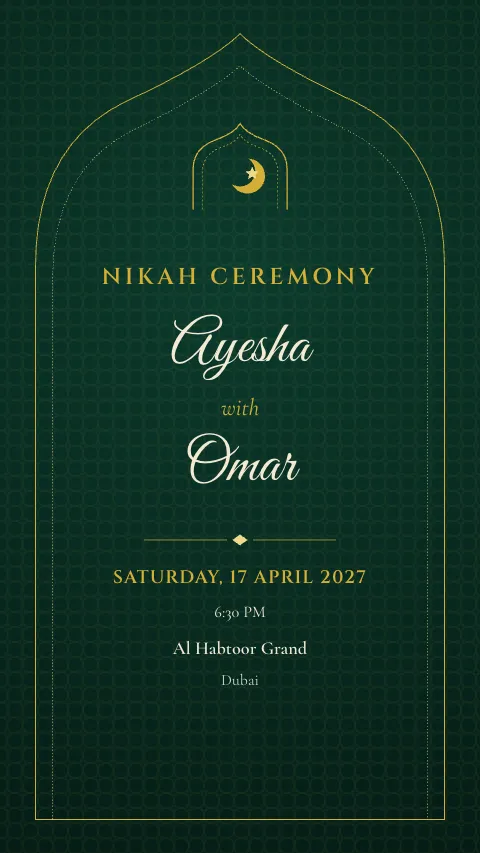
Emerald Nikah
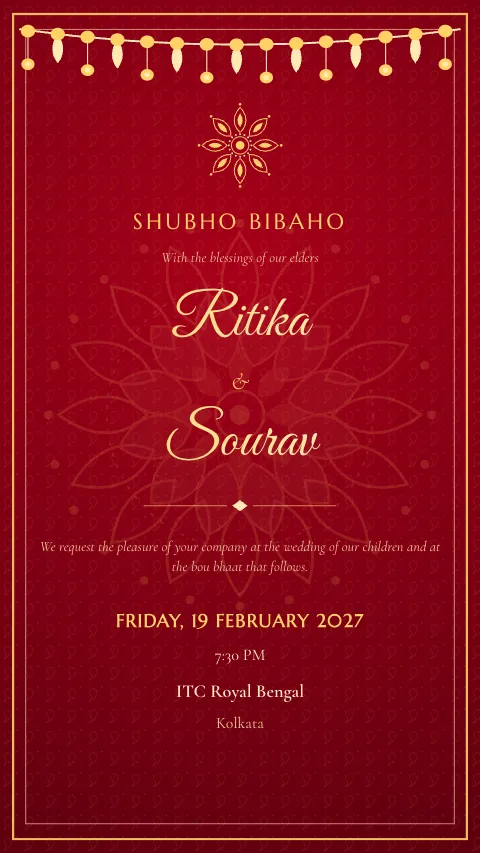
Laal Benarasi
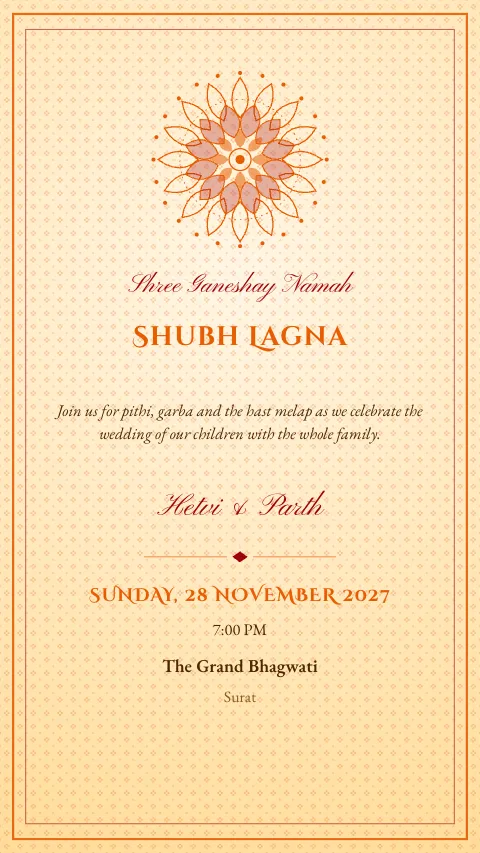
Gharchola Gold
Free to customise: change every word, colour, photo and the music, then share one link.
Functions
Can one wedding card cover the haldi, mehndi, sangeet and reception?
Yes. Each function you add under Functions gets its own date, time, venue, map link and dress code, and its own RSVPs and headcount. The Programme smart block shows the whole list on your card, each function with a map and a calendar button. One invitation can list up to 20 functions, and every plan covers all of them, so a whole wedding publishes as one Starter invitation for ₹399 plus GST.
A sample programme, as guests see it
Thursday, 10 am
Haldi at home. Dress code: yellow. Close family, so only some guests are invited to it.
Thursday, 6 pm
Mehndi in the courtyard, with a map link to the house.
Friday, 7 pm
Sangeet at the banquet hall, with its own venue and RSVP.
Saturday, 8 pm
Wedding and pheras at the lawn, with an Add to calendar button.
Sunday, 8 pm
Reception at the hotel, for the widest guest list.
Not every guest is invited to everything, and the card does not have to pretend they are. When you add a guest to your list, you choose which functions they are Invited to; their personal link then shows only those, and they can reply only for those. The steps are in Invite guests to only some functions, and why per-function replies save money is explained in our guide to RSVPs.
Languages
Can you make a wedding card in Hindi, Marathi or another language?
Yes, in 53 languages besides English. Use Show designs in… (the globe at the top of the page) and every design in the store switches to that language, with fonts that can write it. On a card you have already started, open Details and choose the Card language under When and where. Dates, the design's own words and what guests read, such as the RSVP and the calendar buttons, switch with it. Words you typed yourself stay as they are, so check your own lines in the new script.
Short Hindi lines for the card's message
दो परिवारों की खुशियाँ एक होने जा रही हैं। इस शुभ अवसर पर आपकी उपस्थिति हमारे लिए आशीर्वाद होगी।
हमारे घर आँगन में शहनाई बजने वाली है। आप सपरिवार पधारें और नवदंपति को आशीर्वाद दें।
शुभ विवाह के हर कार्यक्रम का विवरण नीचे दिया गया है। कृपया अपने आने की सूचना अवश्य दें।
आपके बिना यह उत्सव अधूरा रहेगा। हल्दी से रिसेप्शन तक, हर पल में आपका इंतज़ार रहेगा।
For complete card wording, with formal, couple-led and WhatsApp versions, see our wedding invitation messages, or write your own with the free invitation message writer.
Cost
Is a wedding card maker free?
In FunctionCard, everything up to the moment of publishing is free: signing in, designing, changing the card as often as you like, previewing it and trying the message writer. You pay once when you publish, and nothing renews. Every plan has every feature: the live link, RSVPs for every function, personal guest links, email sending, music, the envelope, downloads without the watermark and editing after you publish. The plans differ only in how many invitations they publish.
Quick pick
Which plan do you need?
Tap the one that sounds like you.
Free makers and what they leave out
Many free wedding card makers give you a picture with a watermark, or a picture without one but with nothing after it: no map, no replies, no way to fix a wrong date once it has been forwarded. Decide what you need the card to do before you decide what you want to spend.
Sending
How do you publish the card and send it on WhatsApp?
Publishing turns your design into a link. It takes a few minutes, and you can keep editing afterwards without paying again. Turn on RSVPs before you publish if you want replies, so the very first guests can answer.
Step by step
Publish your wedding card and share the link
Do this once the family has seen the preview and the spellings are checked.
You'll need
- Your finished design in My designs
- UPI, a card or netbanking to pay
- Your guest list, if you want personal links
Step 1 of 6
Turn on RSVPs
In Details, go to Replies, turn on Ask guests to RSVP and set a Reply by date.
Tip: About two weeks before the wedding gives you time to follow up before the caterer needs final numbers.
See it in the help centrePress Publish in the top bar and look through Before you publish: gentle reminders such as a sample photo still on the card or a missing venue. None of them stops you.
See it in the help centreChoose Starter for this invitation, or Family or Business if you will publish more. Press Pay … and publish and pay through Razorpay by UPI, card or netbanking.
Open itOn the You're live! screen, press WhatsApp, choose a chat or a group and send. Using another app? Press Copy link and paste it anywhere.
See it in the help centrePress Guests, RSVPs & email to open the dashboard, then add guests in Guests. The WhatsApp button next to each name sends a link that greets that guest by name.
See it in the help centreSpotted a mistake after sending? Open the design from My designs, make the change, then press Update and Publish changes. Guests see the new version at the same link.
See it in the help centre
Try it live
This is what your guests see
A live wedding design: tap the envelope to open it, listen to the music, then scroll down to the functions, each with a map, a calendar button and the RSVP.
- 1Tap the envelopeIt opens on the guest's screen, with your wax seal and monogram.
- 2Your music beginsTurn the sound on: the song starts as the card unfolds.
- 3The pages come aliveScroll through animated pages, with petals, confetti or lanterns.
Other formats
Can you print the card or turn it into a video?
Yes, from the invitation's dashboard once it is published. Many families send the link to most guests and print a few cards for elders and for the puja thali. FunctionCard does not print or post cards itself: you take the file to a local press or print it at home.
- Pictures (PNG): each page as a full-quality picture, 1080 pixels wide, for WhatsApp Status or Instagram.
- PDF: every page in one file.
- Print PDF with QR code: for printing at the 5 × 7 inch card size, with a last page carrying a QR code that opens the live invitation so printed-card guests can still reply.
- Video (MP4): press Make video for a recording of the card opening, with the envelope, animations, effects, voice message and music. Once live, it ends on your invitation link. It needs Chrome or Edge on a computer, or Safari on an iPhone or Mac.
Wondering whether to send the video or the link? Our comparison of a wedding invitation video and an animated link goes through file size, editing and replies.
Checks
What should you check before sending your wedding card?
Wedding cards are read closely, by people who will notice a missing ji or the wrong grandmother's name. A few minutes with this list, ideally with one elder from each side, saves a round of apologetic messages later.
Checklist
Before the link goes out
0 of 10 done · ticks stay in this browser
The words
The details
The design
Replies
The most common mistake
Typing the date into a page by hand instead of in Details. Text from Details changes everywhere at once; text typed on a page stays put. If the date ever moves, a hand-typed date is the one that gets missed.
Honest limits
What a wedding card maker can't do for you
FunctionCard makes the card and handles the replies. It does not print or deliver physical cards, it does not sell tickets, and it does not phone your relatives. Shagun goes straight from a guest's UPI app to yours; FunctionCard never sees or holds the money, so check amounts in your own UPI app. And some elders will never open a link, however beautiful: for them a printed card with the QR code, or a phone call, is still the kindest invitation.
Key takeaways
- A wedding card maker gives you ready designs to change yourself; a live invitation also carries the map, the calendar and the RSVP.
- In FunctionCard, designing and previewing are free after signing in; you pay once to publish, and nothing renews.
- Fill in names, dates and venues in Details once, and add each function from haldi to reception under Functions.
- One Starter invitation covers a whole wedding: up to 20 functions, each with its own venue, RSVPs and headcount.
- Check spellings, maps and the phone preview with an elder from each side before the link goes out; fix anything later with Update.
Questions people ask
Can I make a wedding card on my phone?
Is there a free wedding card maker with name and photo?
Do guests need to download an app to see the card?
Can I add music to my wedding card?
Can I change the card after sending it?
Can I print a wedding card I made online?
How long does the wedding card stay online?
Can an AI assistant help me make the card?
Every function on one card · music, envelope and RSVPs included · edit any time
Make your wedding card today, free until you publish
Read next