Compared
Wedding invitation for all functions: separate cards, one PDF, or one link with an RSVP for each
Haldi on Thursday, sangeet on Friday, pheras on Saturday, reception on Sunday, and a different crowd at each. How printed cards, a long PDF, a video and one invitation link handle a wedding with many functions, and how to get a real headcount for every one.
The FunctionCard team
· 14 min read
An Indian wedding is rarely one event. A haldi at home on Thursday morning, a mehndi on the terrace that evening, a sangeet in a banquet hall on Friday, the pheras, nikah or anand karaj on Saturday, a reception on Sunday night. Each has its own time, its own venue and, quietly, its own guest list. So every family asks how to send one wedding invitation for all functions without confusing anyone, and without guessing how many plates to order at each. Here are the common answers compared, and how to turn replies into a headcount per function.
Quick answer
What is the best way to send a wedding invitation for all functions?
Use one invitation link that lists every function (haldi, mehndi, sangeet, wedding, reception), each with its own date, venue map, add-to-calendar button and RSVP, and send each family a personal link showing only their functions. That gives you a separate headcount per function. FunctionCard does all of this in one invitation; printed cards remain best as keepsakes for elders.
The options
What are the ways to invite guests to every wedding function?
There are three common ways, and most families mix two. Separate printed cards: a main card plus an insert for each function, slipped only into the envelopes of the families invited to it. One long PDF or set of images: a page per function, forwarded to everyone. One invitation link: it opens like a card, then lists each function with its date, venue, map, calendar button and reply form. Many families add a video with all functions for their status. The real difference is what happens next: can a guest find the mehndi venue without calling, and can the hosts give the sangeet caterer a number?
Invitation for every function: link vs printed cards vs PDF vs video
| Feature | FunctionCard | Printed card per function | One long PDF or image | Video with all functions |
|---|---|---|---|---|
| Each function with its own date, time and venue | Partly | |||
| A map for each venue | Partly | Partly | ||
| Add each function to the phone's calendar | ||||
| Guests reply for each function | Partly | |||
| Each family sees only its own functions | Partly | Partly | Partly | |
| A headcount per function for the caterer | ||||
| Change a time or venue after sending | ||||
| Guests abroad see the time in their own zone | ||||
| Your language and script | 53 languages | Depends on the press | Depends on the designer | Depends on the maker |
| Something to hold and keep | Partly | Partly | ||
| Comfortable for elders without smartphones | Partly | Partly | Partly | |
| Cost grows with the guest list | ||||
| A video for your status as well |
FunctionCard as it works today, beside what is usual for each other kind. Individual presses, designers and video makers vary.
The money part
Why do caterers need a separate headcount for each function?
Because every function is a different meal for a different crowd, and caterers cook and charge by the plate for each. A total of about 400 guests hides that the haldi breakfast may feed 65 while the reception dinner feeds 400; order the total everywhere and you pay for food nobody eats. Many caterers also want a final count a few days before each meal and bill that number whether or not everyone turns up. Chairs, return gifts, hotel rooms and buses follow the same per-function numbers.
An example: the Mehra–Iyer wedding, 140 families on the list
Haldi · Thursday, 10 am
At home. 22 families invited. 61 coming, 5 maybe. Breakfast for about 65.
Mehndi · Thursday, 5 pm
On the terrace. 38 families. 97 coming, 10 maybe. Dinner for about 105, and enough mehndi artists for that many hands.
Sangeet · Friday, 7 pm
Banquet hall. 86 families. 221 coming, 18 maybe. Dinner for about 235, and seating for the performances.
Wedding · Saturday, 11 am
Temple, then lunch. 118 families. 309 coming, 24 maybe. Lunch for about 325, and buses from the guests' hotel.
Reception · Sunday, 8 pm
Hotel ballroom, with colleagues and neighbours. 140 families. 396 coming, 31 maybe. Dinner for about 415. With one overall RSVP, about 400 is the only number the family would have had.
Those are the columns of FunctionCard's Headcount by function table: each function, its date, how many guests on the list are invited, and how many people are coming or maybe. The spreadsheet from Replies has a column per function, so each caterer gets their number.
Free planner · try it here
Before replies arrive: estimate each function
Set your guest list. The planner suggests a share for each function, a rule of thumb you can change; real replies replace it once the invitation is out.
360 people invited in all. Set how many you expect at each function:
Haldi
about 152 guests
Mehndi
about 152 guests
Sangeet
about 227 guests
Wedding
about 341 guests
Reception
about 284 guests
Estimates to plan with. Real replies, counted per function, replace them once invitations go out.
One reply, one party size
Each FunctionCard reply gives one number of people plus the functions they'll attend. If a family sends four to the wedding but two to the haldi, ask them to note it in the message, and adjust that figure for the caterer.
Different lists
How do you invite some guests to only some functions?
Give each family its own link that shows only their functions. On paper that takes separate inserts and careful envelope stuffing; with one PDF everyone sees everything. On FunctionCard you choose each guest's functions, and their personal link greets them by name, shows those functions and takes their reply for those alone.
Step by step
Invite each family to its own functions, then count them
Included in every plan. Designing and previewing are free; you pay once, when you publish.
You'll need
- Date, time and venue of each function
- Your guest list, one line per family
- Who is invited to which function
Step 1 of 7
Add every function
In the editor, open Details and go to Functions. Press Add a function, or tap a quick one such as + Haldi or + Sangeet. Give each its date, time, venue and address, and if you like a map link and dress code.
Tip: The Programme smart block puts the whole list on a page of the card.
See it in the help centreIn Details, open Replies, turn on Ask guests to RSVP and set Reply by. Replies close by themselves after that day.
See it in the help centrePress Publish, choose Starter and press Pay … and publish. Every plan covers up to 20 functions on an invitation, so haldi to reception is one payment.
See it in the help centreIn My designs, open the invitation's Guests & RSVPs, go to Guests and use Add a guest, Paste a list, Import spreadsheet (CSV) or From my contacts.
Tip: A pasted list invites everyone to every function; change the few who differ next.
See it in the help centreIn Add a guest, tap the functions under Invited to. For guests already listed, tick them, press Invite … to…, choose the functions and press Save.
See it in the help centrePress the WhatsApp button next to a guest, or the copy button. To email several, tick them and press Email. You'll see whether each link has been opened.
See it in the help centreHeadcount by function shows each function's coming and maybe numbers. When replies close, press Download spreadsheet in Replies.
Tip: Emailed guests who haven't replied can get A reminder from the Email tab.
See it in the help centre
The general link shows every function
Your invitation also has a general link with no name on it, and it lists all functions. It is what guests pass on when they press share, since their personal link stays private. If the haldi is for close family only, send personal links rather than posting the general link in a big group.
On the guest's phone
What does each guest see on a multi-function invitation?
The link opens in any phone browser, with nothing to install. After the envelope, music and pages, the guest sees:
- A greeting with the family's name, on a personal link, and a countdown to their first function.
- A card for each of their functions: date and time, venue and address, dress code if you added one, a Map button and a calendar button for Google, Apple / iPhone, Outlook or Office 365.
- The time in their own time zone too, when they're abroad.
- Add all functions to my calendar, one tap for everything they're invited to.
- The reply form: Yes, I'll come, Maybe or Can't come, how many people and which functions. They can change it later from the same link.
Try it live
This is what your guests see
A palace design from our store, playing as guests see it. Its sample has three functions, a haldi, a mehndi-and-sangeet night and the wedding; yours would list your own.
- 1Tap the envelopeIt opens on the guest's screen, with your wax seal and monogram.
- 2Your music beginsTurn the sound on: the song starts as the card unfolds.
- 3The pages come aliveScroll through animated pages, with petals, confetti or lanterns.
The common shortcut
Is one long PDF enough for a wedding with several functions?
Yes, when everyone is invited to everything, the venues are easy to find and nothing will change. It struggles when guest lists differ, because one file goes to all, and when plans move, because the old file keeps circulating.
FunctionCard
- Each function on its own card, with a map and a calendar button
- Each family sees only the functions it's invited to
- Replies counted per function, with a spreadsheet for caterers
- Change a time or venue and the same link shows it
- Also a print-ready PDF with a QR code, and an MP4
Paper
Should you still print cards for each function?
Print a few, for the people who expect paper: grandparents, the family priest or granthi, elders in the home town, the first card placed before the deity. A separate printed card for every function for every family is the costliest way to share timings and the hardest to correct. On FunctionCard, Print PDF with QR code in Downloads adds a last page with a QR code that opens the live invitation, which lists every function, so use it on cards for guests invited to everything. FunctionCard doesn't print or post; take the PDF to a local press, as the printing guide explains.
Copy-ready lines
How do you write all the functions on one wedding invitation?
In the order they happen, one line or panel each: the function, the day and date, the time, the venue and any dress code. Keep the formal invitation on the cover and the functions on their own page. Change the names and places below, or write the formal part with the free invitation message writer.
One line for each function
Haldi · Thursday, 11 February 2027, 10 am · At home, Mehra residence, Vasant Vihar · Wear yellow, and something you won't mind getting turmeric on.
Mehndi · Thursday, 11 February 2027, from 5 pm · The terrace, Mehra residence · Greens and pinks, and a free pair of hands.
Sangeet · Friday, 12 February 2027, 7 pm · The banquet hall at Chhatarpur · Come ready to dance; the cousins have been rehearsing since Diwali.
Wedding · Saturday, 13 February 2027, 11 am · The temple at R.K. Puram, followed by lunch · Traditional wear, please.
Reception · Sunday, 14 February 2027, 8 pm · The hotel ballroom, Connaught Place · Festive or formal, whichever makes you dance more.
Kindly reply for each function by 25 January 2027, so every meal is planned for the right number of people.
हर कार्यक्रम के लिए पंक्तियाँ
सभी कार्यक्रमों का समय, स्थान और नक्शा इसी निमंत्रण में है। कृपया हर कार्यक्रम के लिए अपना उत्तर अवश्य दें।
आपके परिवार को जिन कार्यक्रमों में आमंत्रित किया गया है, उनका पूरा विवरण इस लिंक पर है।
कृपया 25 जनवरी तक बताएँ कि आप किन कार्यक्रमों में पधारेंगे और कितने लोग आएँगे।
Money
How much does a wedding invitation for all functions cost?
Printed cards cost more with every family and every insert; a designer-made PDF or a video is usually one fee, with extra for changes. On FunctionCard, design and preview are free, and one invitation with every function, RSVPs, guest links, email sending and the PNG, PDF and MP4 downloads is ₹399 plus GST on the Starter plan, paid once. A separate haldi design is another invitation; the Family plan, ₹999 plus GST, publishes up to 10 within 12 months. See the pricing page, and replace the guesses below with your quotes.
What would an invitation for every function cost you?
FunctionCard
₹471
Printed card + function inserts
₹13,500
Designer-made PDF
₹2,000
Video with all functions
₹3,500
At 200 guests, FunctionCard costs ₹1,529 less than the cheapest option above.
Every figure except FunctionCard's is a guess for you to change: presses, designers and video makers price differently, and printed cards also need delivery. FunctionCard's figure is the real Starter price.
When to choose what
Which kind of invitation should you choose for a multi-function wedding?
Our verdict
One link for the guests, paper for the elders
If guest lists differ between functions, or caterers want a count for each meal, one link with personal links and a reply per function saves the most calls and money. Print a few cards for elders and keepsakes. If everyone is invited to everything and plans are fixed, a single PDF is honestly enough.
Everyone invited to everything, plans fixed, no headcount needed
One PDF or image
Grandparents and elders who don't use smartphones
A few printed cards, and a call
Different guests for the haldi, sangeet and reception
FunctionCard with personal links
Caterers want a number for each meal
FunctionCard: Headcount by function
Quick pick
How is your wedding set up?
Tap the one that sounds like you.
Designs to start from: one for the whole wedding, or one per function
See all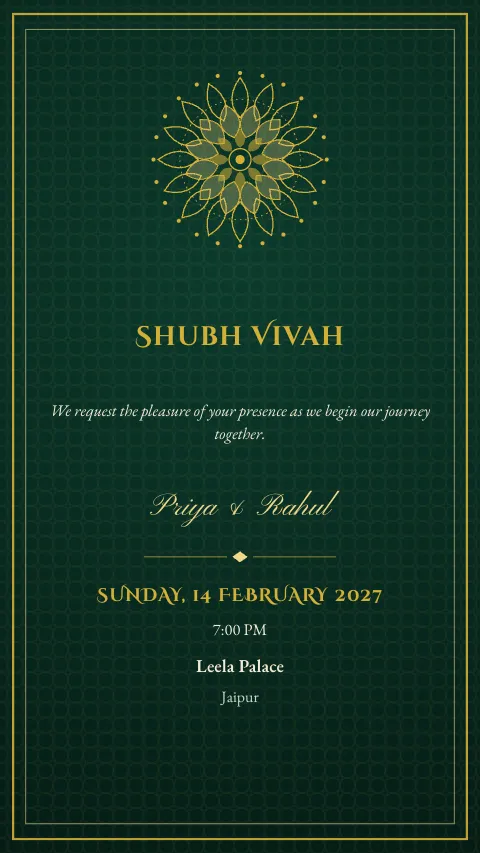
Emerald Mahal
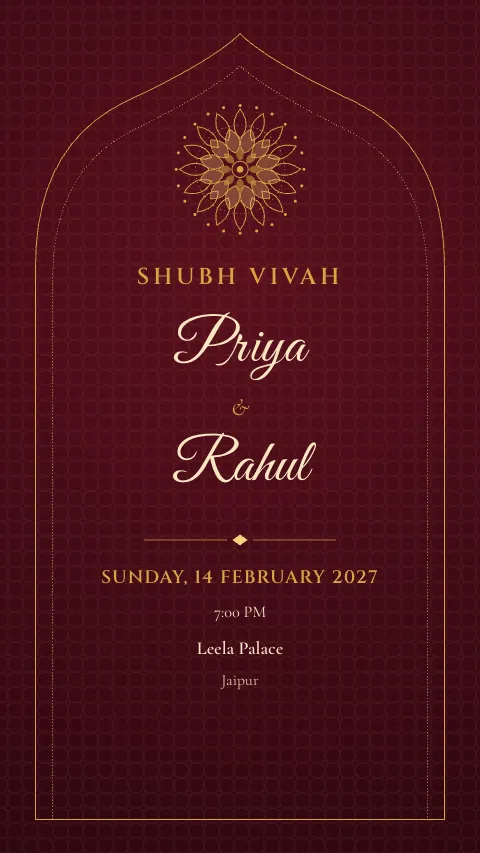
Royal Durbar
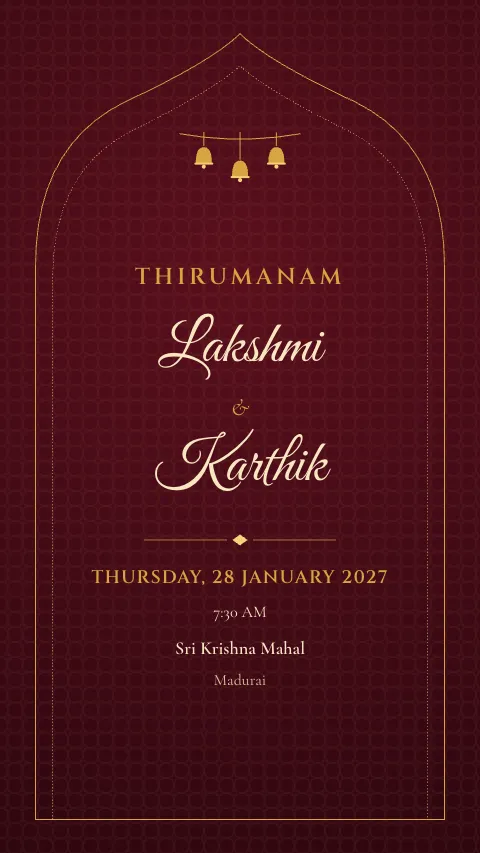
Kanjeevaram Silk
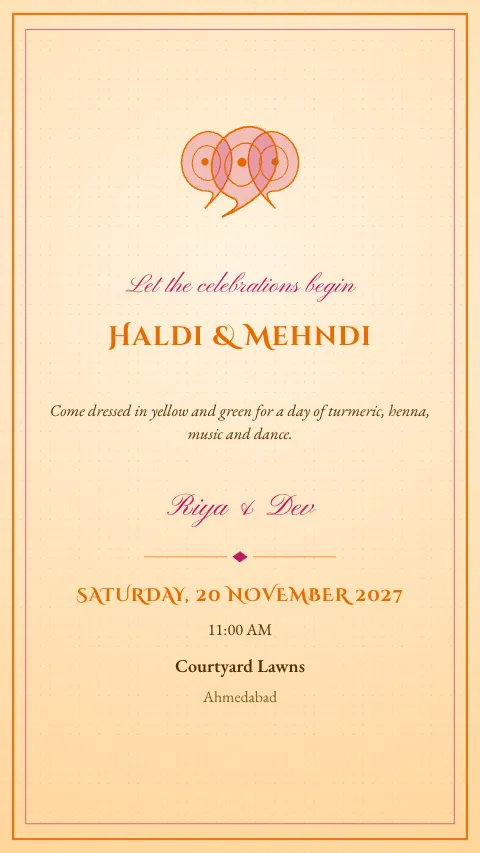
Marigold Haldi
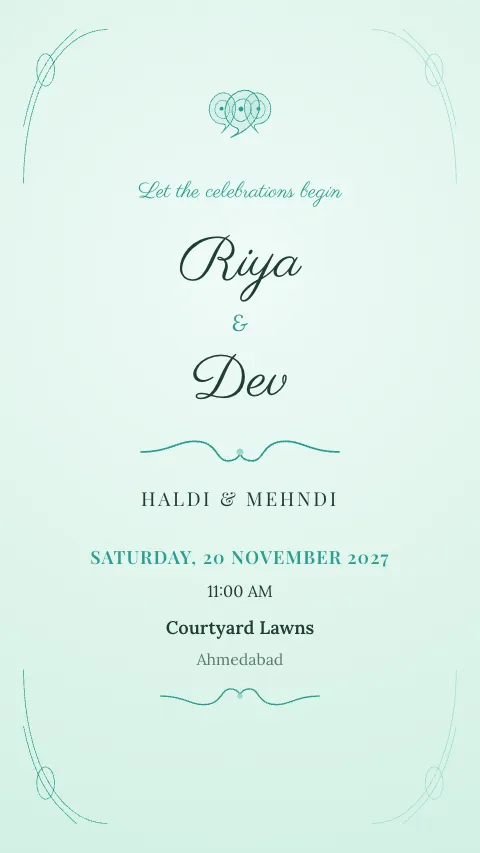
Mint Mehndi Garden
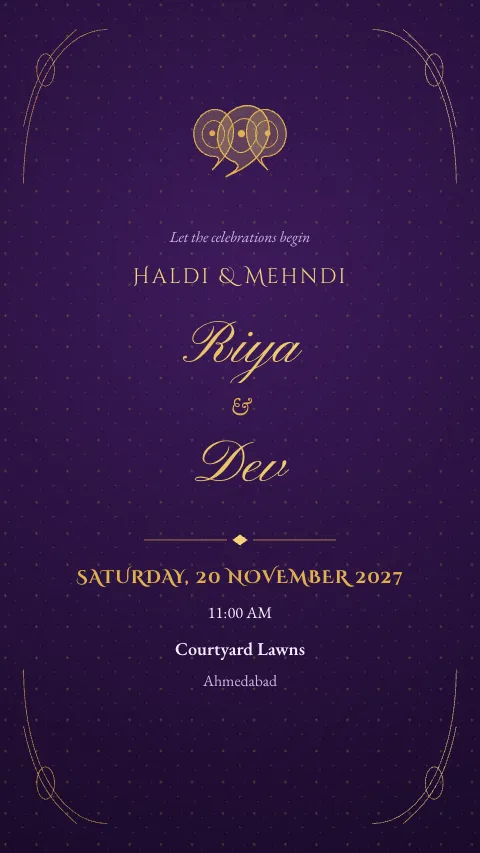
Sangeet Under Stars
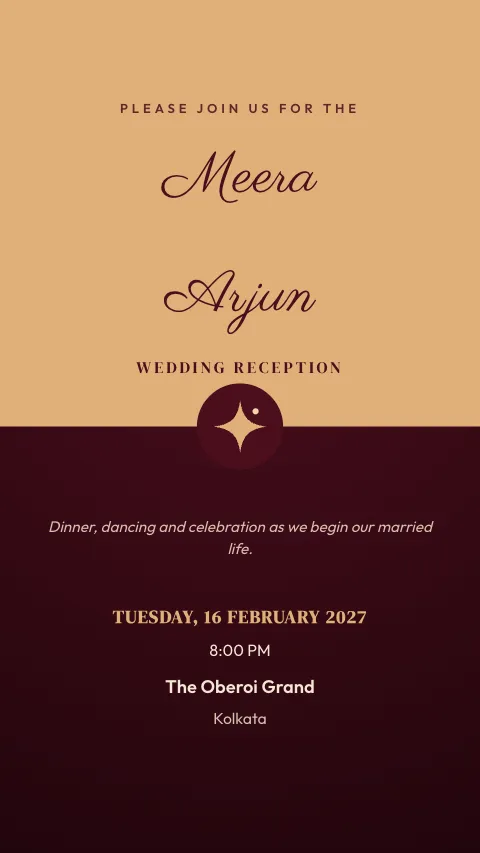
Burgundy Toast

Shahi Walima
Free to customise: change every word, colour, photo and the music, then share one link.
Key takeaways
- One invitation can hold every function if each has its own date, venue, map, calendar button and reply.
- Caterers cook and charge per function, so collect a headcount for each one, not a single overall yes.
- Personal links show each family only its functions; the general link shows everything.
- A long PDF suits a wedding where everyone attends everything; printed cards suit elders.
- On FunctionCard a whole wedding, haldi to reception, is one Starter invitation for ₹399 plus GST.
Our stories on the haldi, mehndi and sangeet explain each function, and RSVP full form and meaning covers how guests reply. Reception weeks later? See the reception designs.
Questions people ask
Should you send separate invitations for each wedding function?
If you invite 250 people to a wedding, how many will actually come?
What is the best website for a wedding invitation with an RSVP for each function?
Can guests RSVP for only some of the functions?
Can you add a function after sending the invitation?
Is a wedding invitation video with all functions a good idea?
Free to design and preview · haldi to reception on one Starter invitation
Put every function on one invitation, and count each one
Read next